4
Basic Operations
- 4.2
Turning the Power ON and OFF
12
4
Turning the Power ON and OFF
WARNING
Ground the AD-4971 and peripheral devices. If they are not grounded, they may cause
an electric shock, fire or malfunction.
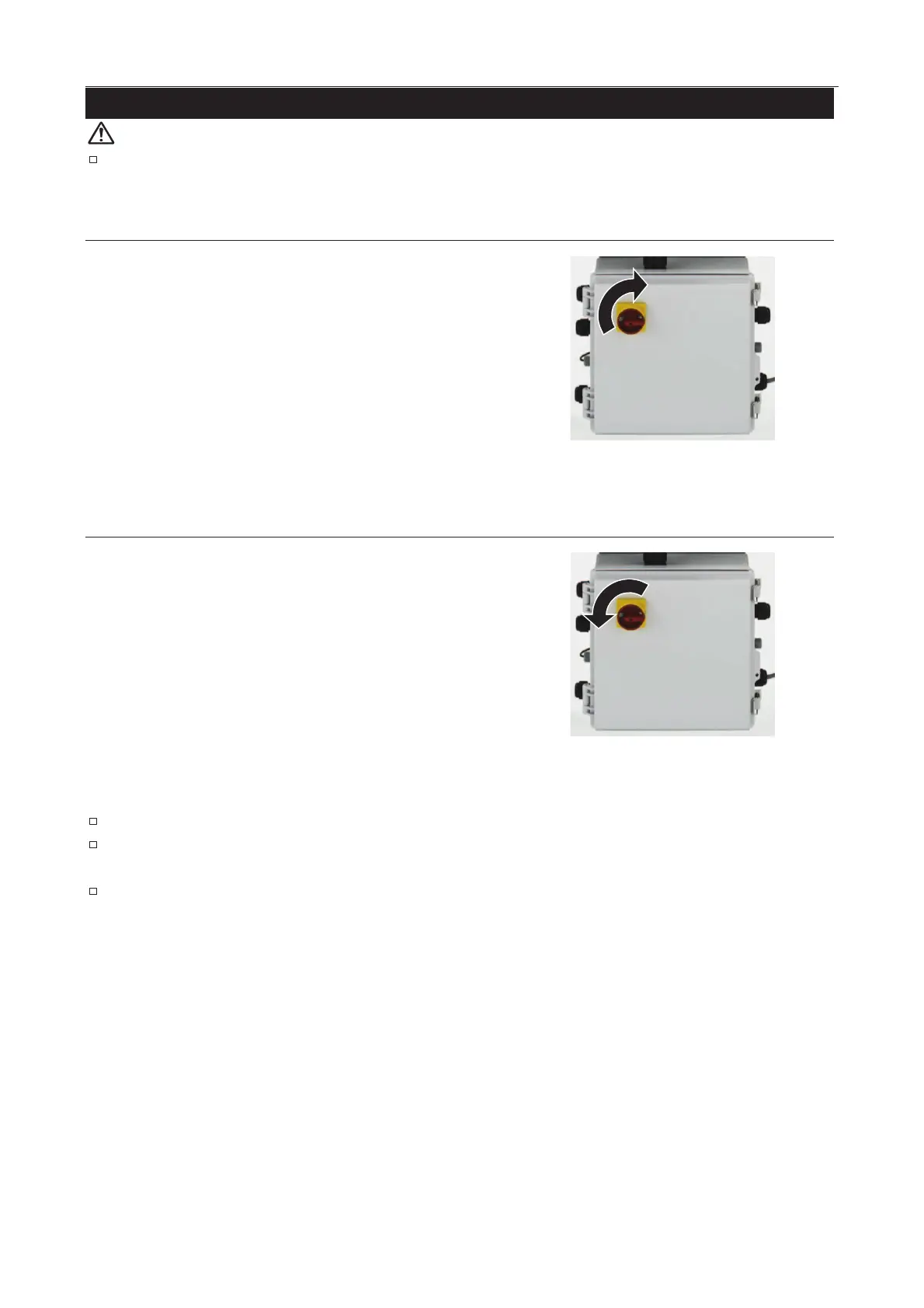
The power switch is located on the front of the I/O box.
Rotate the
power switch 90 degrees clockwise to turn on the
AD-4971.
The power switch is located on the front of the I/O box.
Rotate the power switch 90 degrees counterclockwise to turn
off the AD-4971.
The same operation is performed for an emergency stop.
When an emergency stop has been performed, turn on the AD-4971 again only after the issue
which necessitated the stop has been resolved.
When emergency or failure occurs, shut off the power immediately.



 To Next Page