11
Maintenance
- 11.1
The system file
70
1
Saving the System File
Note
The AD-4971 only supports USB memory using FAT32 format.
Do not remove the active USB flash drive while it is accessing data.
Do not change the directory name or filename as the AD-4971 will be unable to access the file.
Touch the "Setting " icon in the "Home" screen to
display the "Setting" screen.
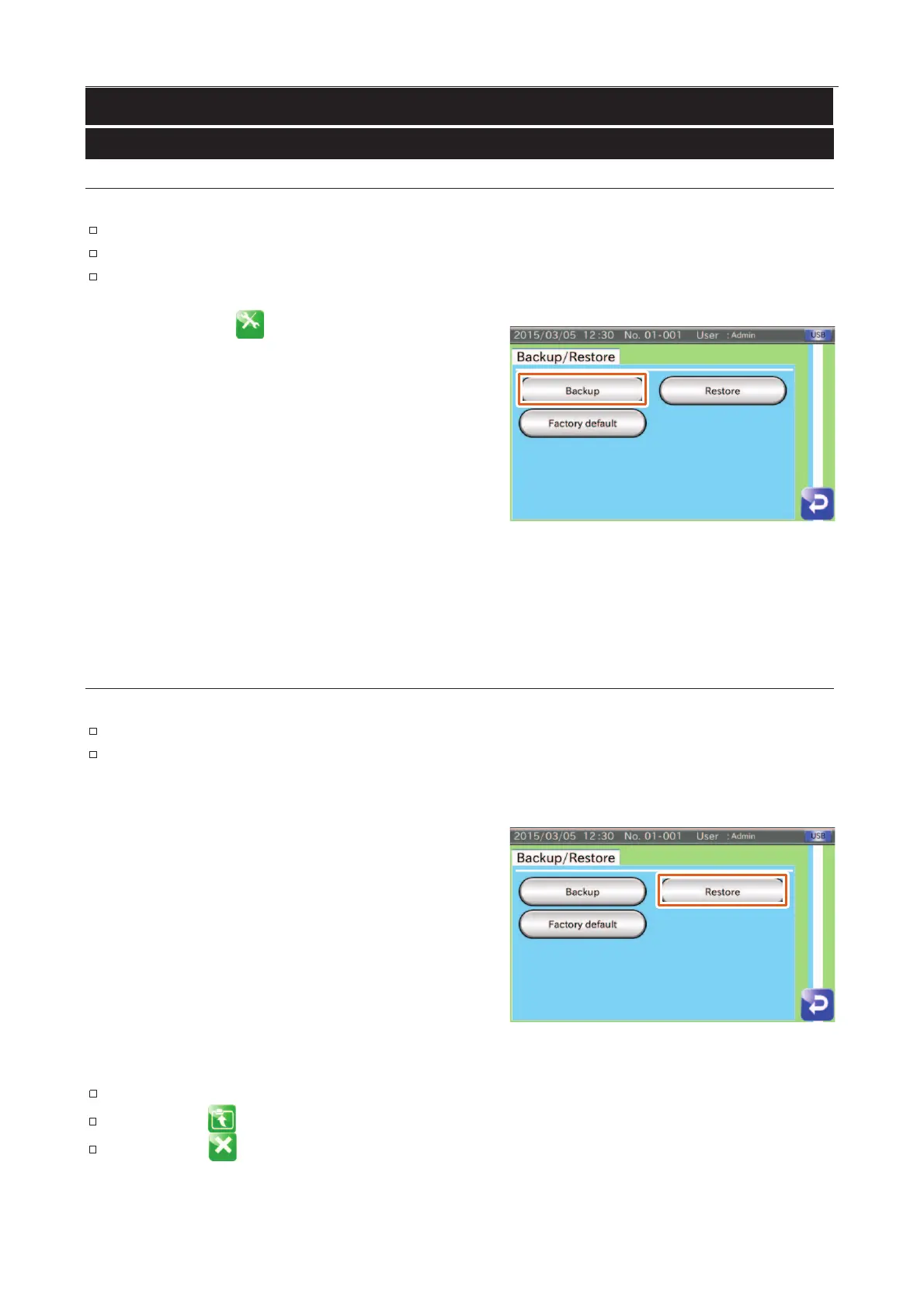
Touch the "Backup / Restore" button in the "Setting"
screen (System tab) to display the "Backup / Restore"
screen.
Connect the USB flash drive to the connector on the display
module.
Touch the "Backup" button to display the "Backup
" dialog
box and touch the "YES" button.
Fig. 885 BBackup // Restore Screen
Directory: Drive name / ad4971_backup / "year month date hour minute"_CK
Restoring the System File
Note
The AD-4971 only supports USB memory using FAT32 format.
The AD-4971 cannot correctly display a Japanese directory name or filename in the "Product
selection screen".
Touch the "Backup / Restore" button in the "Setting"
screen (System tab) to display the "Backup / Restore"
screen.
Connect the USB flash drive to the connector on the display
module.
Touch the "Restore" button to display the "Restore
box.
Select the CK directory to enter it.
Fig. 886 BBackup // Restore Screen
Touch the directory name (folder name) to enter it.
The "Return " icon returns to the screen of the previous directory.
The "Cancel " icon completes the system file selection.



 To Next Page