4
Basic Operations
- 4.4
User Management
16
4
The AD-4971 has default user information registered before shipment as follows:
User name: Admin
Password: 0000 (four zeros)
User level: Administrator
Change the default password to a new one and record it somewhere securely.
User levels consist of "Administrator" who has full access to operations, as well as "Operator", "Supervisor" and
"Quality Manager" who have restricted access to operations.
The operations available depend on the user level. Assign an appropriate user level to avoid an inadvertent operation
(prohibited operation) and use the AD-4971 safely.
When the power is turned on, the default user level is "Operator".
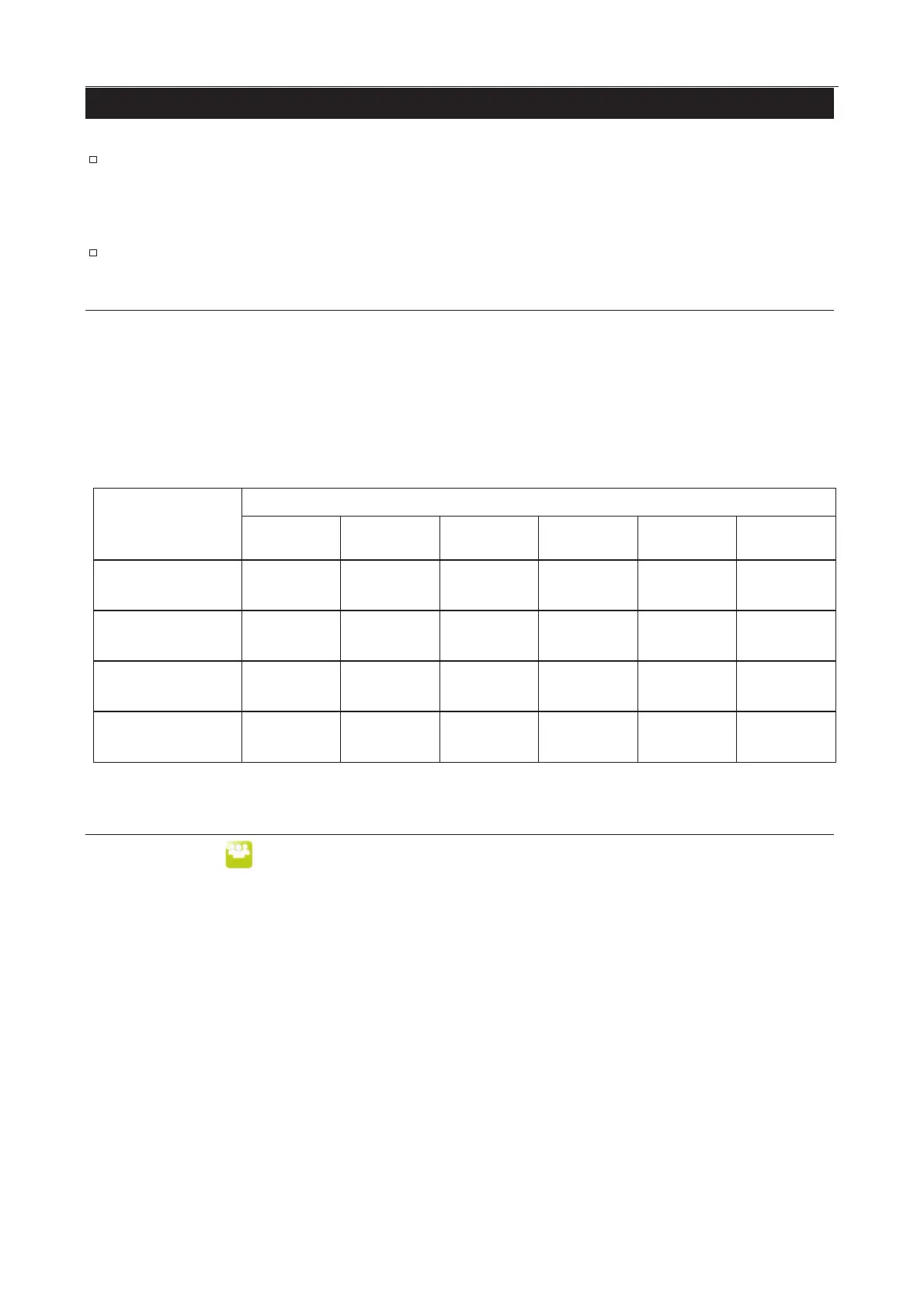
Table 22 OOperation Authority
User Level
Administrator
(Full operation)
Supervisor
Operator
1. Touch the "User " icon in the home screen to display the "Login" screen.
2. Input the preset user name into the user name field.
Input the preset password into the password field.
3. Touch the "Login" button.
4. Confirm the login user data.



 To Next Page