4
Basic Operations
- 4.7
Product Registration
24
4
Registering the Image of the Product
Note
The AD-4971 can use USB memory with FAT32 format.
Jpeg files can be registered.
The space character (ASCII code: 20h) cannot be used in the name of the image file.
1. Display the "Product edit" screen (Tab).
2. Connect the USB flash drive to the display module of the AD-4971.
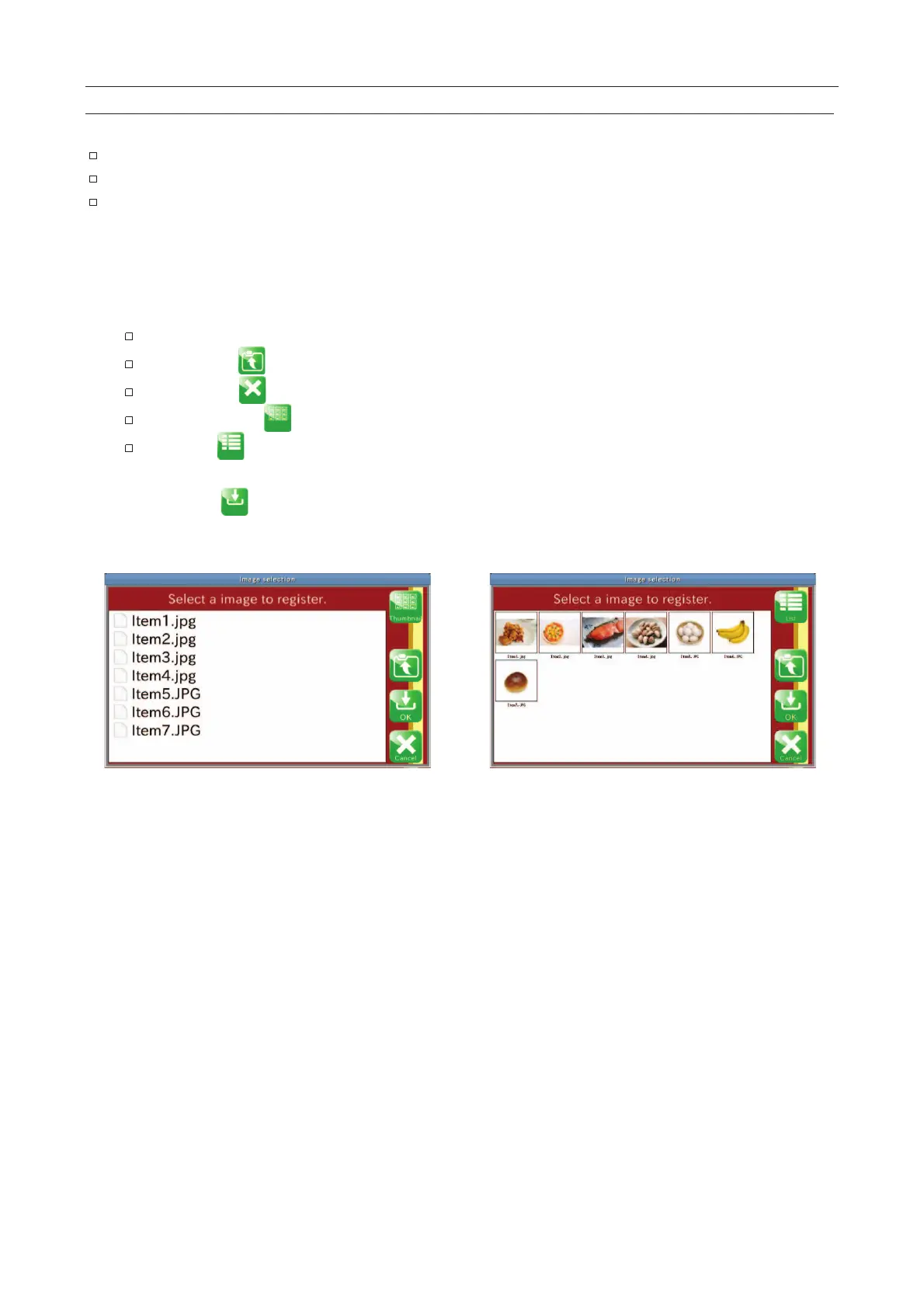
3. Touch the "Image" button to display the "Image selection" screen.
When touching a folder, the folder is opened.
The "Return " icon returns to the screen of the previous menu.
The "Cancel " icon completes the image selection.
The "Thumbnail " icon displays a thumbnail layout of image files.
The "List " icon displays a list of image files.
4. Touch an image file to select it.
5. Touch the "OK
" icon for it to be used.
6. Confirm that the image file is registered.
Fig. 228 IImage Selection Screen



 To Next Page