4
Basic Operations
- 4.11
History Management
31
4
The screen can display a maximum of the last 100 items.
When connecting the USB flash drive, the operation history
can be stored.
Touch the "Left " icon to display the "Calibration
screen.
Touch the "Right " icon to display the "Error history
screen.
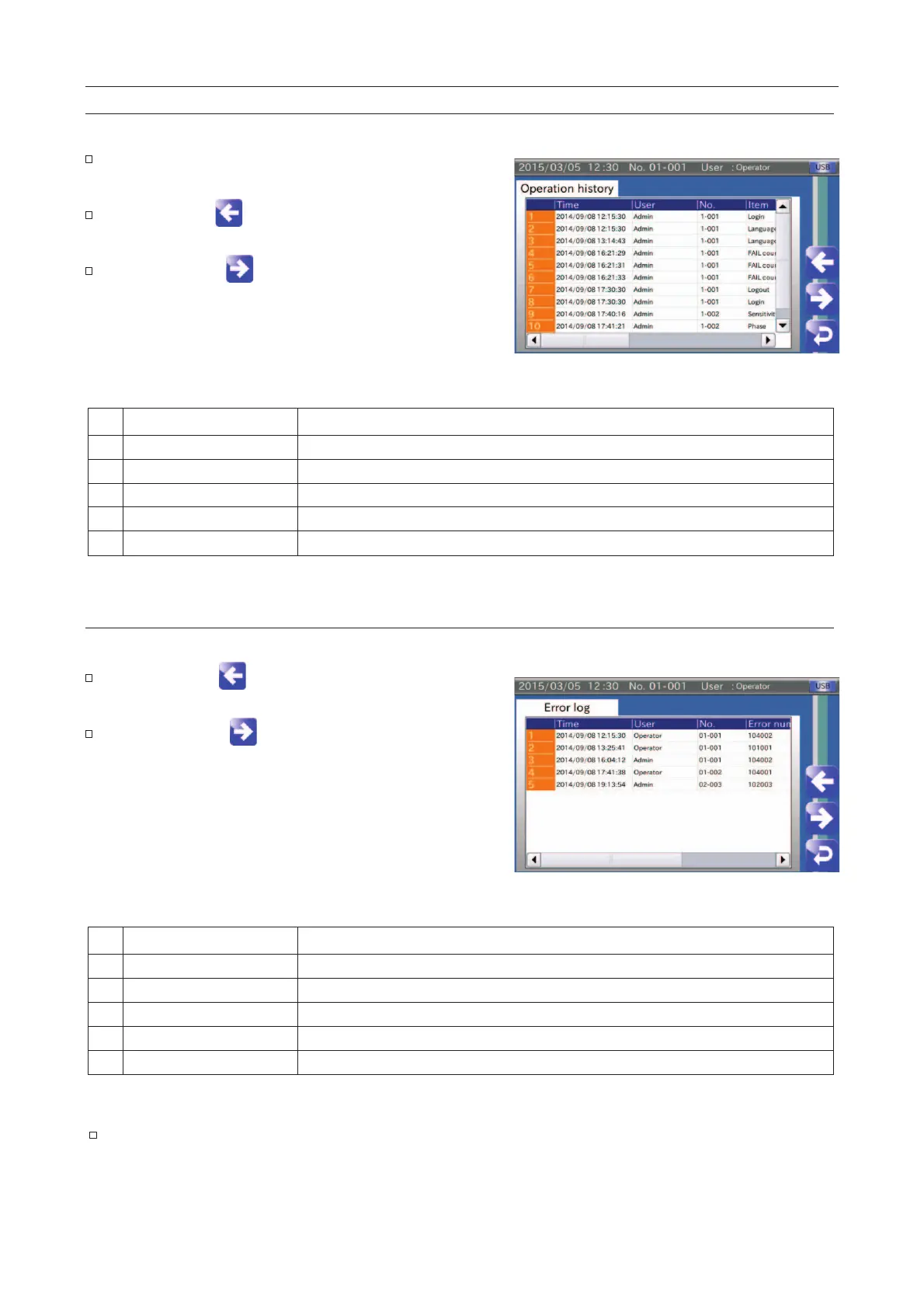
Fig. 334 OOperation History Screen
Time when the settings were changed.
User name when the settings were changed.
Product number when the settings were changed.
Item when the settings were changed.
Details when the settings were changed.
The screen can display a maximum of the last 100 items.
Touch the "Left " icon to display the "
screen.
Touch the "Right " icon to display the "Inspection
results" screen.
Fig. 335 EError History Screen
Time when the error was detected.
User name when the error was detected.
Product number when the error was detected.
Error number when the error was detected.
Details when the error was detected.
Refer to "
"



 To Next Page