7
Reference Table of Screens and Menu Items
- 7.3
Settings Screen (Common Settings Tab)
47
7
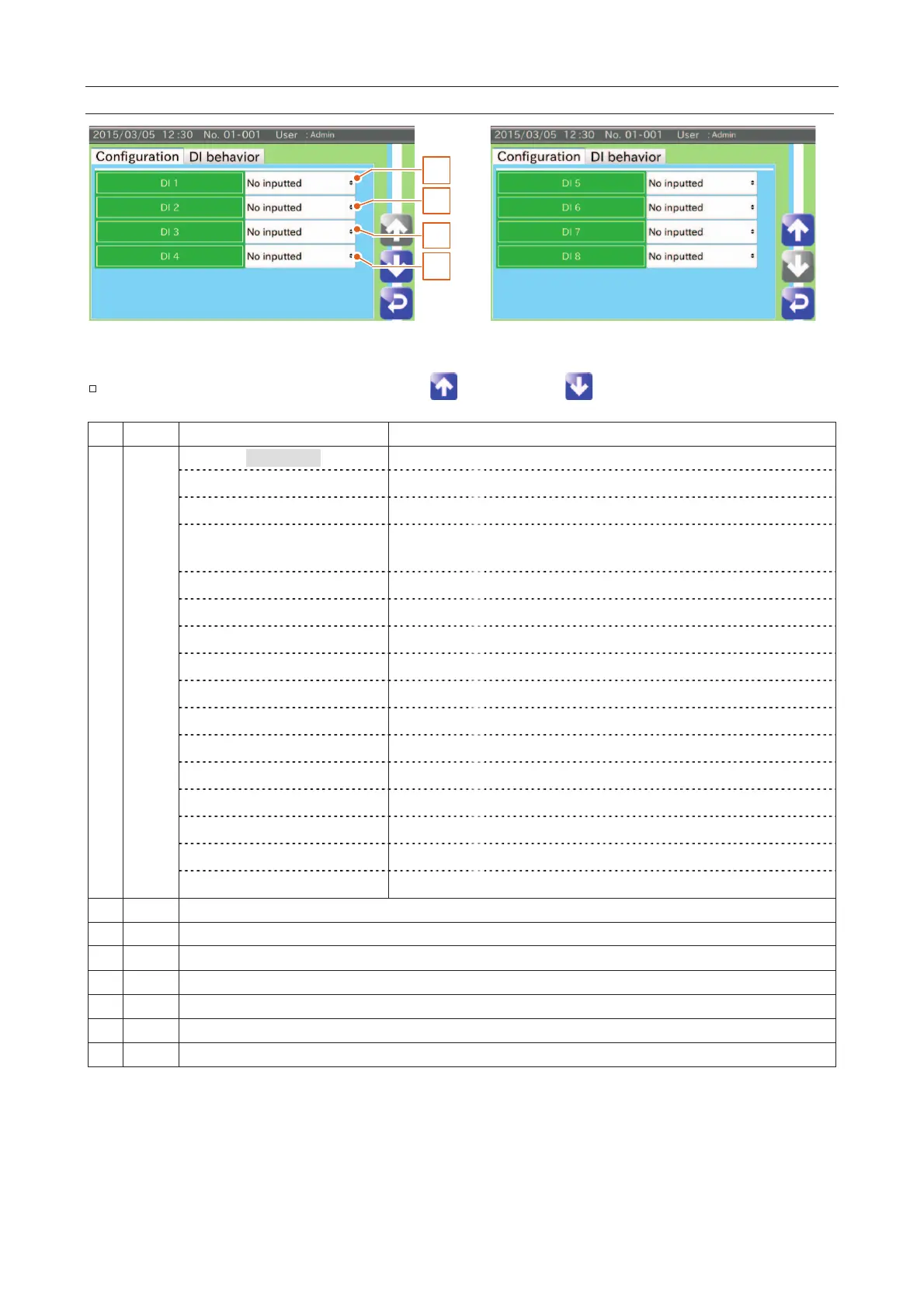
DI Settings Screen (Configuration Tab)
3
4
2
1
Fig. 660 DDI Settings Screen (Configuration Tab)
The item can be changed using the "Up " and "Down " icons.
The DI signal is not received (not inputted).
When receiving the DI signal, the inspection is started.
When receiving the DI signal, the inspection is stopped.
Switch of start and end of the
inspection
When receiving the DI signal, the start and stop of the inspection is
switched.
Canceling the stopping of the belt
When receiving the DI signal, the stopping of the belt is canceled.
When receiving the DI signal, an error state is canceled.
When receiving the DI signal, the total count is reset.
When receiving the DI signal, the AD-4971 treats it as a peripheral FAIL.
When receiving the DI signal, it is outputted to the DO 1.
When receiving the DI signal, it is outputted to the DO 2.
When receiving the DI signal, it is outputted to the DO 3.
When receiving the DI signal, it is outputted to the DO 4.
When receiving the DI signal, it is outputted to the DO 5.
When receiving the DI signal, it is outputted to the DO 6.
When receiving the DI signal, it is outputted to the DO 7.
When receiving the DI signal, it is outputted to the DO 8.



 To Next Page