7
Reference Table of Screens and Menu Items
- 7.4
Settings Screen (System Settings Tab)
54
7
Date / Time Settings Screen
1
2
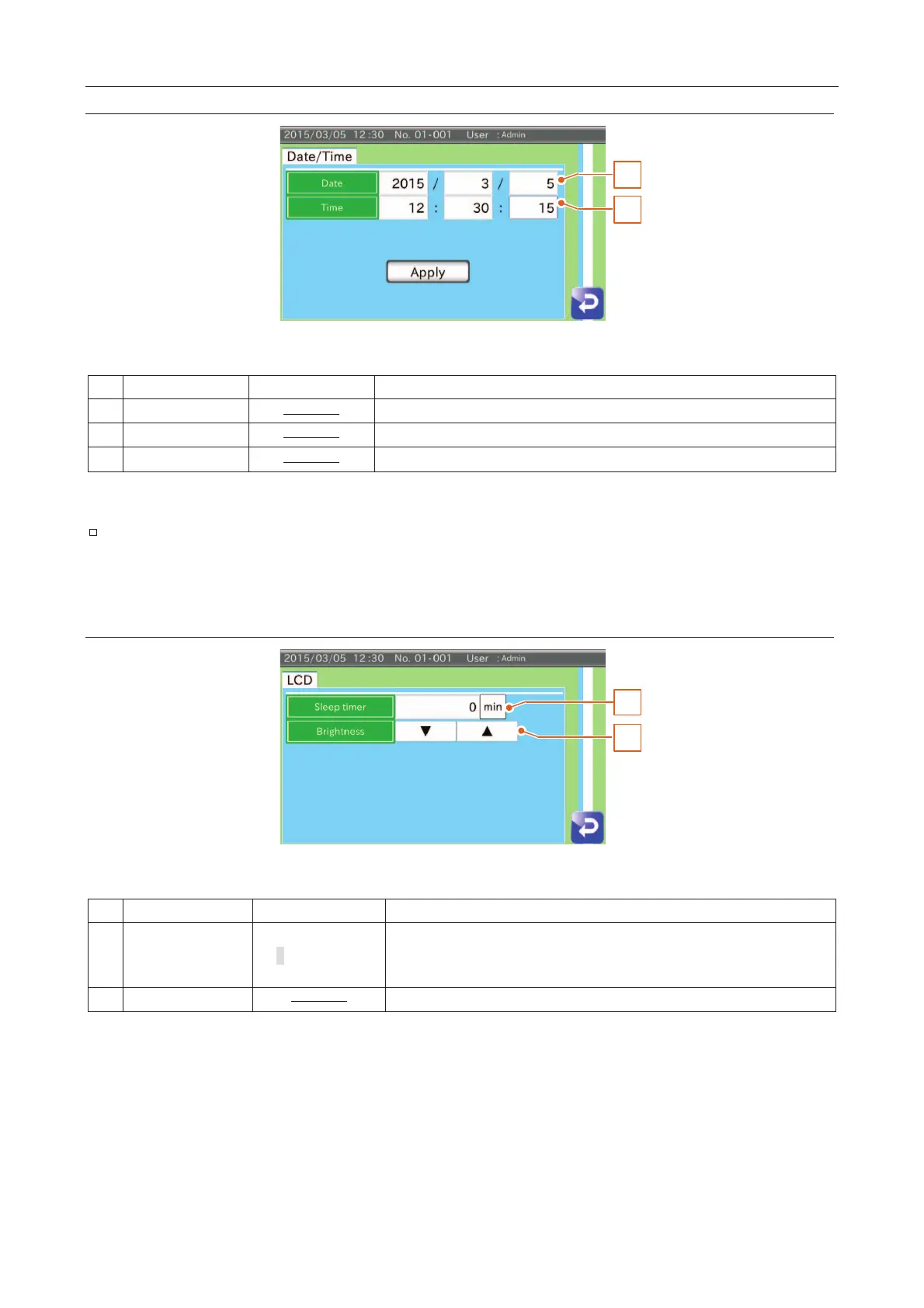
Fig. 771 DDate/Time Settings Screen
Set the current date for the AD-4971.
Set the current time for the AD-4971.
New date and time are applied in the AD-4971.
It may take several seconds when applying new date and time in the AD-4971.
Please be aware of this time delay.
1
2
Fig. 772 LLCD Settings Screen
0
When the timer exceeds the set value, the operation panel of the display
module enters sleep mode.
If 0 is set, the panel does not enter sleep mode.
The brightness of the LCD can be changed.



 To Next Page