5
Using a USB Flash Drive
- 5.3
Formatting a USB Memory
35
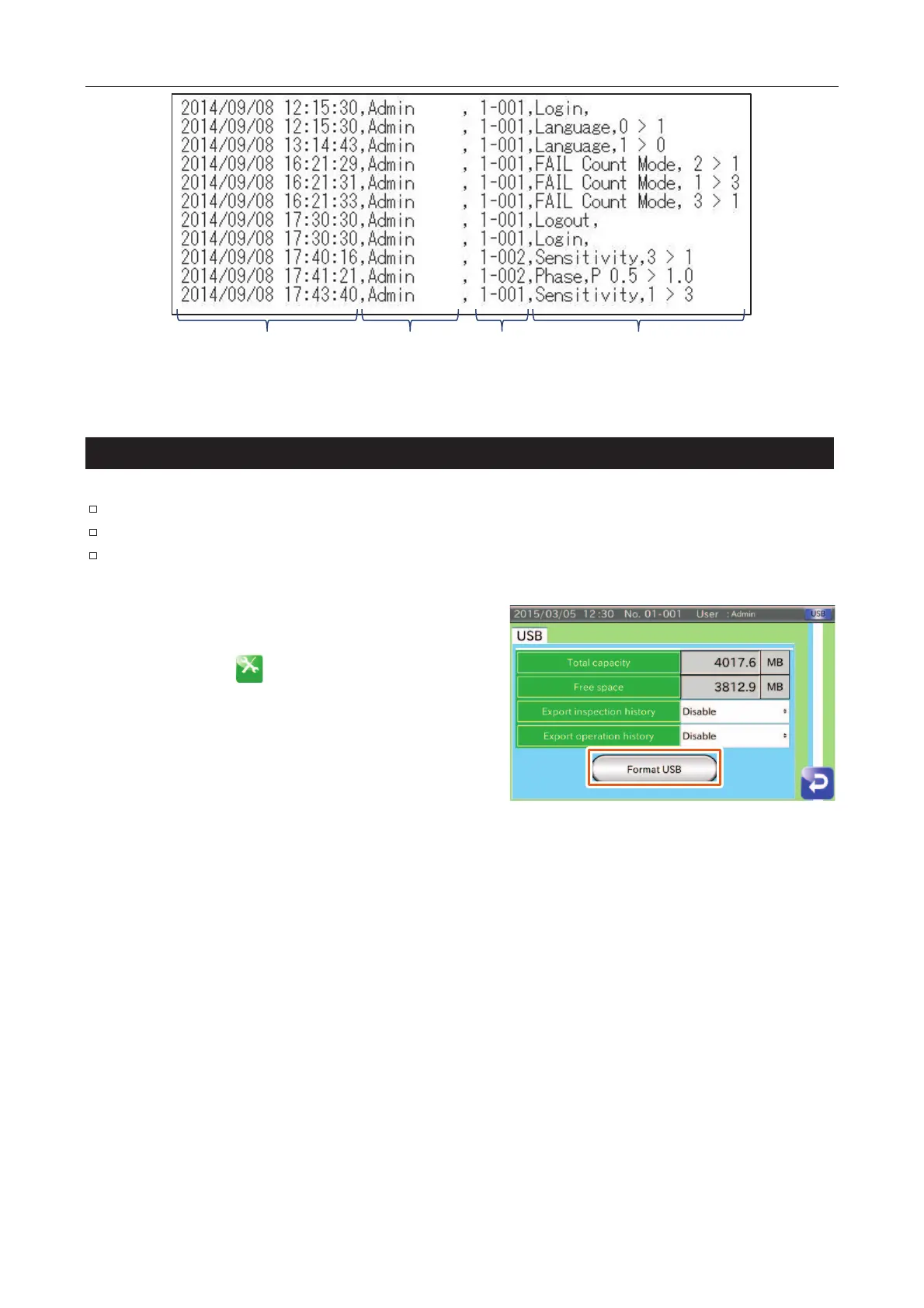
Time User
No.
Details
FFig. 445 Example of OOperation History
5
Formatting a USB Memory
Note
When formatting the memory, all of the data stored in memory is deleted.
Back up data before formatting the memory as deleted data cannot be restored.
User level of "Quality Manager" or higher is required to format the USB memory.
Connect the USB flash drive to the connector on the display
module.
Touch the "Setting " icon in the "Home" screen to
display the "Setting" screen.
Touch the "USB setting" button in the "Setting" screen
(System tab) to display the "USB setting" screen.
Touch the "Format USB" button to display the "USB
format" dialog box and touch the "YES" button.
Fig. 446 UUSB Settings Screen



 To Next Page