7
Reference Table of Screens and Menu Items
- 7.3
Settings Screen (Common Settings Tab)
51
7
2
1
3
5
4
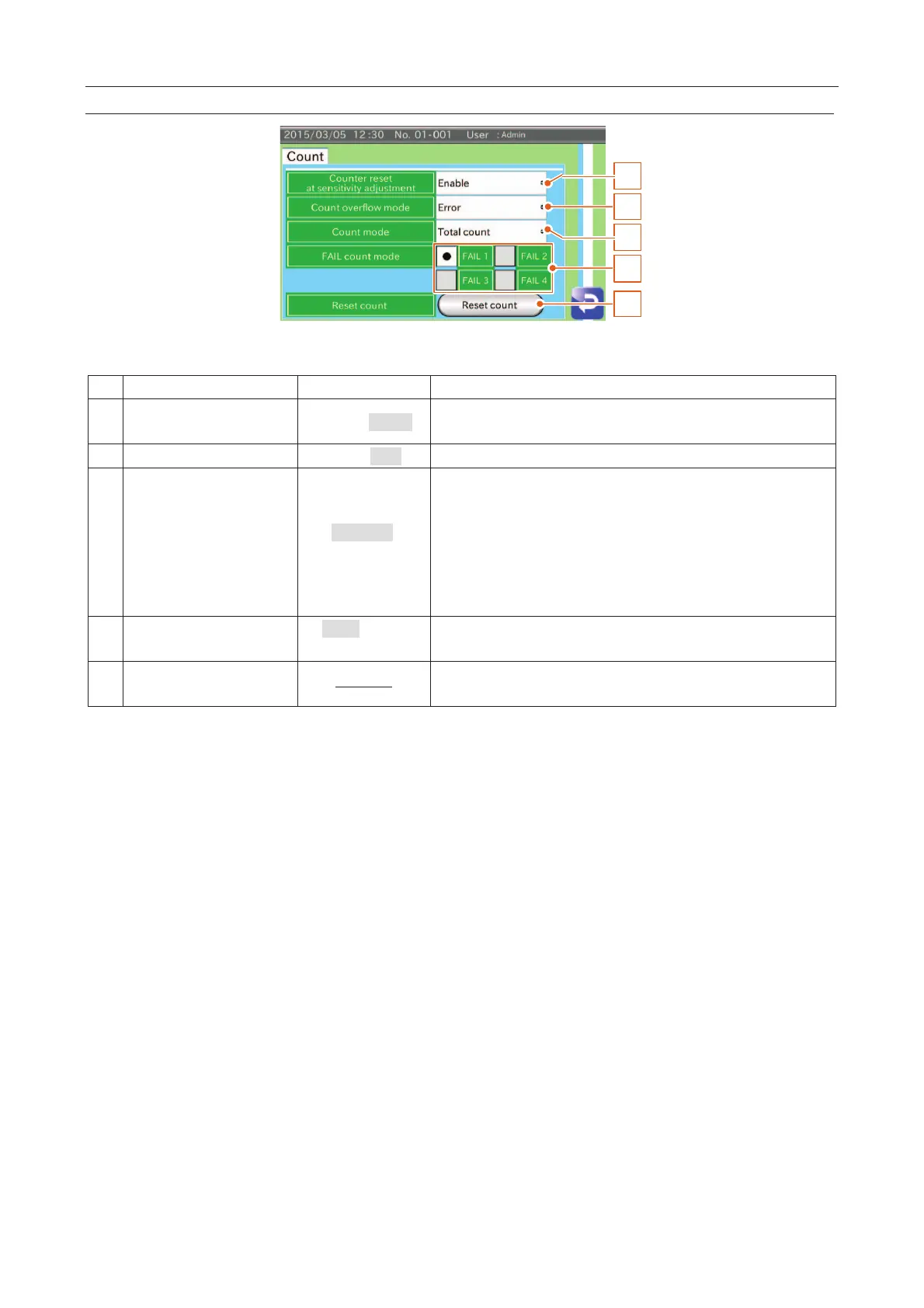
Fig. 666 CCount Settings Screen
Counter reset at sensitivity
adjustment
Disable,
When adjusting the sensitivity, the counter for the product is reset.
The behavior can be selected when the counter is in overflow.
Total count
Select what to count from "Total number", "PASS number" and
"FAIL number" options on the "
Inspection" screen.
count:
The total count of the products is displayed.
The count of the current product is di
splayed. At the next
product, the current counter is reset.
FAIL 1, FAIL 2,
FAIL 3, FAIL 4
Select FAIL count method.
FAIL 1 always counts.
The total count of the selected product is reset.
The count number is not restored.



 To Next Page