13
Appendix A : Configuration Examples
- 13.4
Rotate Direction
78
1
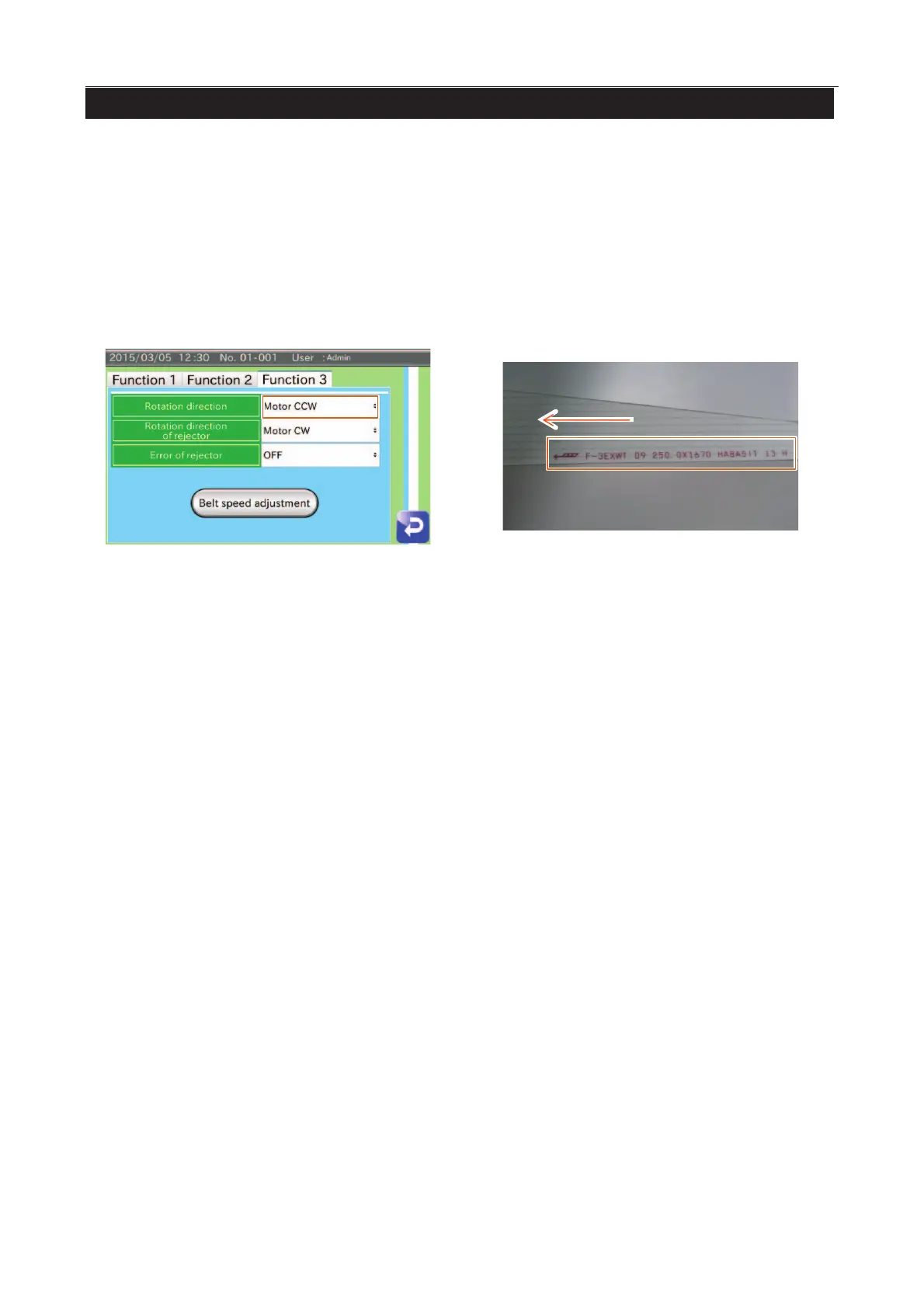
"Rotate CCW" is given as an example.
1. Touch the "Function" button in the "Setting" screen (Common settings tab) to display the "Function setting” screen
(Function 3 tab).
Select "Rotate CCW "for Rejector rotation direction.
2. Change the position of PE sensor.
3. Remove the conveyor belt and attach it to match the rotation direction (included at the back surface).
4. Track the conveyor belt and adjust tension.
Fig. 994 RRotate Direction



 To Next Page