CELL-DYN
®
3200 System Operator’s Manual
5-133
9140181H—October 2001
Section 5 Operating Instructions
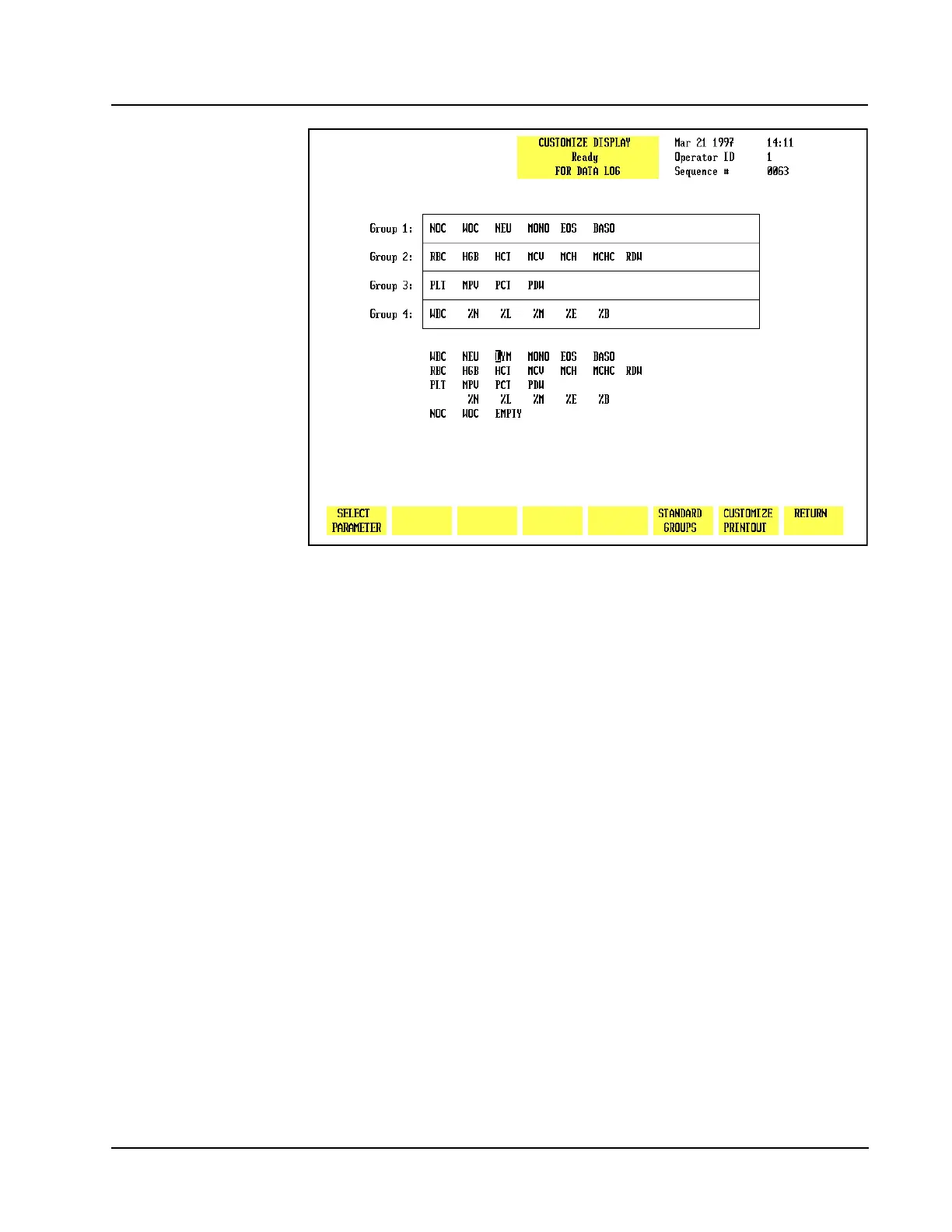
Figure 5.50 Customize Display for Data Log Screen Showing Group 1 Customized
Select Parameter
The [SELECT PARAMETER] key is used to select a parameter designated by the
cursor. When the key is pressed, the selected parameter is highlighted, the label
changes to [PLACE PARAMETER], and a [CANCEL SELECTION] key is displayed.
Place Parameter
The [PLACE PARAMETER] key is used to display the parameter in the location
indicated by the position of the cursor.
Cancel Selection
The [CANCEL SELECTION] key is used to cancel the selection and display the
[SELECT PARAMETER] key.



 To Next Page