110 Software
4510001 REV B – 220620
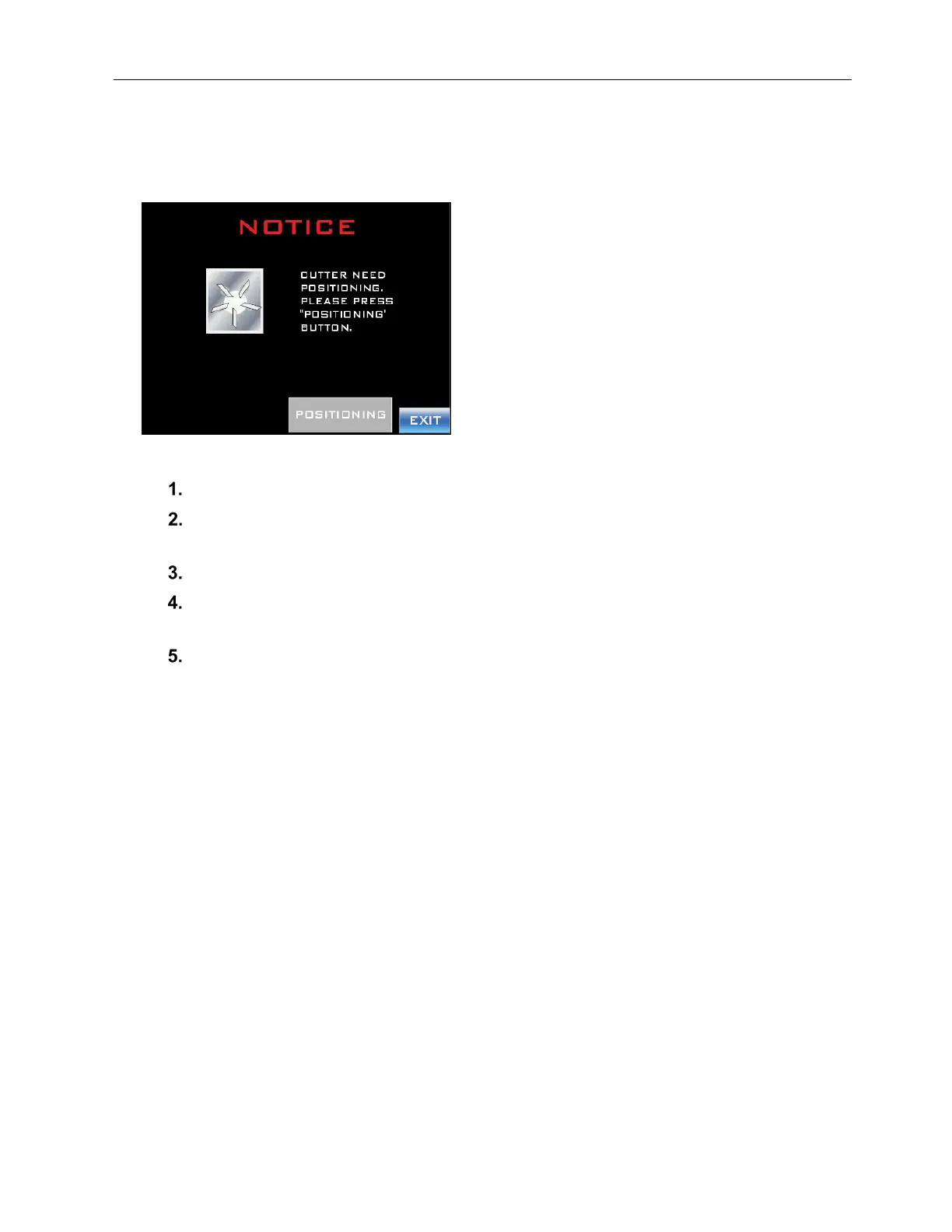
Notice: Cutter Need Positioning
The machine has just been turned on or the Cutter Blades are not in their home position
relative to the Cutter Home Tab.
To Address the Fault and Resume Labeling:
Press the “Positioning” Button. The Cutter Blades will rotate to their home position.
Confirm that the Cutter Blades are in their proper home position by opening the Front
Door and looking underneath the Cutter Assembly.
Close the Front Door.
If the Cutter Blades are out of alignment, follow the instructions for “Notice: Cutter
Can’t Find Its Home” on page 109.
Press the “Exit Button.”



 To Next Page