100 Software
4510001 REV B – 220620
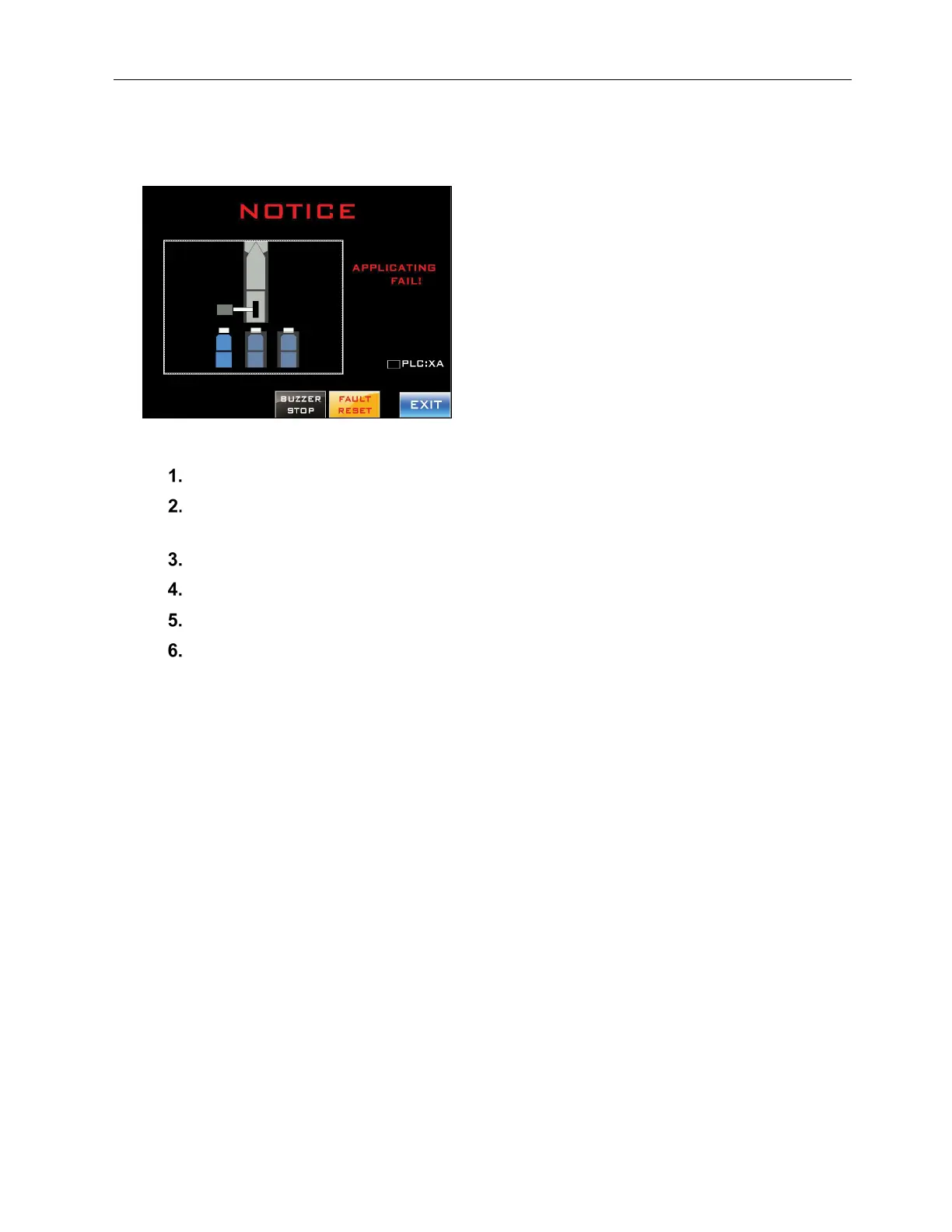
Notice: Application Fail
Alerts the user that there may be a film jam.
To Address the Fault and Resume Labeling:
Press the “Buzzer Stop” Button.
Starting at the bottom of the Mandrel, check the entire length of the film path for
kinks, wrinkles, tangles, twisting, obstructions, unusual wear, etc.
Clear any problems identified.
After the issue has been resolved, press the “Faut Reset” Button.
Press the “Exit Button.”
If the problem persists, evaluate setup. Possible reasons for repeated film jams can
include:
o Inappropriate Label Film:
The film is too thick, too thin, or the layflat width is too large or small (see
“System Specifications” on page 41).
o Inappropriate Label Length:
The labels being applied are longer or shorter than the acceptable range for the
machine (see “System Specifications” on page 41).
o Incorrect Head Height:
The head height is too high or too low. The bottom of the Mandrel should be
approximately half a label length from the tops of passing bottles (see “Head
Height Adjust” on page 37 and “Fine-Tuning the LX-150 Position” on page 60).
o Incorrect Conveyor Speed:
The LX-150 is designed to apply labels at a fairly rapid speed, but if labels are
consistently missing their target, the Conveyor speed may be set too high for the
particular labels and bottles.
o Incorrect Work Detective Sensor Position:
The Work Detective Sensor is too far upstream, causing labels to be applied too



 To Next Page