Operation 141
4510001 REV B - 220620
Switching Film Rolls
When a Spool of label film is nearly empty, the user can switch to the other Spool without
having to spend the time threading the new film through the entire system again. The following
procedure allows the user to easily switch between Spools of film in the middle of a project.
Needed to Switch Film Rolls:
• At least one Spool of label film
• Scissors
• Splicing Tape
• Hole Punch
To Switch Film Rolls:
When the film roll is almost empty, push the Stop Button on the HMI to stop the LX-150.
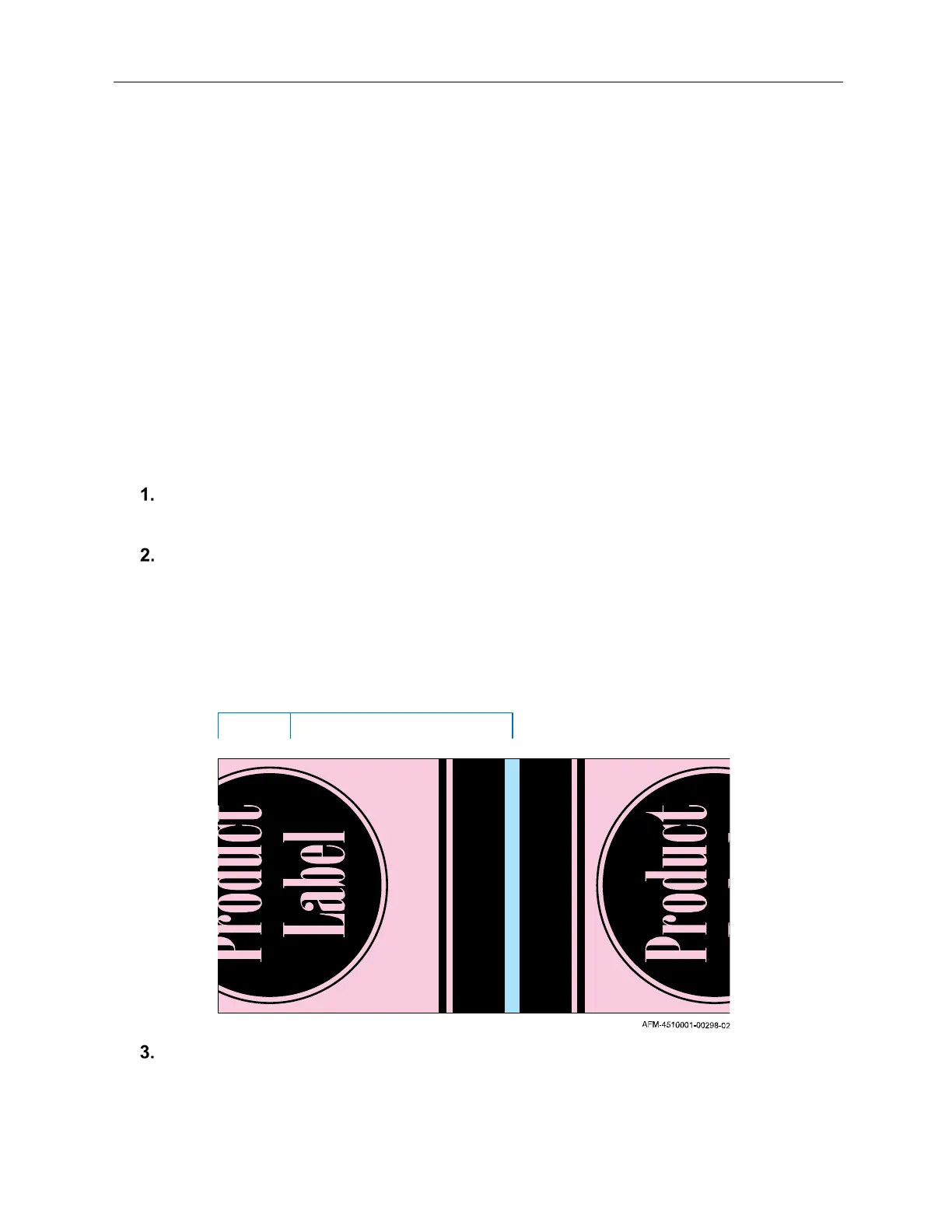
Looking at the film as it lays on the Splicing Table, find the halfway point in the label
design, and measure an additional 10-15mm further down on it. Cut the old film across
that point in the label design.
If a new roll is not already on the second Film Spool of the UR-1, install one, oriented
counterclockwise (see “
Installing the Film” on page 119).
Halfway Through Label Design
Cutting the End of the Old Film
10-15mm



 To Next Page