Software 99
4510001 REV B - 220620
Alarm Screens
During operation of the LX-150, any of several alarm screens may display to alert users to a
situation that needs to be addressed in order to continue labeling.
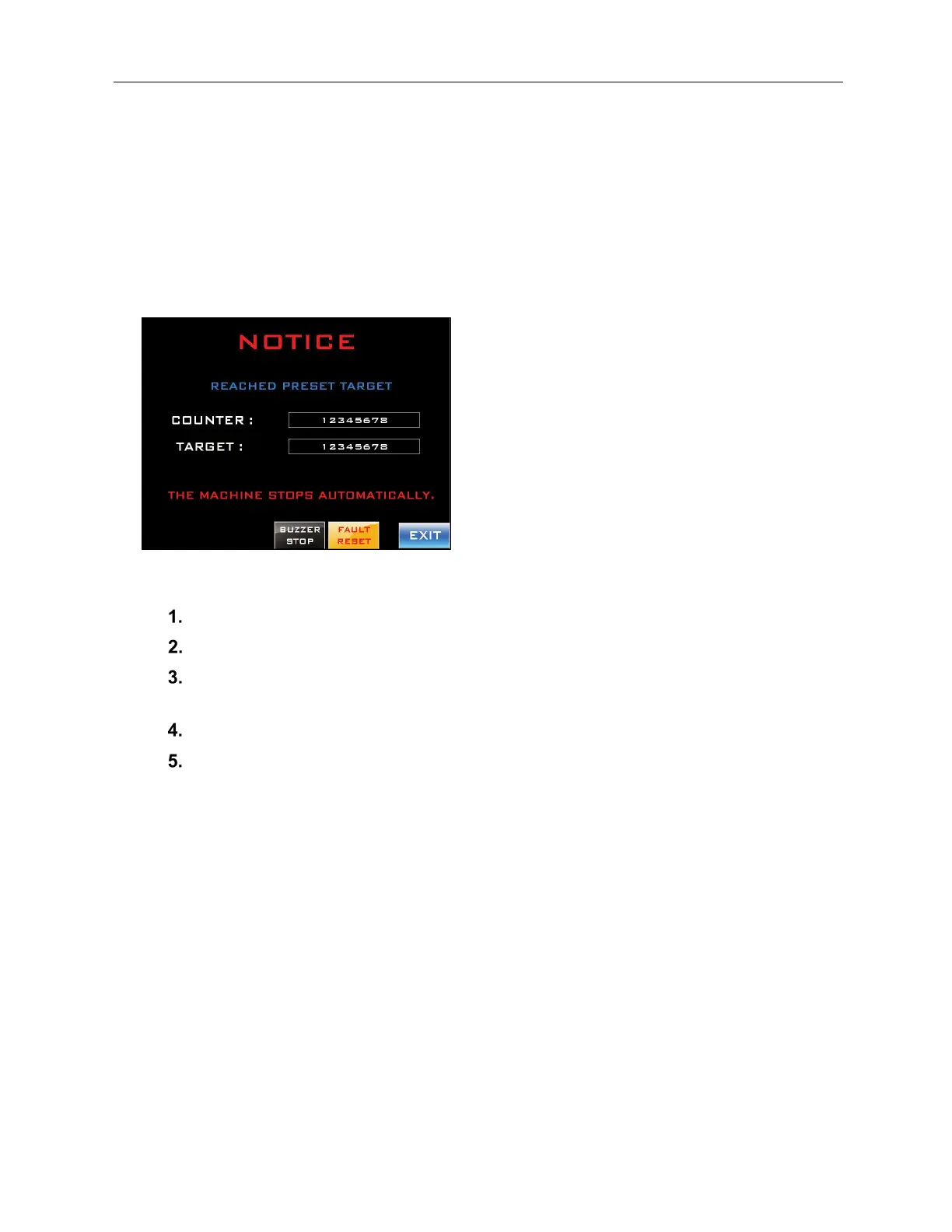
Notice: Reached Preset Target
Alerts the user that the target number of bottles has been labeled.
To Address the Fault and Resume Labeling:
Press the “Buzzer Stop” Button.
Enter a new value (typically “0”) into the “Counter” Field.
Enter a new value into the “Target” Field for the number of bottles to be labeled
during the next labeling run.
Press the “Faut Reset” Button.
Press the “Exit Button.”



 To Next Page