Software 81
4510001 REV B - 220620
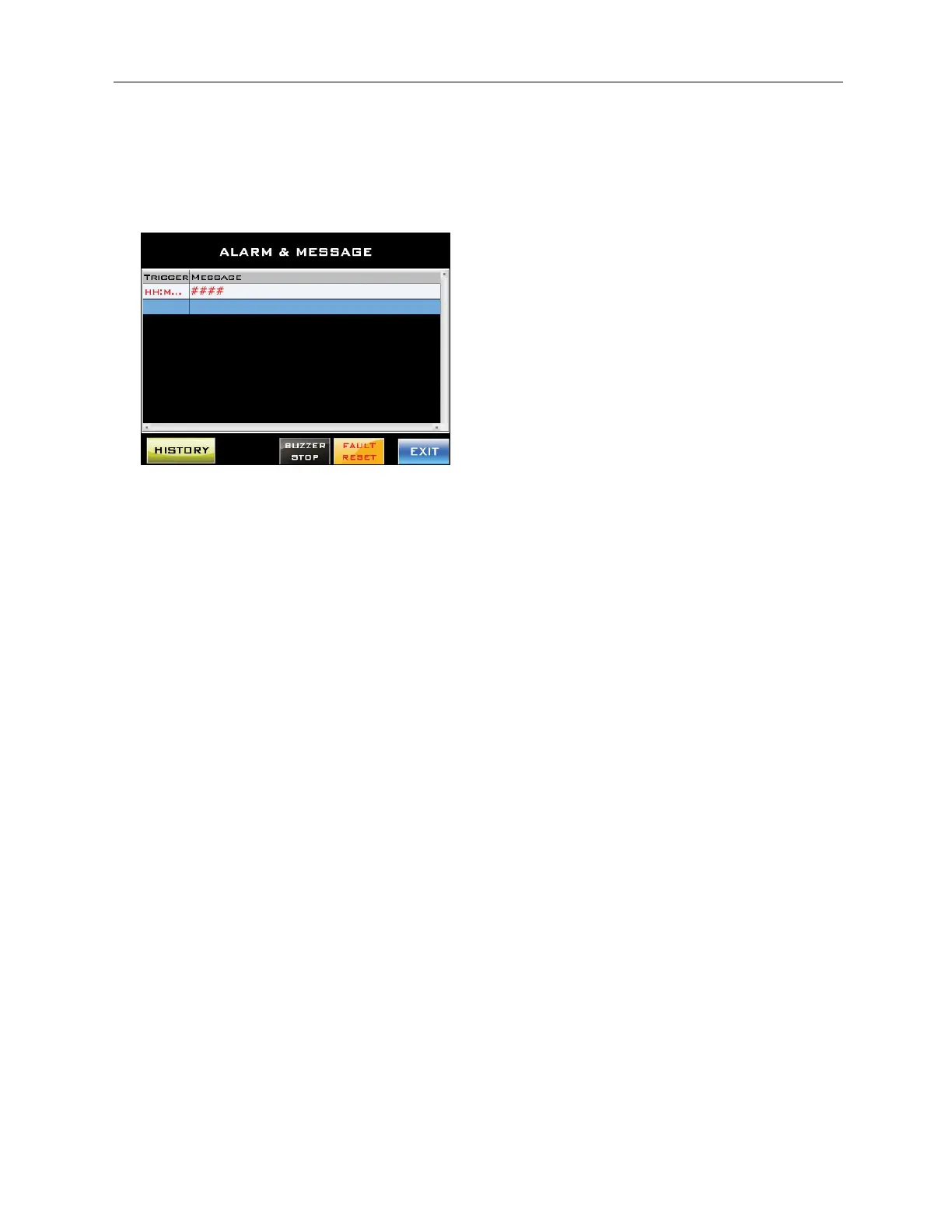
Alarm & Message Screen
Accessed from the Other Screen.
After an alarm screen pops up and is exited, the Alarm & Message Screen will display that
alarm and whether it has been successfully cleared.
“History” Button:
Accesses the History Message Screen displaying a log of the alarms that have been
triggered on the machine.
“Buzzer Stop” Button:
Turns off the Buzzer.
“Fault Reset” Button:
Resets the fault/alarm to be able to be triggered again. This button does not resolve the
problem that led to the alarm being triggered.



 To Next Page