82 Software
4510001 REV B – 220620
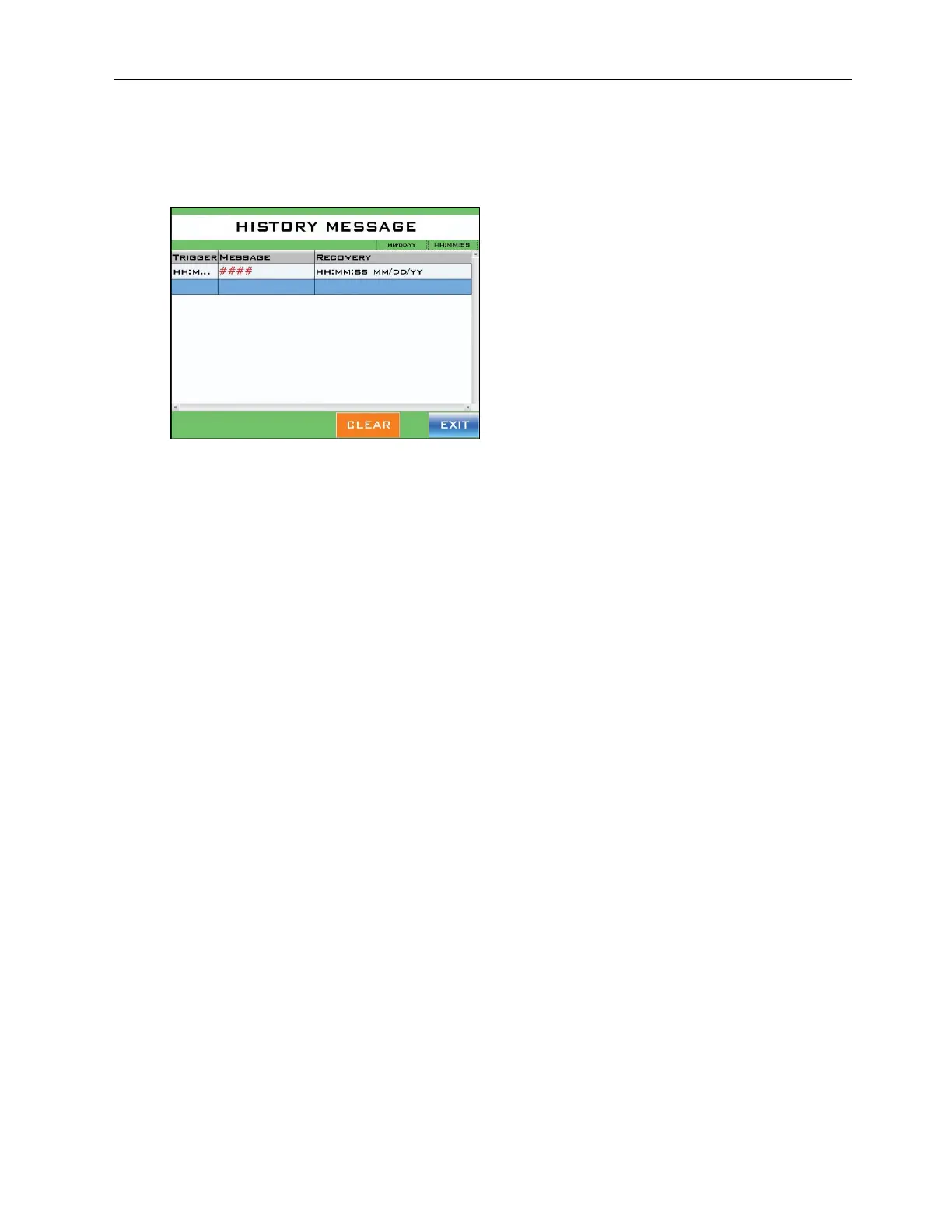
History Message Screen
Accessed from the Alarm & Message Screen.
This is a log of all the faults/alarms that have been triggered on the machine.
“MMDDYY” Display:
Displays the current date in month, day, year format in the upper right part of the
screen.
“HHMMSS” Display:
Displays the current time in hours, minutes, seconds format in the upper right part of
the screen.
Trigger:
Displays when an alarm was triggered.
Message:
Displays what the alarm is.
Recovery:
Displays when an alarm was successfully cleared.
“Clear” Button:
Permanently deletes the selected fault from the log.



 To Next Page