90 Software
4510001 REV B – 220620
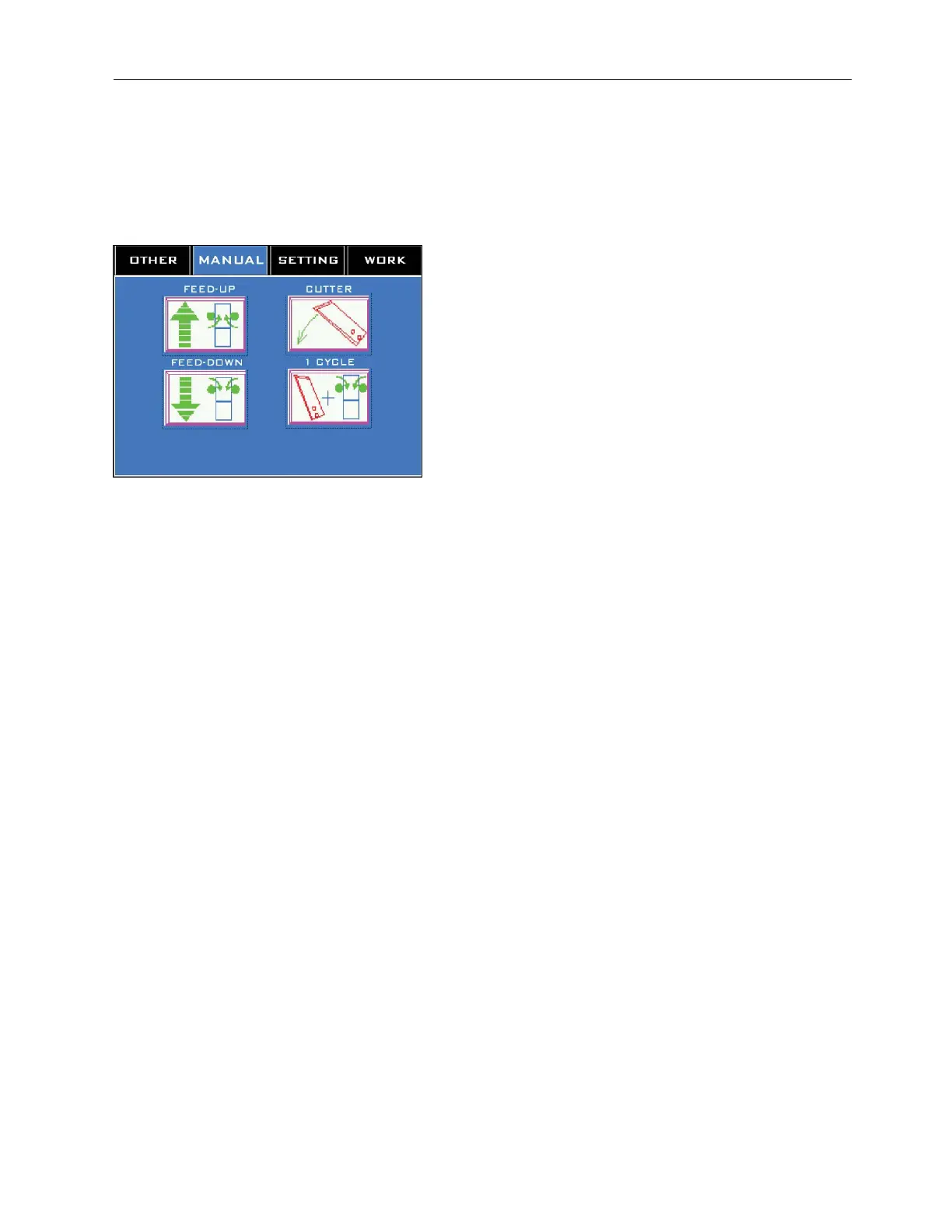
Manual Screen
Accessed by pressing the “Manual” Tab at the top.
The Manual Screen enables the user to perform four different tasks on a custom, individualized
basis.
“Feed-Up” Button:
While pressed and held, the “Feed-Up” Button triggers the Film Drive Wheels to pull the
label film up the length of the Mandrel.
“Feed-Down” Button:
While pressed and held, the “Feed-Down” Button triggers the Film Drive Wheels to push the
label film down the length of the Mandrel.
“Cutter” Button:
Holding down the “Cutter Button” for 5 audible beeps rotates the Cutter Blades 360°.
“1 Cycle” Button:
Holding down the “1 Cycle” Button for 5 audible beeps advances the label film one full label
length and cuts it.



 To Next Page