Maintenance 181
4510001 REV B - 220620
Cleaning the Electronics Cabinet:
WARNING: When powered, the components within the Electronics Cabinet can
deliver a potentially lethal electric shock. Always be sure that the system is
unplugged from any power source before opening the Electronics Cabinet.
WARNING: The Electronics Cabinet contains complex electronics. Only a qualified
technician should open and maintain the Electronics Cabinet.
ATTENTION: The Electronics Cabinet and the components within it should never
be sprayed with water, cleaner, or other liquids. Doing so can damage the
equipment and will void the warranty.
Items Needed to Clean the Electronics Cabinet:
• Rubber-Soled Shoes
• Key to the Electronics Cabinet
• Compressed Air
To Clean the Electronics Cabinet:
Ensure that the system is completely unplugged from any power source.
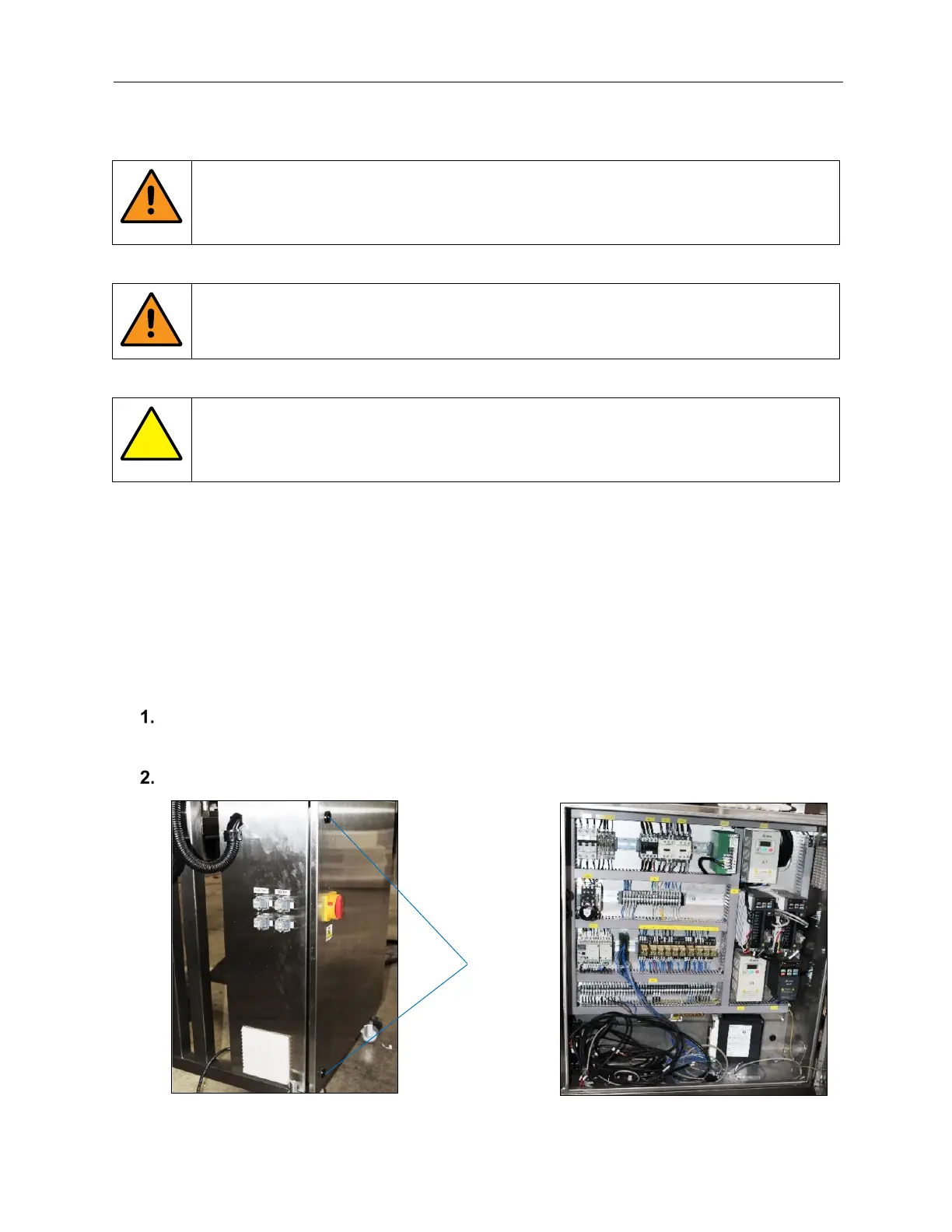
With one hand only, use the Square Key to unlatch the upper and lower Door Latches.
AFM-4510001-00053-01
AFM-4510001-00065-01
Door
Latches



 To Next Page