Configuration Notes
706 Router Configuration Guide
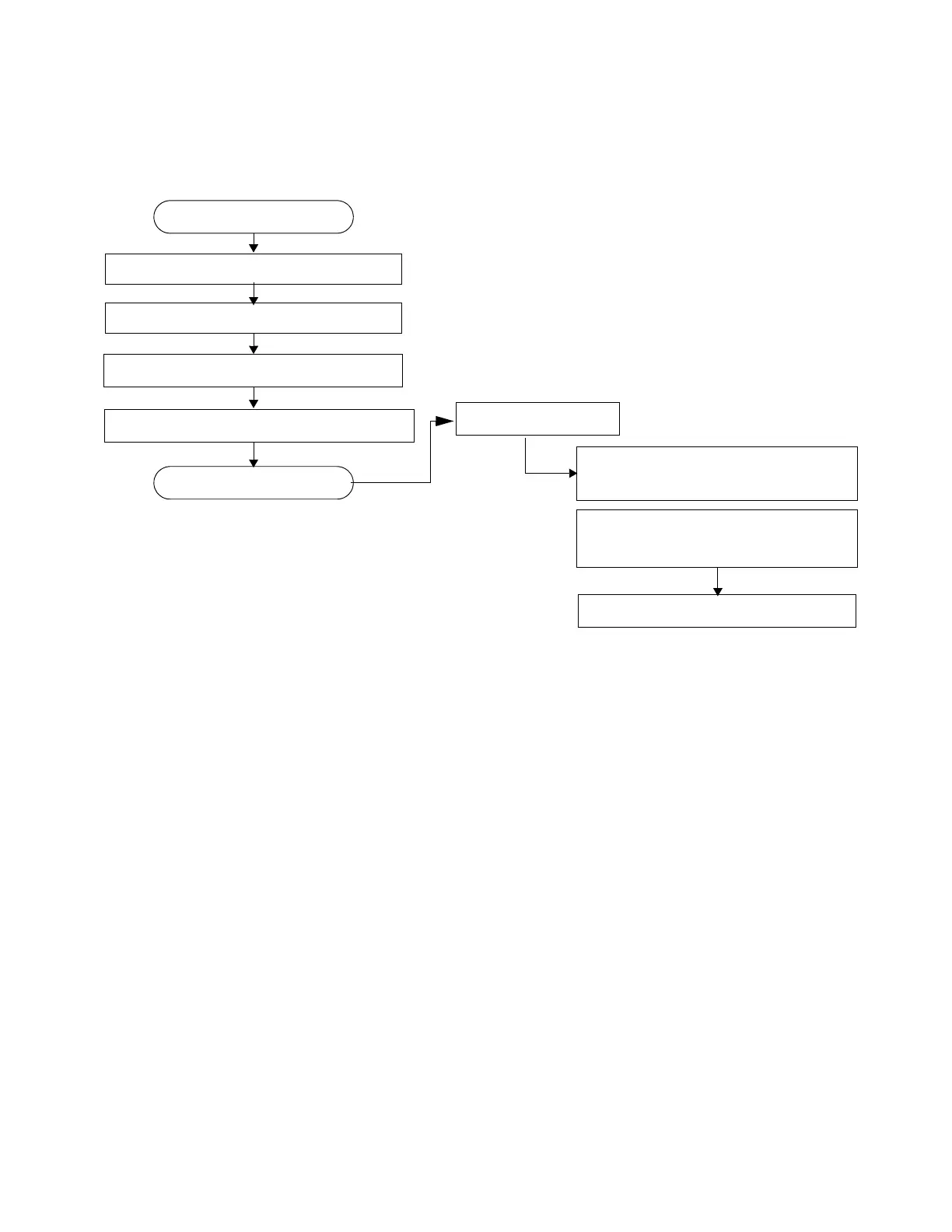
Figure 32: Cflowd Configuration and Implementation Flow
There are three modes in which cflowd can be enabled to sample traffic on a given interface:
• Cflowd interface, where all traffic entering a given port will be subjected to sampling
as the configured sampling rate
• Cflowd interface plus the definition of IP filters which specify an action of interface-
disable-sample, in which traffic that matches these filter entries will not be subject to
cflowd sampling.
• Cflowd ACL, where IP filters must be created with entries containing the action
filter-sampled. In this mode only traffic matching these filter entries will be subject
to the cflowd sampling process.
Configuration Notes
The following cflowd components must be configured for cflowd to be operational:
• Cflowd is enabled globally.
• At least one collector must be configured and enabled.
• A cflowd option must be specified and enabled on a router interface.
ENABLE
START
CONFIGURE COLLECTOR(S)
SPECIFY ROUTER INTERFACE FOR COLLECTION
ACL OR INTERFACE
ENABLE IP FILTER ENTRY FILTER SAMPLING
APPLY FILTER TO INTERFACE
FOR CFLOWD ACL MODE:
IN AN IP-FILTER ENTRY:
CONFIGURE CFLOWD PARAMETERS
FOR CFLOWD INTERFACE MODE:
ENABLE INTERFACE-DISABLE-SAMPLE
IN AN IP-FILTER ENTRY:
ENABLE CFLOWD

















 To Next Page