130 Rockwell Automation Publication 750-IN001P-EN-P - April 2017
Chapter 3 Lift and Mount the Drive
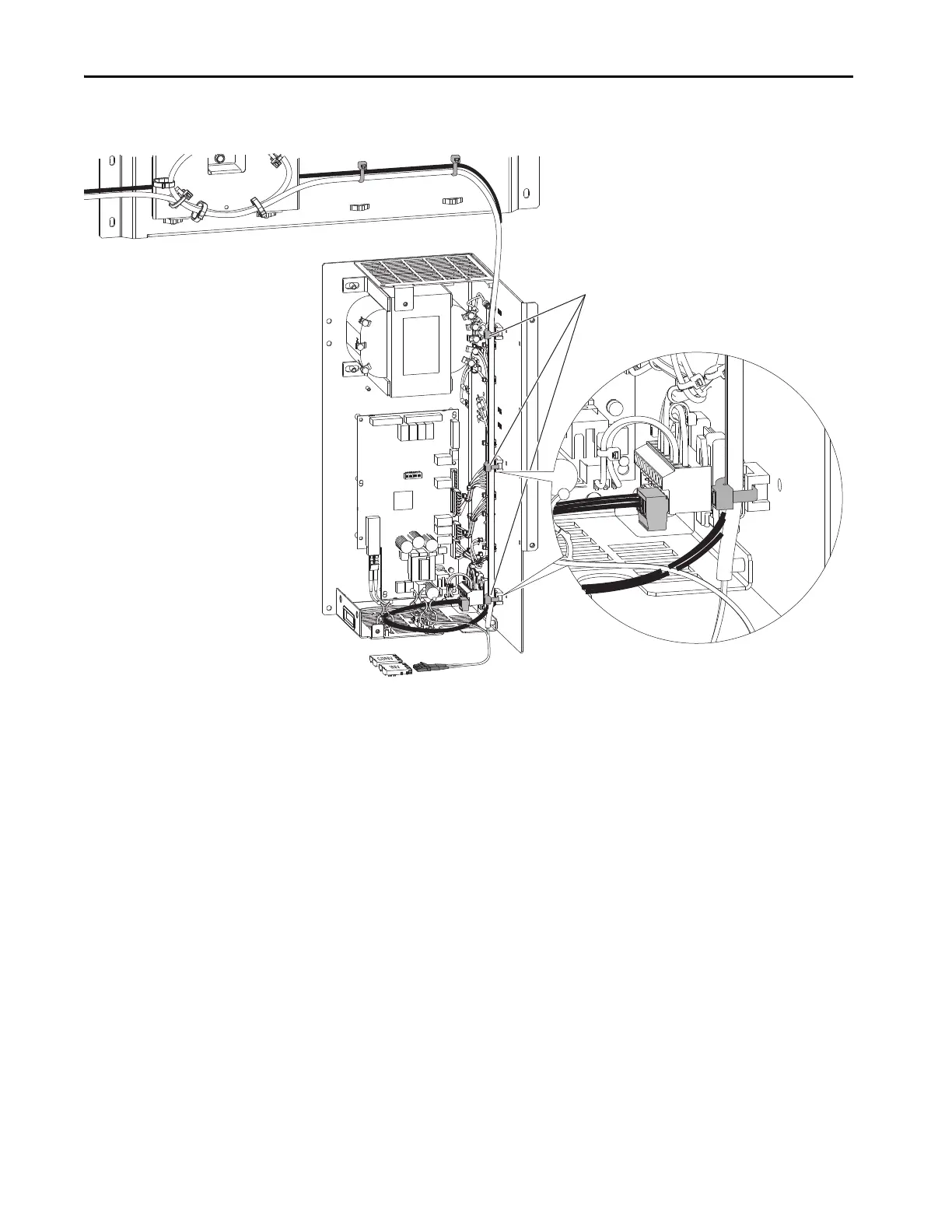
4. Open the three releasable cable ties along the right inside wall of the
drive control pod (see number 3).
5. Without bending the cables to a radius less than 50 mm (2 in.), lift the
24V wire harness and fiber-optic cable out of the drive control pod.
Support the cable bundle so it is out of the way of the drive assembly
when it is rolled out of the cabinet.


 To Next Page
 Loading...