MM-400A
7. Basic Operation
7-5
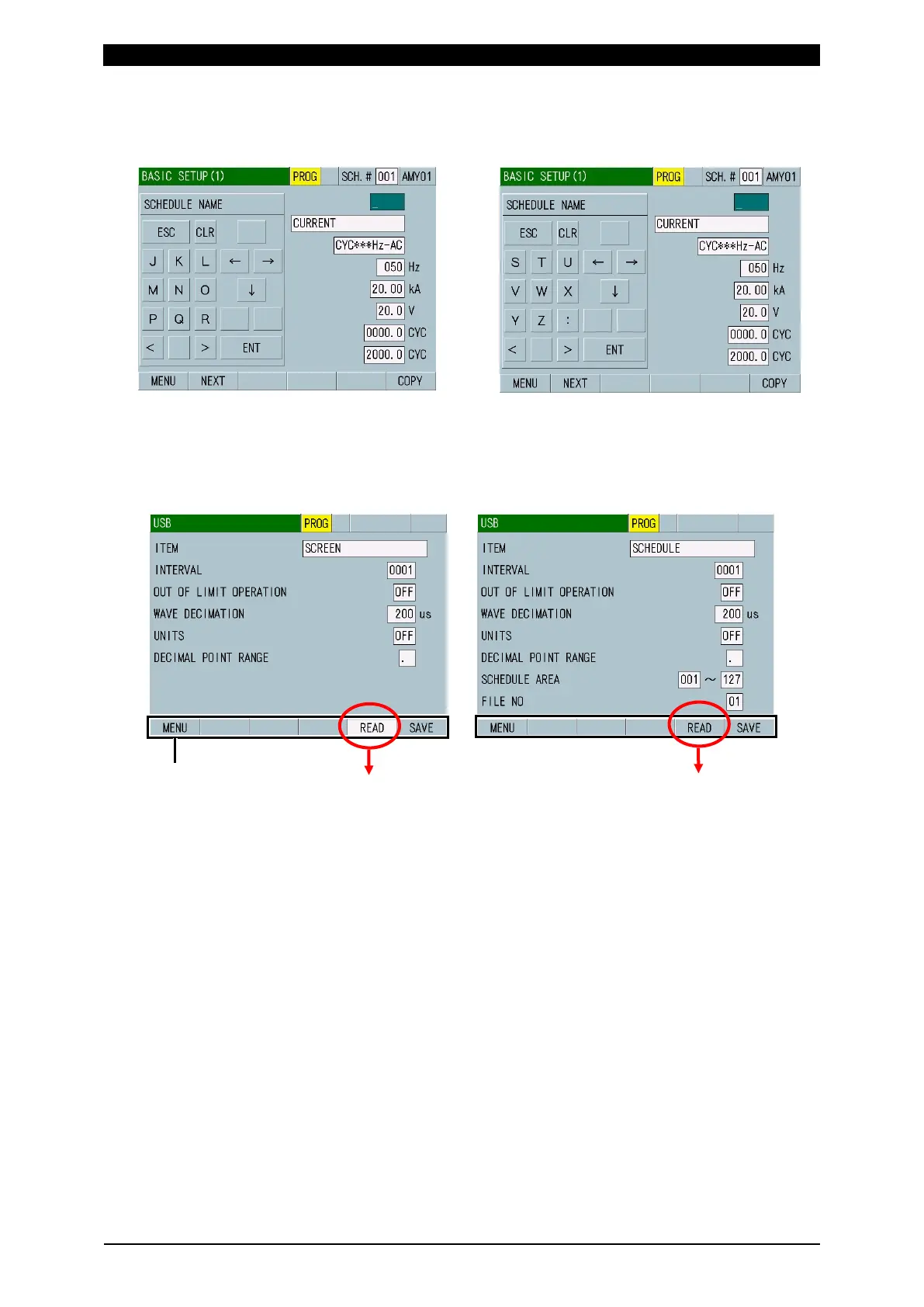
(iii) Alphabetical characters (J to R)
Move to (iv) by > and (ii) by <.
(iv) Alphabetical characters (S to Z)
Move to (iii) by <.
4) Enable the function keys.
Touching the function keys at the lower portion of the screen loads screens or
enables various functions.
When the function keys do not work, the background turns in white.
work when SCREEN is
selected for ITEM, the
background turns in white.
SCHEDULE is selected
for ITEM, the background
remains gray.



 To Next Page