MM-400A
8. Operation Screens
8-23
(Note 1) For envelope measurement, depending on the sampling interval (20
us, 50 us, 100 us, 200 us, 500 us, 1000 us) set in the SYSTEM SETUP (2)
screen, there is a limit for the envelope measurable time (time from START
TIME to END TIME). Set START TIME/END TIME according to the following
table. If the measurable time is exceeded, “E06: ENVELOPE ERROR” occurs
when the REFER key is touched.
Envelope interval Measurable time
20 us 100 ms max.
50 us 250 ms max.
100 us 500 ms max.
200 us 1000 ms max.
500 us 2500 ms max.
1000 us 5000 ms max.
(Note 2) Set the judgment of both upper limit and lower limit.
(4) Function keys
REFER: Touching this takes in the reference waveform and displays the set
threshold and the reference waveform.
DELETE: Touching this deletes the displayed envelope judgment section and
threshold setting.
X/Y AXIS: Touching this displays the cursor command at the function key and
checks detailed data of time axis and vertical axis.
SAVE: Touching this displays YES and NO. Touch YES to save.
EXIT: Touching this closes the ENVELOPE (2) screen and returns to the
ENVELOPE (1) screen.
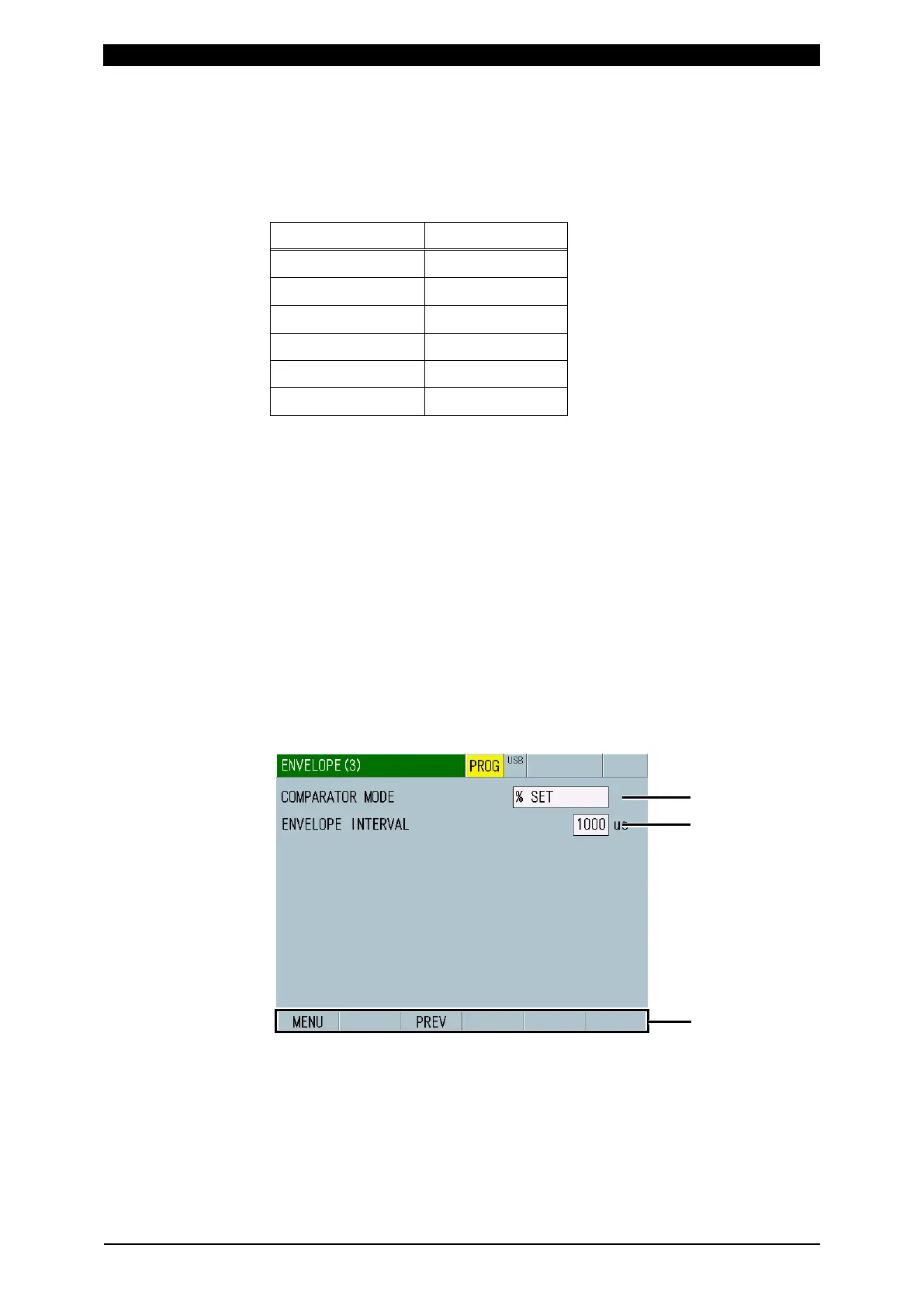
f-3. ENVELOPE (3) Screen



 To Next Page