MM-400A
8. Operation Screens
8-50
(6) DECIMAL POINT RANGE
“.” (period) or “,” (comma) for DECIMAL POINT RANGE is switched, the
measurement data saved in the CSV file changes as shown below.
• Example of “.” (period) (partly omitted measurement data)
(snip)01.00kA,00,G,01.10kA,05,G,02(snip)[CR][LF]
• Example of “,” (comma) (partly omitted measurement data)
(snip)01,00kA;00;G;01,10kA;05;G;02(snip)[CR][LF]
In the “.” (period) setting, period is used for decimal point and comma is used
for delimiter. On the other hand, in the “,” (comma) setting, comma is used for
decimal point and semicolon is used for delimiter.
When the language setting of Excel is Japanese, select “.” (period) for
DECIMAL POINT RANGE. When European language such as German is set,
select “,” (comma).
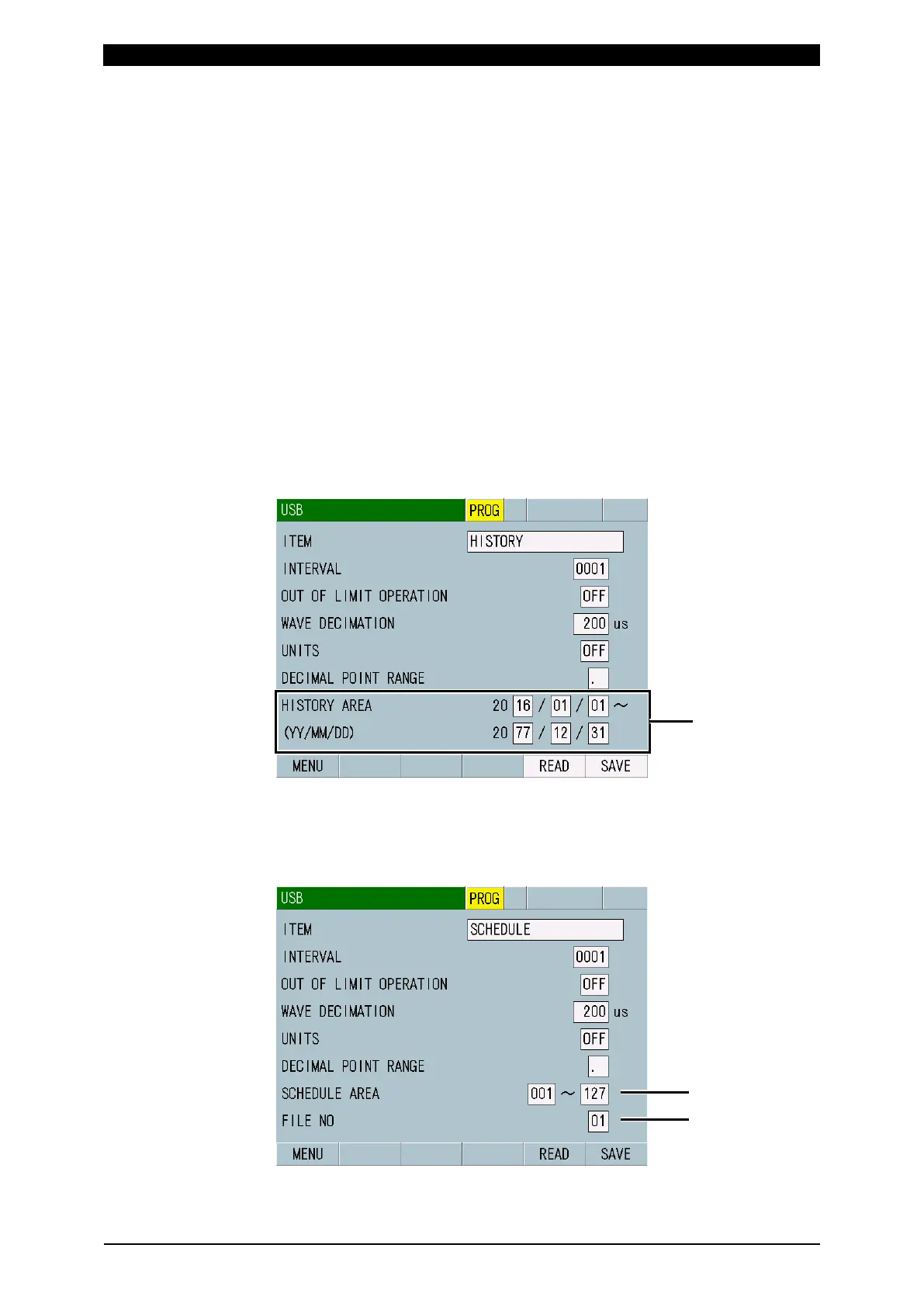
(7) HISTORY AREA
Shown when you have selected HISTORY or HISTORY OUT OF LIM for ITEM.
Set a save range with year, month and day.
(Note) The start date should be before the end date.
(8) SCHEDULE AREA
Shown when you have selected SCHEDULE for ITEM. Set the range of
schedule numbers to save schedule data from 001 to 127. The setting of
schedule data range is valid only when schedule data is saved.



 To Next Page