7-3
Common Commands
7
∗CLS Clear Status Command
(Clears status byte registers)
■ Format
∗CLS
■ Application example
WRITE @108 : “∗CLS”
WRITE @108 : “CNT 1305.8 ; SPN 1000 ; ∗CLS”
■ Explanation
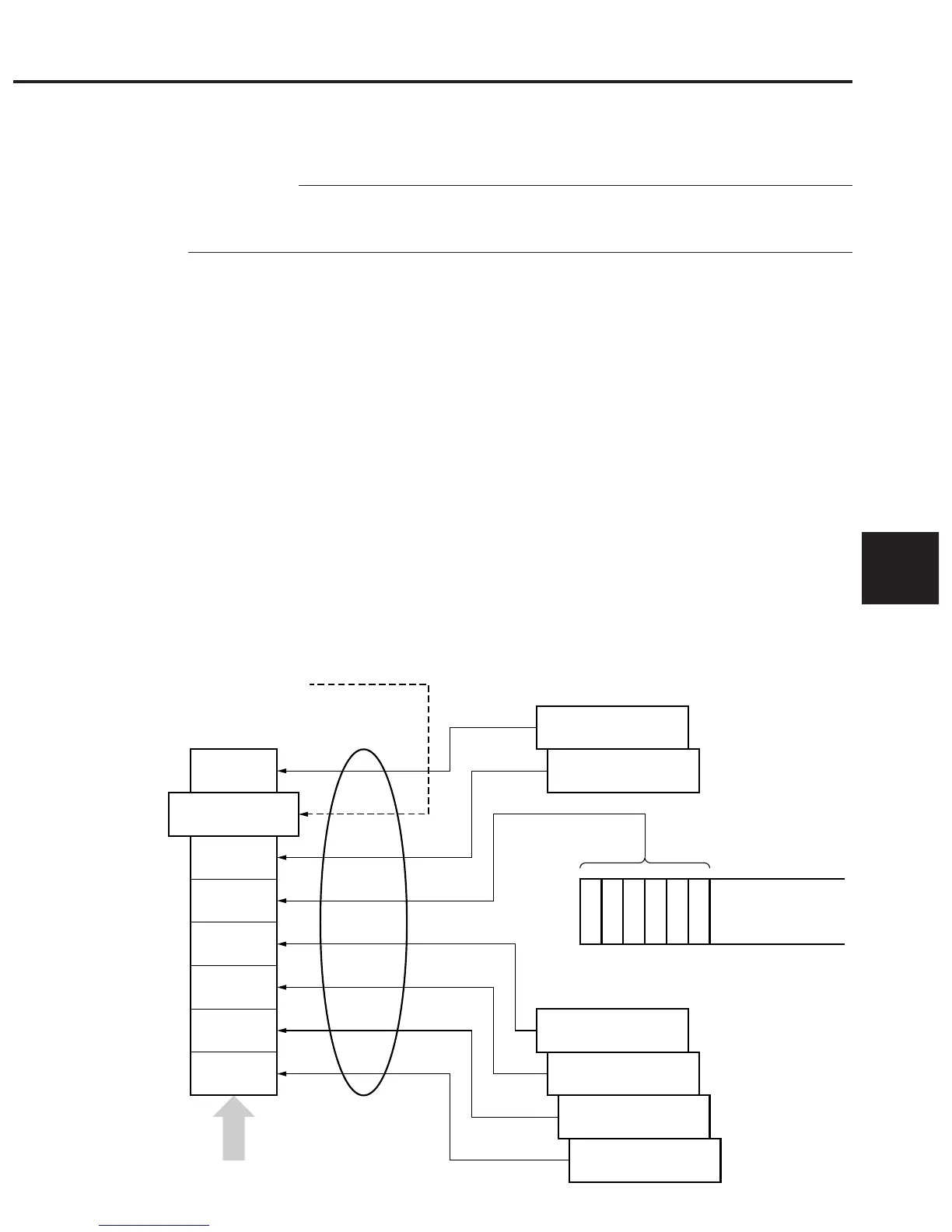
The ∗CLS command clears all status structures (i.e., event registers and queues)
except an output queue and its MAV summary messages, thus clearing the corre-
sponding summary messages.
The output queue and its MAV summary messages are also cleared in the follow-
ing case:
30 WRITE @108 : “CNT 1305.8 ; SPN 1000”
40 WRITE @108 : “∗CLS ; CNT?”
Issuing a ∗CLS command after <PROGRAM MESSAGE TERMINATOR> or
before <QUERY MESSAGE UNIT> will clear all status bytes. With this
method, all unread messages in the output queue will also be cleared. Values set
in enable registers are not changed by the ∗CLS command.
7
ESB
MAV
3
2
1
0
MSS 6 RQS
Standard event
register
Status summary
message
Status Byte Register
……Output Queue
Extended event
register or queue
Extended event
register or queue
Extended event
register or queue
Extended event
register or queue
Extended event
register or queue
(Queue is not used)
(Queue is not used)
(Not used)
(Not used)
(Not used)
Service request
occurrence
Data
Data
Data
Data
Data
∗CLS
Command













 To Next Page