11-3
LabVIEW Measuring Instrument
11
11.2 Program Examples
This section gives examples of programs created using the measuring instrument
drivers.
For example, let’s create a program for obtaining a peak wavelength and peak
level under GPIB control.
For how to connect a computer to the MS9710C, see Section 2, “How to Con-
nect.” For this program, set the GPIB address to 8.
Here, we will five drivers listed below.
The GPIB driver is in the VI library “MS9710AG.LLB.”
(The RS-232C driver is in the VI library “MS9710AS.LLB.” To perform RS-
232C control, create a similar program using this driver.)
MS9710A Initialize
MS9710A Close
MS9710A Sweep Start
MS9710A Peak/Dip;Peak/DipSearch(1)
MS9710A Error Message
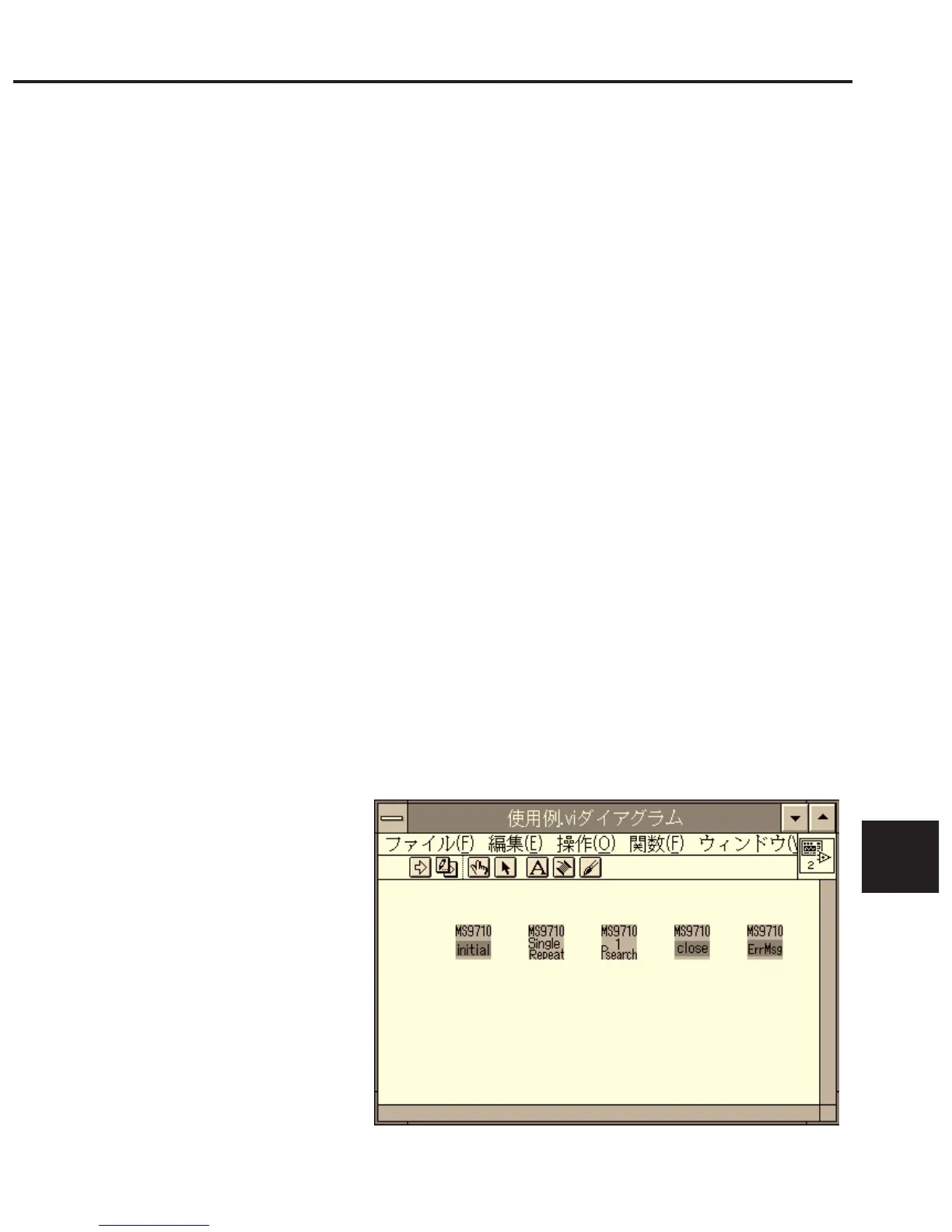
(1) Arranging drivers in the block diagram
Arrange MS9710A Initialize and MS9710A Close VIs.
MS9710A Initialize and MS9710A Close VIs are used to start or terminate
communication with the MS9710C.
Arrange driver VIs between them.
MS9710A Sweep Start — Start single sweep.
MS9710A Peak/Dip;Peak/Dip Search(1) — Carry out peak search to read
the trace marker values.
MS9710A Error Message — If an error occurred in a sequence of opera-
tions, displays a message.
11.2 Program Examples













 To Next Page