11-9
11.4
Description of Measuring Instrument Driver Functions
This section explains functions and input/output parameters of measuring instrument drivers.
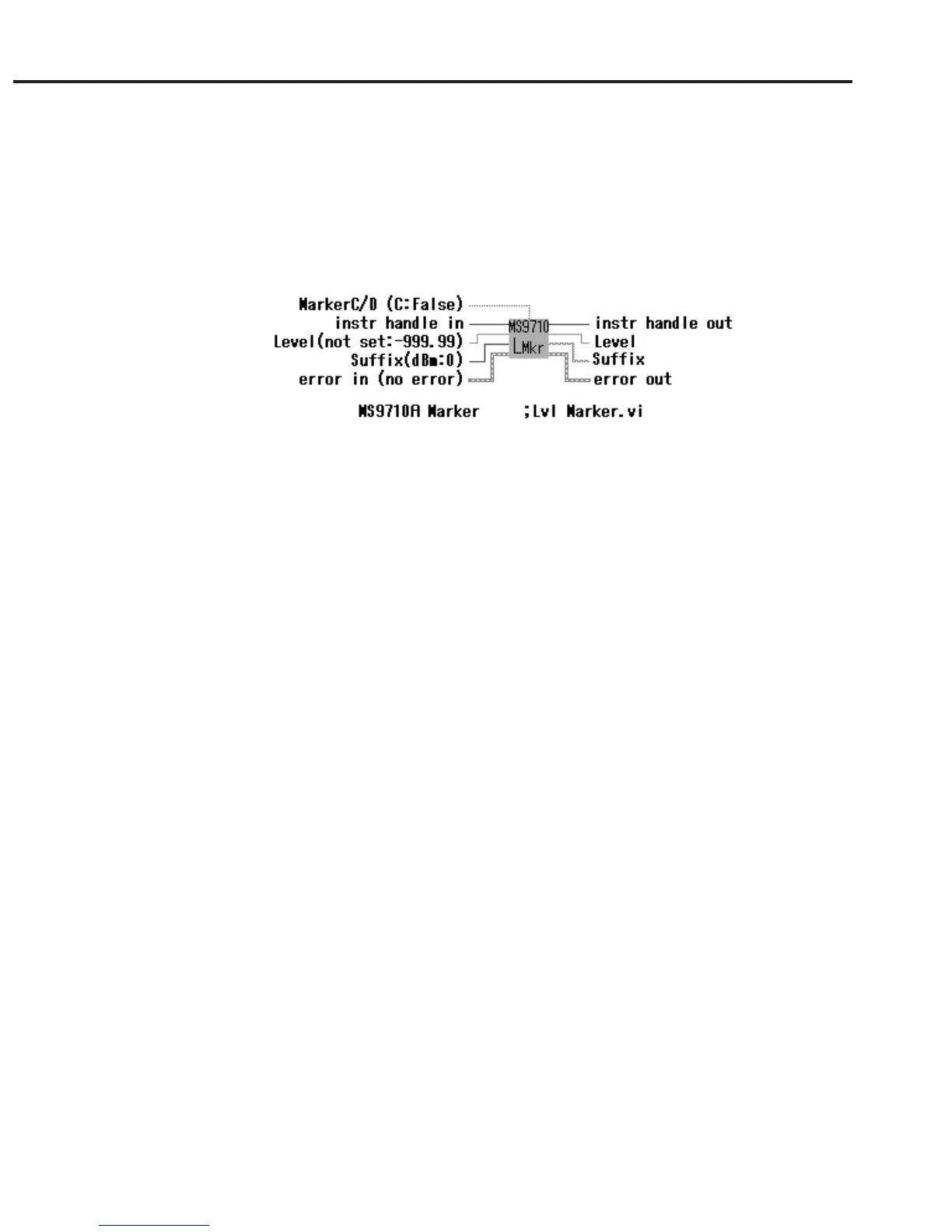
A measuring instrument driver VI receives data and setting values through the terminals on the left of the icon,
performs the specified processing according to the input parameters, and outputs the processing results through the
terminals on the right side of the icon.
Input parameter Output parameter
11.4.1 Common parameters
This section explains most of the input/output parameters used with measuring instrument drivers.
instr handle in
instr handle out
“instr handle” is generated by “initialize.vi.” It becomes the index for referencing
information such as an RS-232C port number.
Arrange drivers in the order of execution and connect “instr handle out” terminals
and “instr handle in” terminals, one after another, with wires.
error in
error out
The error information before execution is input to the “error in” terminal. When
information indicating an error has occurred is input to the “error in” terminal, the
VI performs nor processing and outputs the “error in” value through the “error
out” terminal. When information indicating that no error has occurred is input to
the “error in” terminal, VI performs the specified processing and outputs the post-
processing error state through the “error out” terminal. Thus, errors can be
checked. Connecting “error in” and “error out” terminals of VIs, one after an-
other, with wires and using an MS9710A Error Message VI at the end of the
diagram allow an error location, error code, and error message to be displayed.
status True if an error has occurred.
code Error code
source Error location
timeout (ms) If processing is not completed within the timeout time, it is terminated and an
error message is output. For processing requiring long time, set a sufficiently
long time.
11.4 Description of Measuring Instrument Driver Functions













 To Next Page