Service Manual i2000SR interface module
625798100.APS.5.doc Page 179 of 212
STEPS REFERENCES
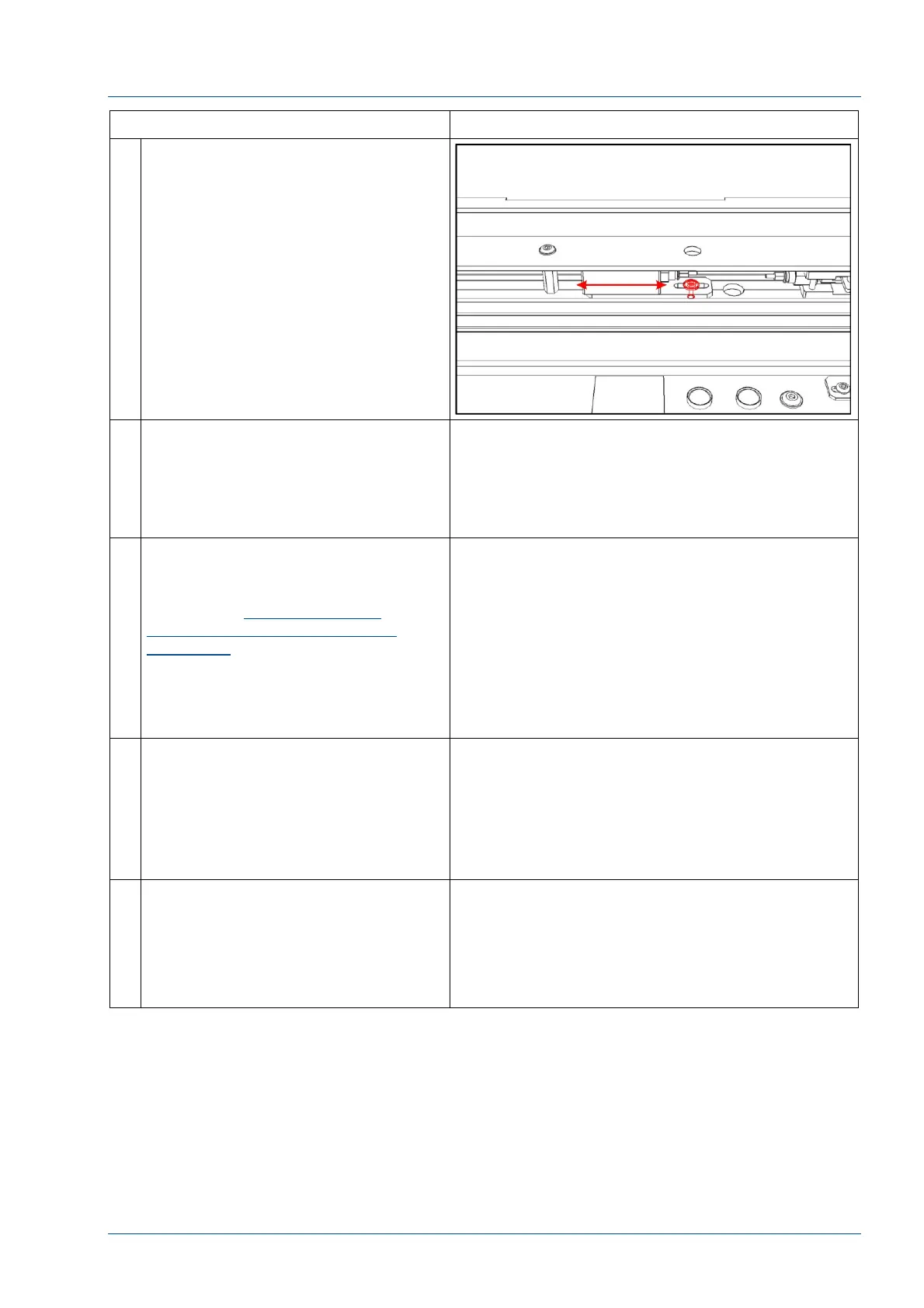
9 If a gate adjustment is needed,
remove the filler cap on the slab near
the gate using a blade tool and
access the gate fixing screw with a
screwdriver.
Loosen the gate positioning screw
and move the gate left or right to
search the right position.
10 At the i2000SR SCC, reposition the
probe and gate as required to
precisely center probe. When
precisely centered, use SCC screen
commands to save the probe
position.
11 When the right position is reached, it
will be necessary to reposition
antenna.
Refer to the Sample and STAT
Antennae alignment verification
procedure.
Raise the belt and use the oversized
carrier tool (P/N 475.110.031
(203815)) to adjust the antenna to
the right position.
12 Repeat the above for the other probe.
As the i2000SR probe seeks fluid, it
must not touch the sides of the tube.
Use the following to adjust the
relationship of the analyzer to IM to
ensure the probe is perpendicular to
the tube.
13 At the i2000SR SCC, select
Maintenance, As Needed, and then
select the appropriate probe to
calibrate.
1111 Sample Probe Calibration
1117 STAT Probe Calibration



 To Next Page