Service Manual i2000SR interface module
625798100.APS.5.doc Page 205 of 212
STEPS REFERENCES
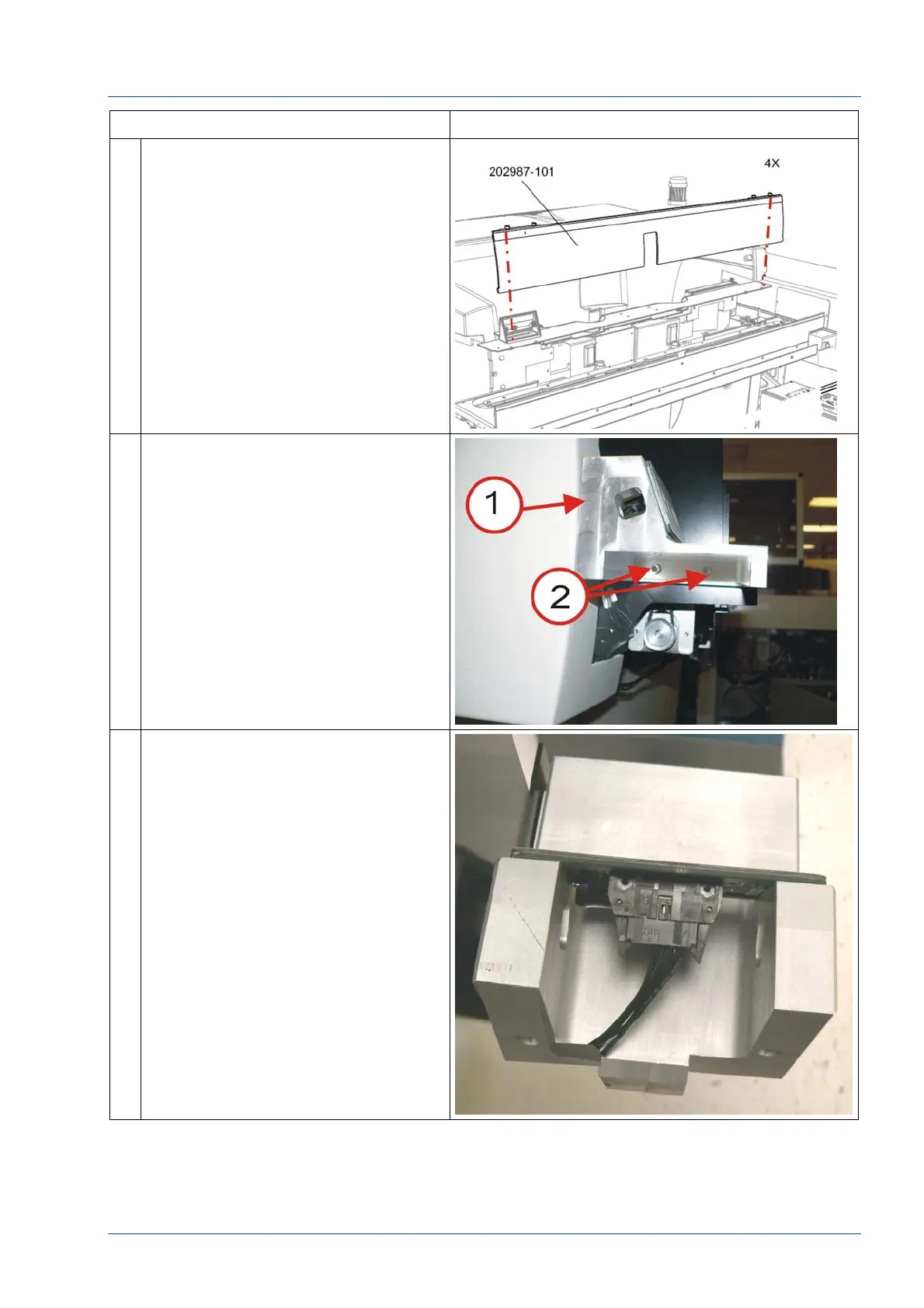
3 Remove the center cover by
loosening the four (4) ¼ turn screws.
4 Remove the 3 button LUI panel
bracket [1] by removing the two
screws [2]
5 Disconnect LUI cable.



 To Next Page