Touch Screen Devices
Telligence
6PM000224A / 10 August 2022 / Ver. H
Annunciator and TelliConnect Station
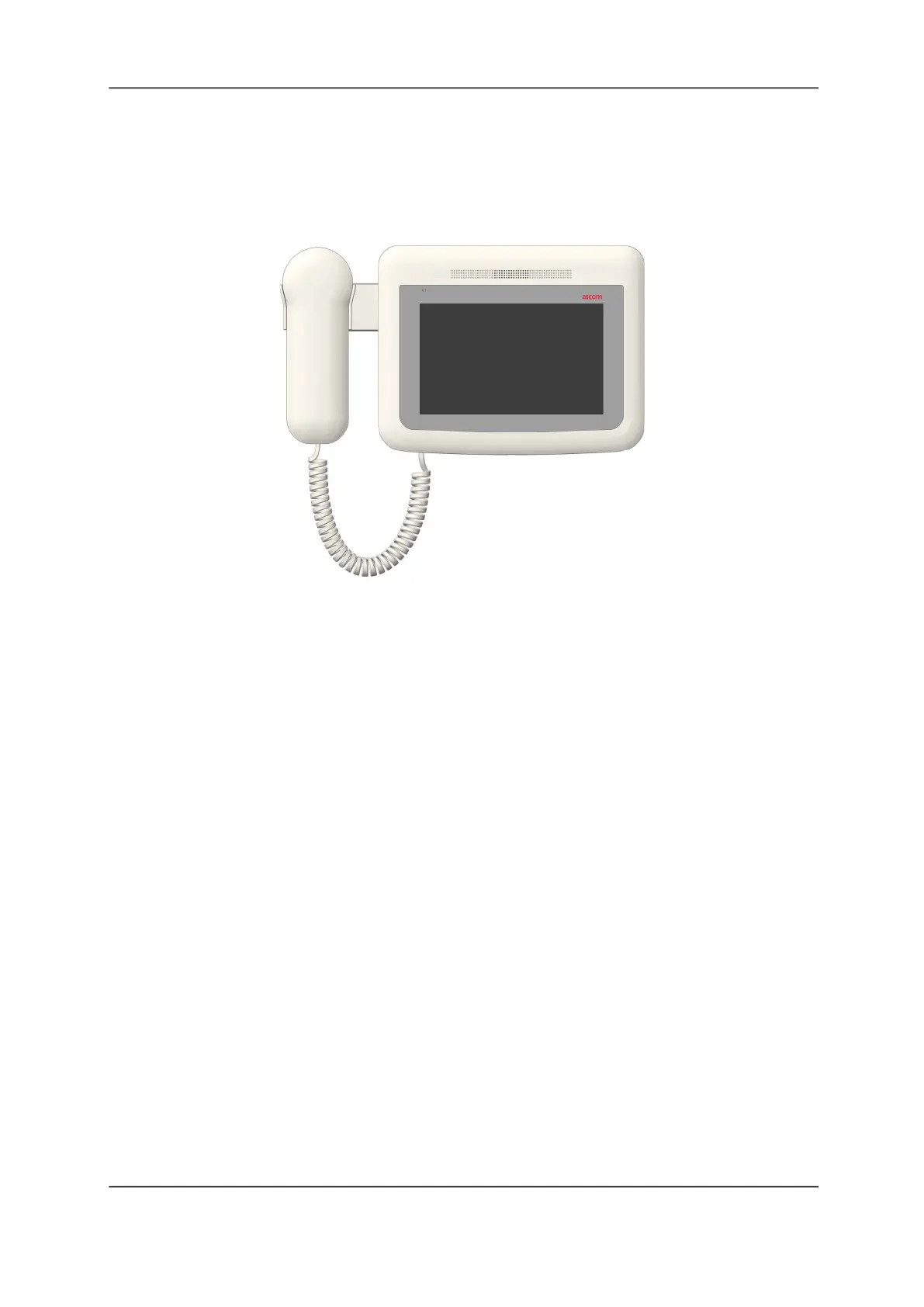
Annunciators and TelliConnect Stations are wall-mounted, touch screen devices similar to the
staff console; however, their functions can vary based on how they are configured during
installation. Annunciators and TelliConnect Stations can be configured with optional handsets.
Figure 6: Annunciator or TelliConnect Station with Optional Handset
Annunciators
Annunciators are typically located in staff rooms, corridors, or other locations away from the
nurse station. Annunciators can be set to display nurse call activity or to supervise other
Telligence devices.
Staff Stations
TelliConnect Stations are communication stations located in patient rooms. Use them to call
staff, create service tasks, and more.
Note: The Health Insurance Portability & Accountability Act (HIPAA) dictates strict requirements
for maintaining the security and confidentiality of patient health information (USA).
Touch Screen Display
Staff consoles, annunciators, and TelliConnect Stations display information on a touch screen.
You can handle pending calls and perform other functions by lightly touching command
buttons on the screen.
The devices emit tones to indicate new alerts. The tone can be adjusted or temporarily
silenced.
Screens Displayed on Staff Consoles and Annunciators
Staff consoles and annunciators display six primary screens for handling calls, and five
secondary settings screens for customizing the console display and functions. This section
covers the types of information displayed on each screen, how to find the screen you need,
and how to use the command buttons and other controls found on each screen. For
information about screens displayed on the TelliConnect Station, see “The TelliConnect
Station” on page 32.



 To Next Page