Room Devices
Telligence
50PM000224A / 10 August 2022 / Ver. H
To clear a cord fault condition:
Remove the plug from the socket, and then press and hold the Cancel button for at least 6
seconds until the module resets (all LEDs will flash once).
See also:
• “Using SafeConnect Plugs and Sockets” on page 44
• “Patient Call Devices” on page 57
• “Clear the Cord Fault Condition for Handsets and Pillow Speakers” on page 61
Button Modules
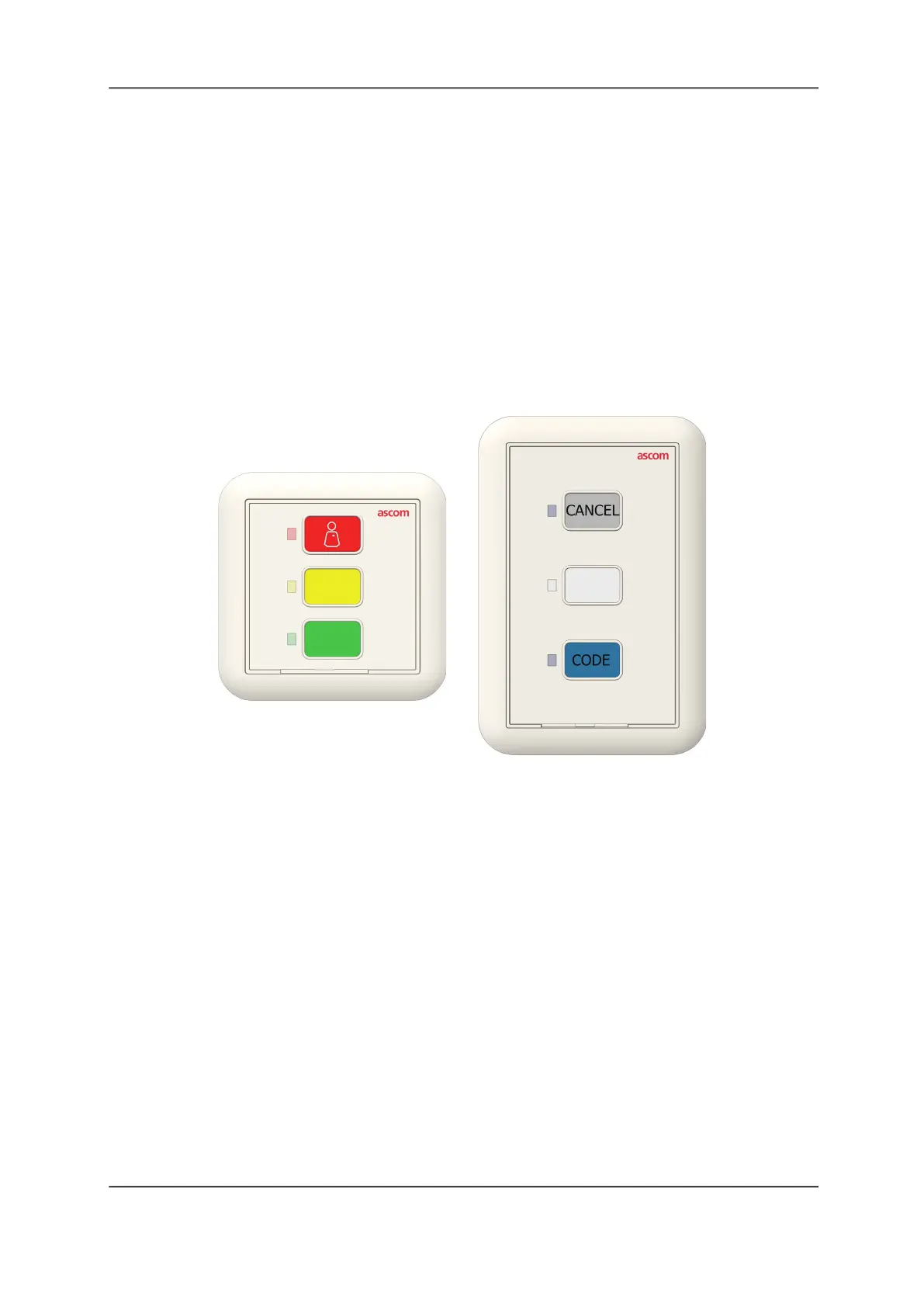
The Button module features three customizable call buttons with color-matching LEDs and may
be used in combination with the Bedside module to provide additional input buttons.
Figure 52: Button Module Models
Like the Bedside module, the Customizable Button module can be used as a one, two, or three
button module. Check with you system administrator if you are unsure of you module’s button
configuration.
To activate a button:
Press the button associated with the required task. The LED for that button illuminates to
show that button is active.
To cancel an active button:
Press Cancel or Presence on the module.
The button you press to cancel a call event will depend on how your system was configured
during installation. Check with your system administrator if you are unsure which button to
press.
Americas/Australia
Europe/Asia/Africa



 To Next Page