Touch Screen Devices
Telligence
30PM000224A / 10 August 2022 / Ver. H
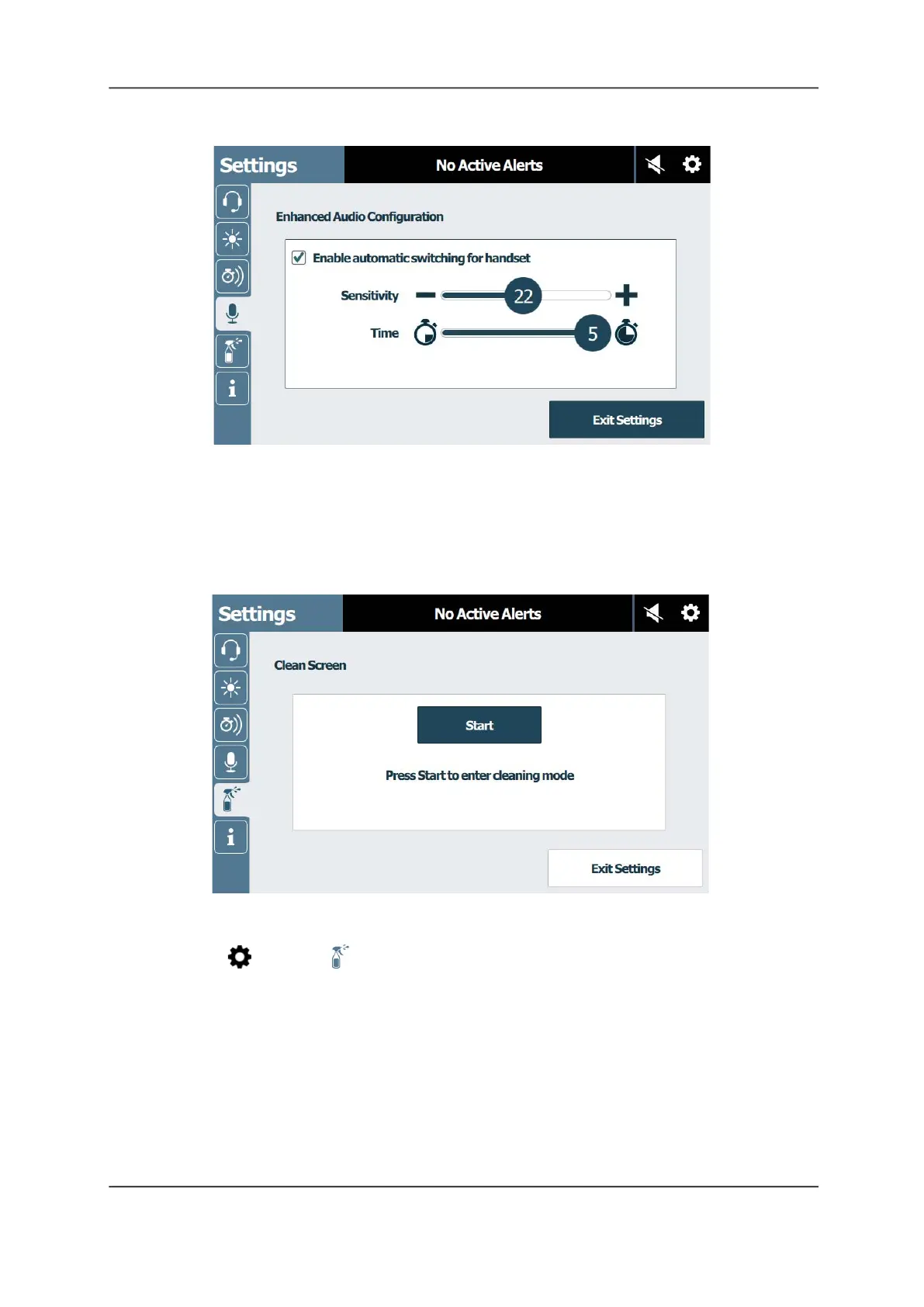
Figure 38: Enhanced Audio Configuration Screen
Clean Screen
You can place a staff console, annunciator, or TelliConnect station in Cleaning mode to
deactivate the touch screen while cleaning it. Depending on your system configuration, the
Cleaning mode can last up to 15 seconds.
Figure 39: Clean Screen
To activate Cleaning mode:
1. Tap Settings > Clean Screen.
2. Tap Start to being the countdown timer.
Note: Use a clean, soft cloth to clean the screen. Do not use a paper towel, tissue, or camera
lens paper, as these are too abrasive for the touch screen. For detailed cleaning instructions,
see “Cleaning Touch Screen Displays” on page 69.



 To Next Page