Touch Screen Devices
Telligence
13PM000224A / 10 August 2022 / Ver. H
Silence Alert Tones
Alert tones sound at staff consoles and annunciators to notify staff members of an alert, such
as a call from a patient, or a code emergency. Alert tones can be temporarily silenced based on
the minutes specified in the silence timeout (see “Alert Tone Silence Time” on page 29). Alert
tones automatically start again when the timer lapses or when a new call is received,
whichever comes first.
To silence the alert tone for a specific alert:
Tap Tone Silence for the corresponding alert displayed in the Alert list.
Note: Not all call types will display the Tone Silence option.
To silence all alert tones:
Tap Tone Silence at the top of the screen. Alert tones for all calls are silenced.
To reactivate all alert tones:
When alert tones are silenced, the icon turns red. Tap the icon again to restore alert tones
for the all calls.
Note: A new call will automatically reactivate alert tones.
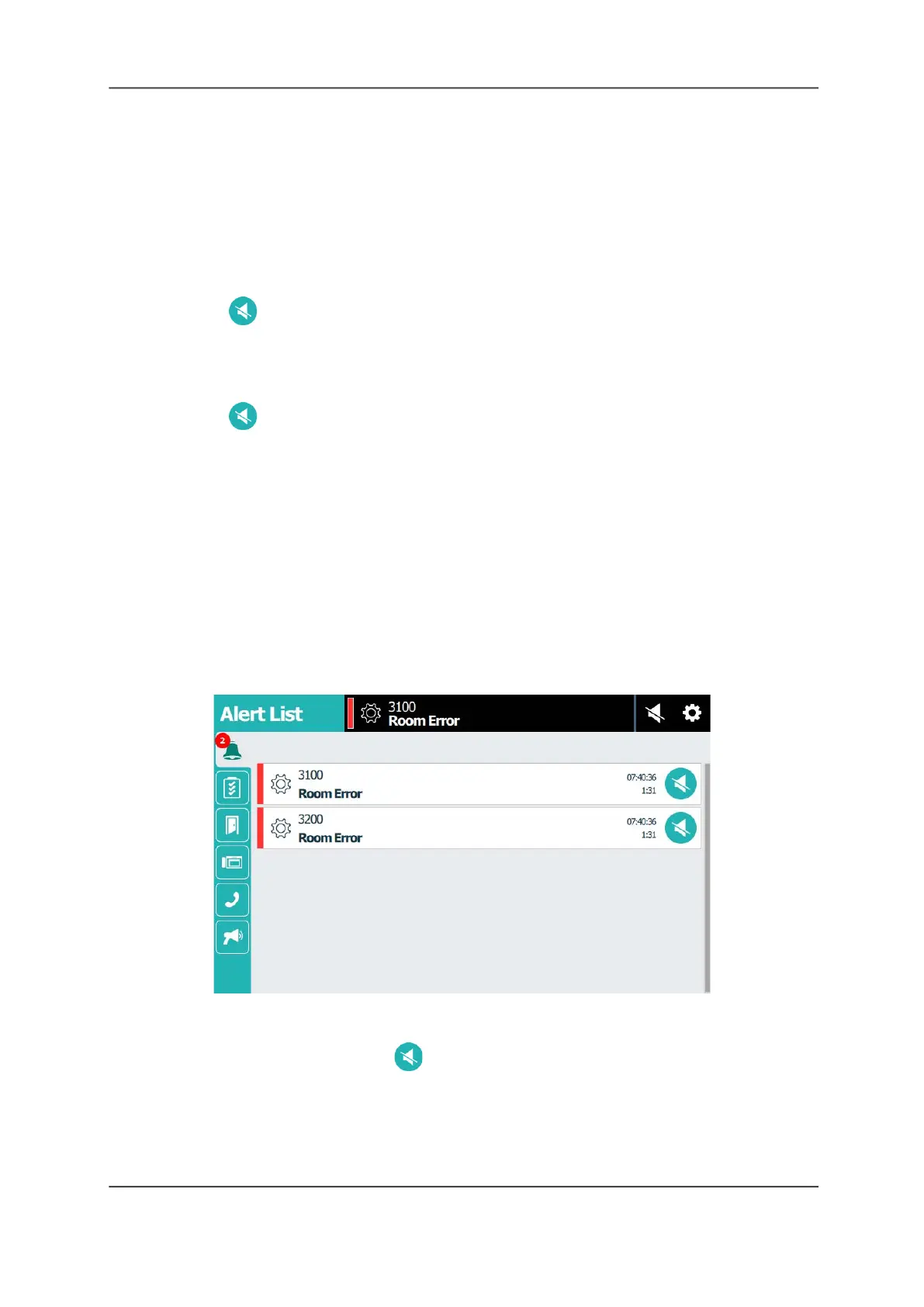
Warnings and Error Alerts
Staff consoles and annunciators can display alert messages such as room, device, license, and
data errors and low memory warnings. Device and license errors, data errors, and low memory
warnings cannot be cleared from the console screen and must be addressed by a system
administrator.
Figure 15: Error Alerts
To respond to an error or warning:
1. To silence the alert tone, tap Tone Silence next to the alert (if available).
2. Tap the alert message in the Alert List.
3. Read and note the error or warning message, and then contact your facility’s system
administrator or service department.
4. When finished, tap OK.



 To Next Page