Touch Screen Devices
Telligence
32PM000224A / 10 August 2022 / Ver. H
The TelliConnect Station
The TelliConnect station is a communication station located in a patient room. Use it to handle
staff calls, service tasks, and duties. The station includes a built-in speaker and microphone for
hands-free communication. An optional handset can be added to the station when privacy is
needed.
Lock Screen and Security
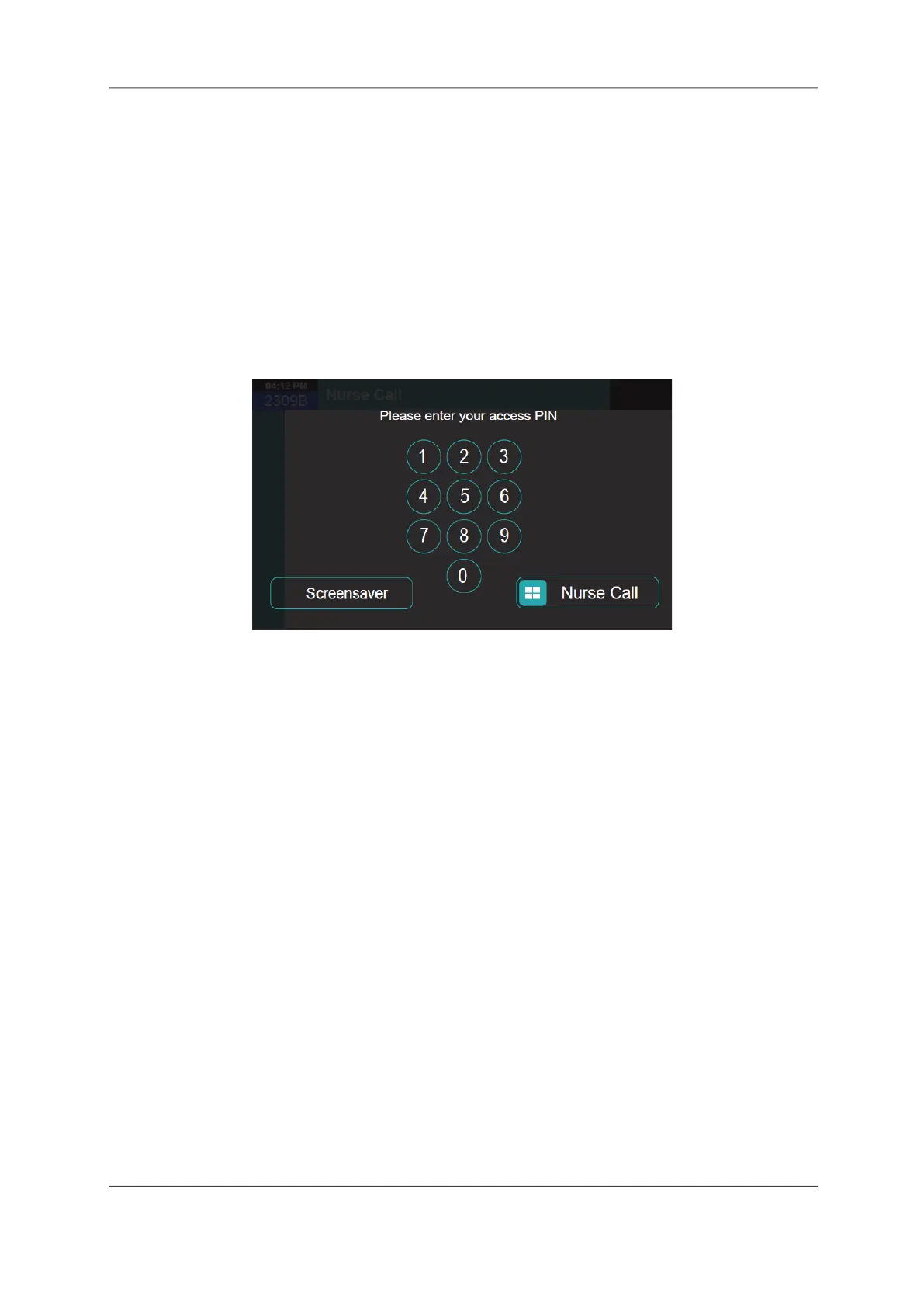
Your TelliConnect station features a Lock screen that protects system and patient information
from unauthorized access. To unlock the screen, you must enter a PIN number that is provided
to you by your Telligence system administrator.
Figure 42: Lock Screen
To unlock the screen:
1. If in Screensaver mode, tap the screen to display the Lock screen.
2. Enter your four-digit PIN number on the keypad.
The Nurse Call screen displays automatically.
Emergency Unlock
In the event of an emergency, you can bypass the lock and immediately display the Nurse Call
screen without entering a PIN number.
Note: When using Emergency Unlock, some features of the Nurse Call screen are disabled.
To bypass the lock:
On the Nurse Call slider bar, touch and drag the Call slider to the right.
Screensaver
The TelliConnect station screens automatically enter Screensaver mode after 30 seconds of
inactivity, or you can enter Screensaver mode immediately.
To reactive the previous screen from Screensave mode:
Tap the Screensave screen within 5 seconds of its display to reset the previous display for
an additional 5 minutes.



 To Next Page