Room Devices
Telligence
55PM000224A / 10 August 2022 / Ver. H
Pull Cords
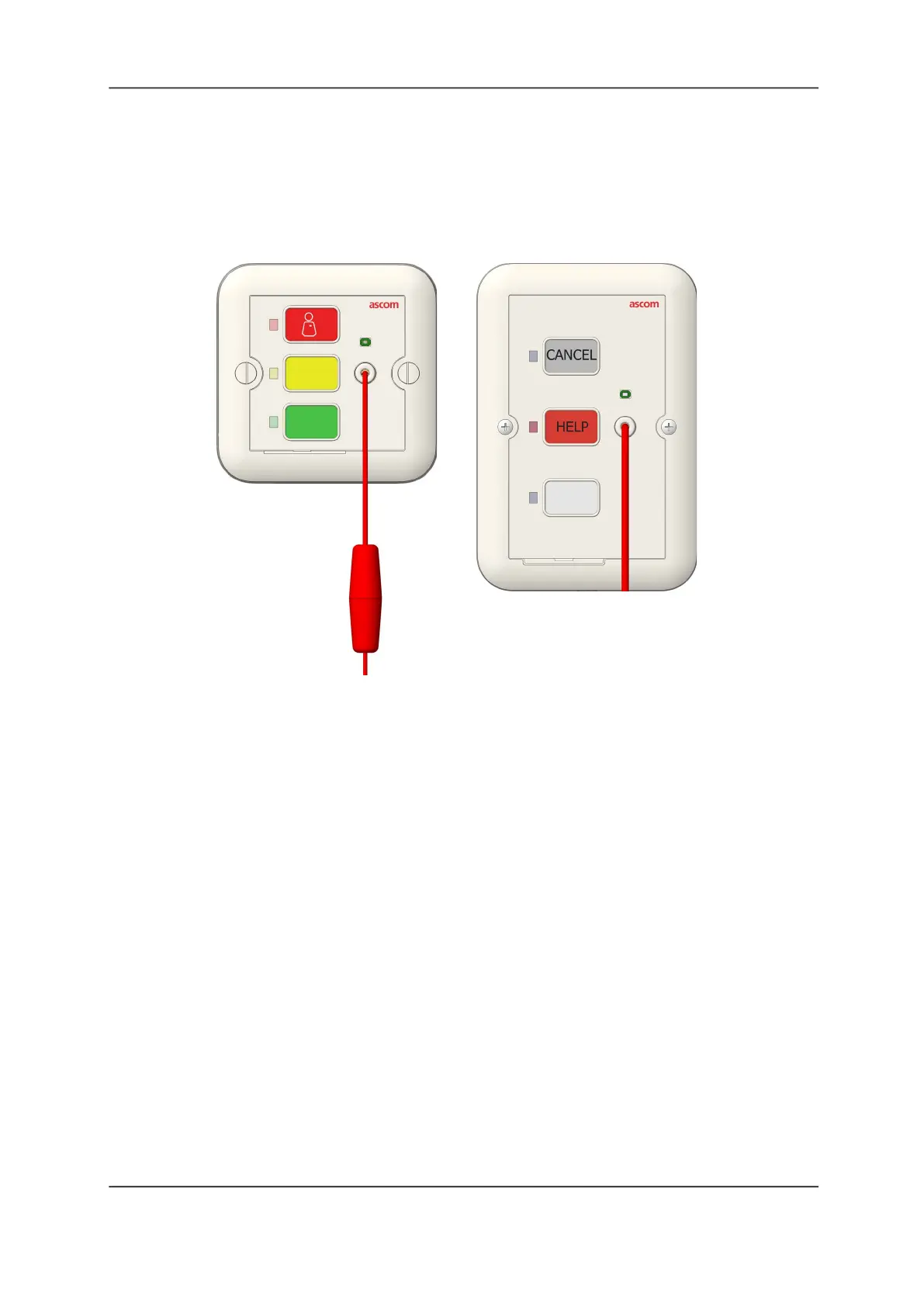
Pulling the station call cord or pressing the button (on supported devices) places a nurse call
event that displays on a staff console, annunciator, and dome light. This device has no audio
capability and cannot be used to communicate with staff members at a staff console or
annunciator.
Figure 57: Pull Cord Modules
To activate a call with a pull cord:
1. Pull the cord or press the Help button to create an event. The following occurs:
• The lavatory station call LED illuminates.
• The call assurance tone sounds at any associated speech module.
• The call is indicated on the dome light.
• A tone sounds at stations where staff follow is active.
• A nurse call event appears on the Call screens on staff consoles and all annunciators.
2. To cancel the call, press the Cancel or the Presence button.
• The lavatory station call LED goes out.
• Dome lights extinguish.
• Event tones stop.
• The call event is removed from staff consoles and annunciators.
Americas/Australia
Europe/Asia/Africa



 To Next Page