Touch Screen Devices
Telligence
29PM000224A / 10 August 2022 / Ver. H
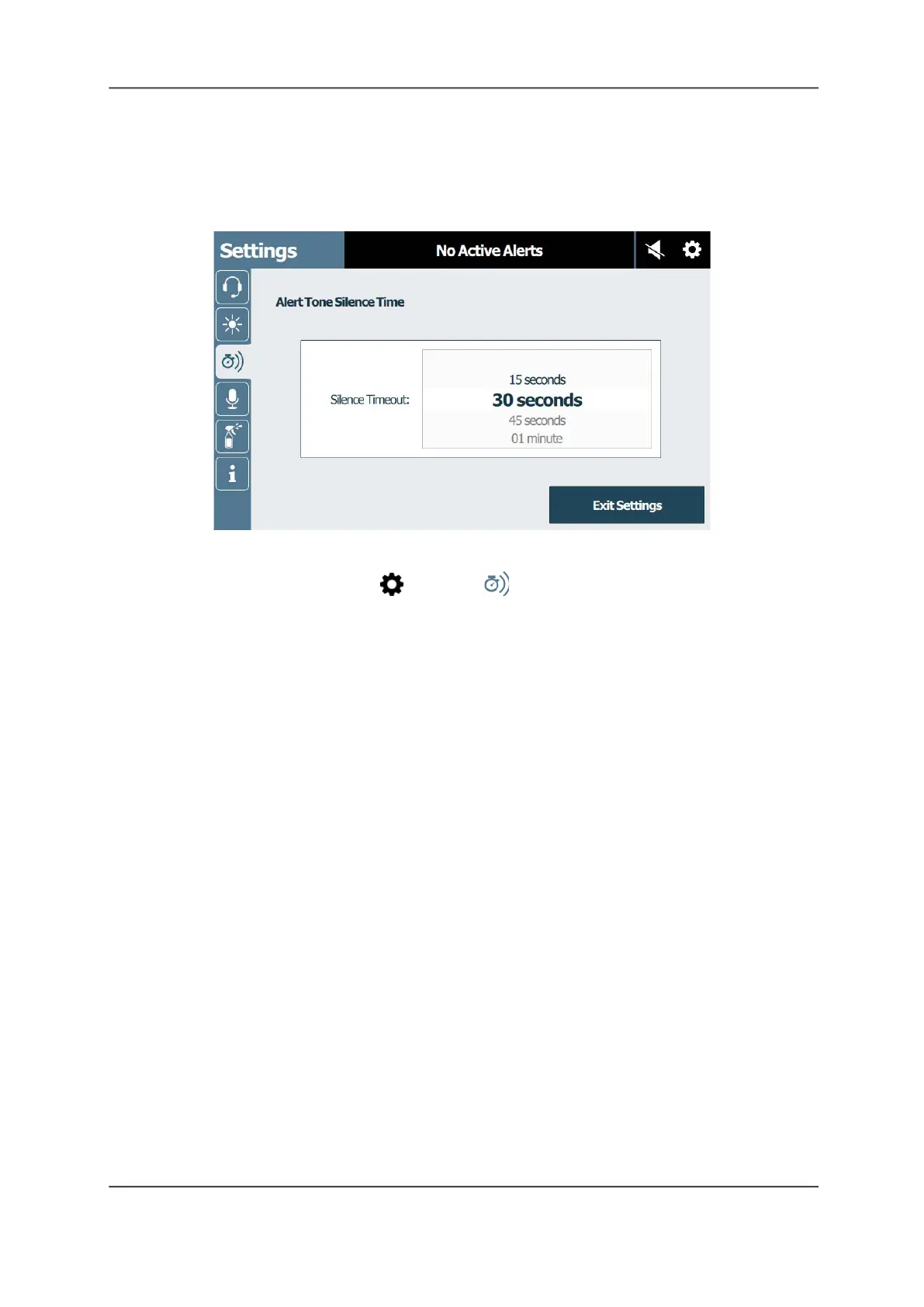
Alert Tone Silence Time
Alert tones can be silenced for a preset time. Alert tones automatically reinstate once the time
has elapsed or when a new call is received, whichever comes first.
Figure 37: Alert Tone Silence Time Screen
To set the alert tone silence timeout:
1. From the main screen, tap Settings > Alert Tone Silence Time.
2. Touch and drag the Silence Timeout list up and down to scroll and select the desired time
from the list.
3. Tap Exit Settings to return to the main screen.
Enhanced Audio Configuration
Enhanced Audio Configuration is a feature on staff consoles and annunciators that
automatically increases or decreases audio from the speakers when noise levels fluctuate.
Caution: Do not alter these settings without first contacting your system administrator. Your
system administrator has preset these levels and altering the default sensitivity and time
settings can negatively affect the performance of the devices. Contact your system
administrator if you feel these settings are in error.



 To Next Page