Touch Screen Devices
Telligence
21PM000224A / 10 August 2022 / Ver. H
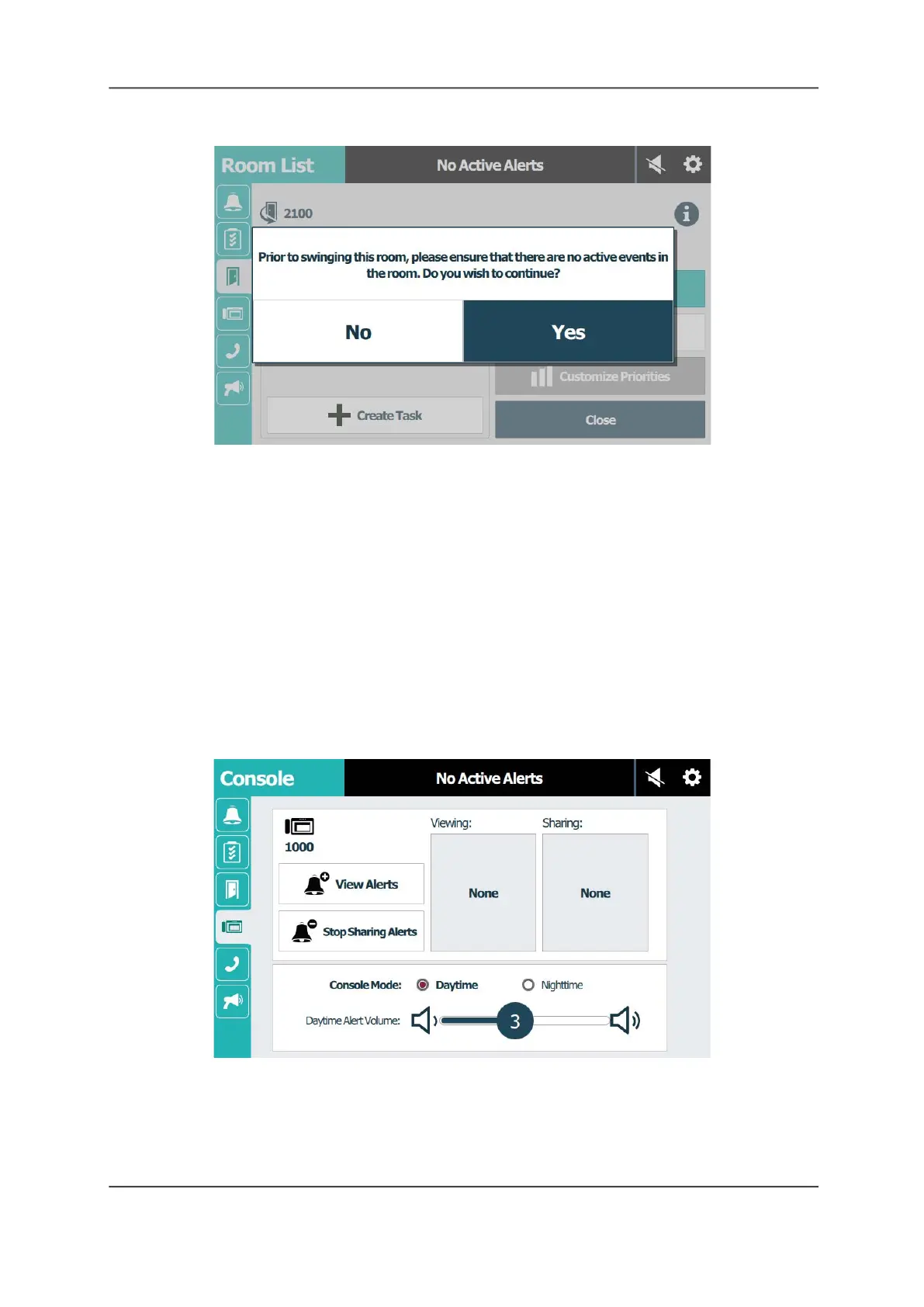
Figure 27: Active Events Pop-up Dialog
4. Tap Yes to confirm.
Once a room swings to a different duty area, it will be dimmed in the room list of the previous
duty area. To swing the room back to the previous duty area, you must swing it from the room
list in the current duty area.
The Console Screen
The Console screen displays information about the staff console or annunciator. From this
screen, you can view and share alerts with other staff consoles and annunciators, and set the
alert tone for daytime and nighttime.
View Alerts From Other Coverage Areas
Two or more staff consoles and annunciators can view alerts from a shared duty area.
Figure 28: Console Screen
Caution: When sharing alerts in large systems, the buzzer on the console supervisory dome
light may sound because the console appears off line while the alerts for a console are first
shared or released back to the original console. Make sure the staff is prepared for this
temporary audible signal.



 To Next Page