Room Devices
Telligence
51PM000224A / 10 August 2022 / Ver. H
External Input Modules
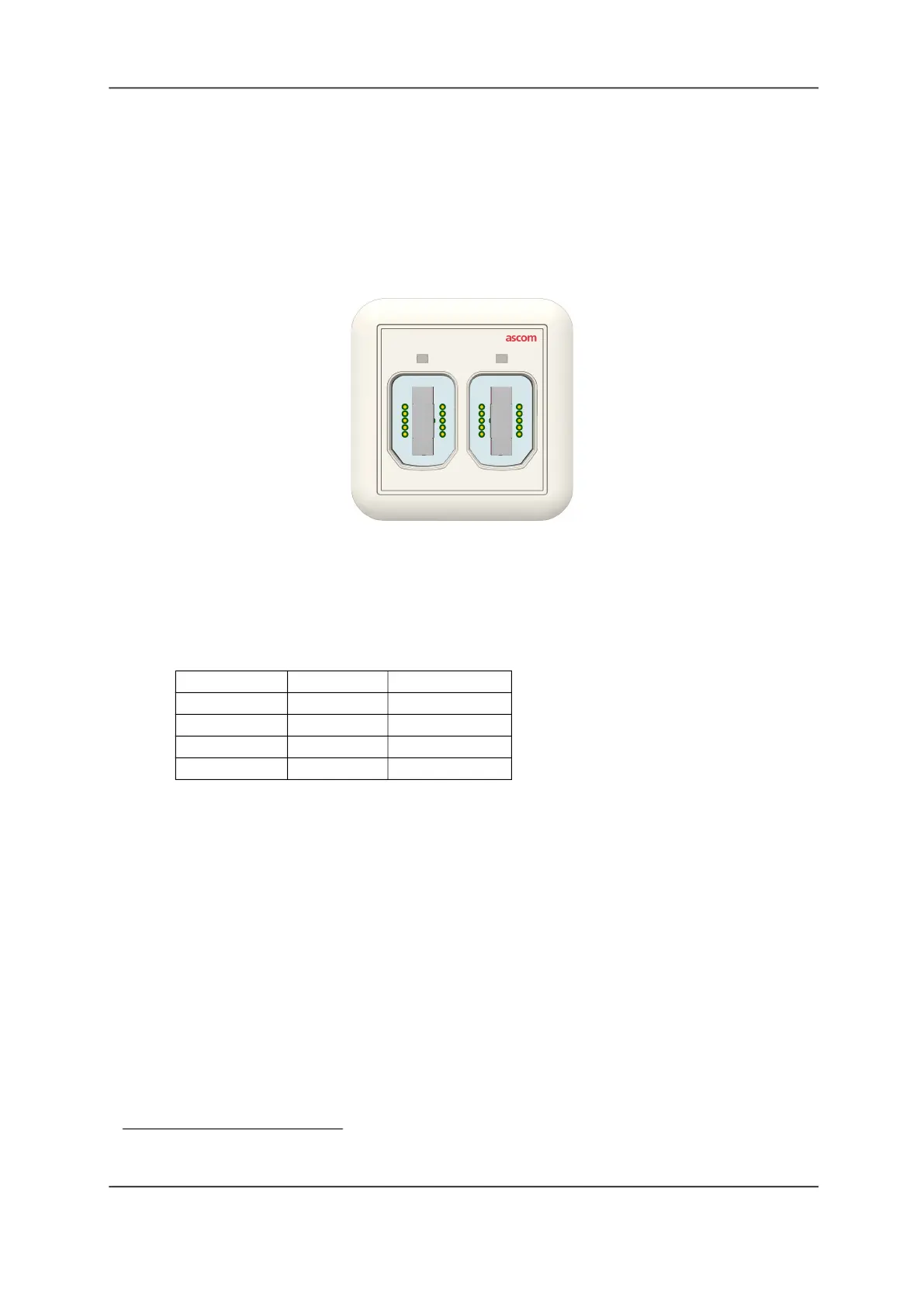
Use the External Input module to connect medical and non-medical devices to the Telligence
system, including handsets, pillow speakers, call cords, and medical devices fitted with a
medical device cable adapter. The External Input Module sends alarm information from the
device to the Telligence system for display on staff consoles, dome lights, and mobile devices.
Note:
The External Input module does not support audio in pillow speakers and bed
handsets
.
Figure 53: External Input Module
Module LEDs and Flash Rate
When handsets, pillow speakers, or other device cables are connected to the module, the
green LED above the SafeConnect socket brightens to indicate a good connection, then dims
to its back-lit level. Should the module detect a fault or other alarm, the LED illuminates and
flashes with one of three colors and flash rate shown in the following table.
Medical Device Cables
1
The Medical Device cable features a three-position priority switch, a Test button, and an
Intentional Disconnect button. Slide the switch to select 1, 2, or 3 (default high-, medium-, or
low-call priority) to set the call priority for the device connected via this adapter. See the
following figure.
Alarm Priority LED Color Flash Rate
Fault Red Fast strobe flash
High Red Medium flash
Medium Yellow Slow flash
Low Cyan Solid
1. Medical Device cables are not part of a UL 1069-compliant system.



 To Next Page