Introduction
Telligence
1PM000224A / 10 August 2022 / Ver. H
Introduction
Learn the key features of your Telligence devices, including the buttons, jacks, screens and
icons, as well as how to navigate the device to place and respond to nurse calls.
Basic Device Types
The Telligence system includes three basic device types:
• Touch screen devices that monitor and respond to calls
• Devices that call nurse stations
• Other devices that support the Telligence system
This document also describes the operational features of the Telligence system.
Note: Depending on your system configuration, some features described in this manual may
not be available, or may have limited function.
Touch Screen Devices that Monitor and Respond to Calls
Use staff consoles, annunciators, and TelliConnect stations to place, respond, and monitor calls
from patients and staff. You can also use staff consoles to configure call priorities for individual
patient and staff devices.
Staff Console
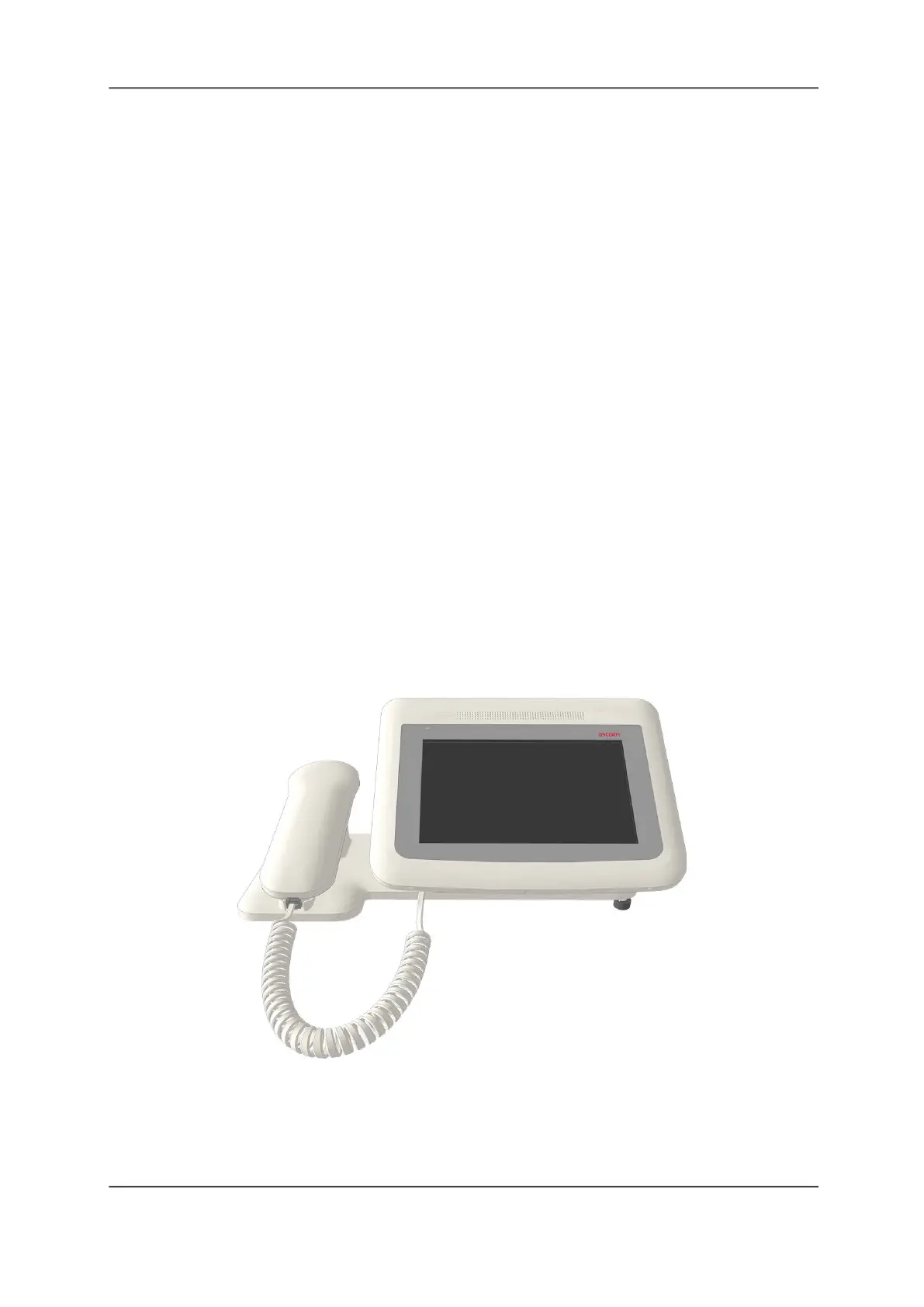
Staff consoles are desktop communication hubs that are typically placed at nurse stations.
These consoles display incoming calls, which staff members can respond to and prioritize. Staff
consoles include handsets and speakers for paging and for voice communication with patients
and staff. While on a call, you can choose to switch between the handset and the speaker.
Figure 1: Staff Console



 To Next Page