Touch Screen Devices
Telligence
27PM000224A / 10 August 2022 / Ver. H
Table 1. Effect of Configuration Settings on Audio Page Destinations
Staff Console and Annunciator Settings Mode
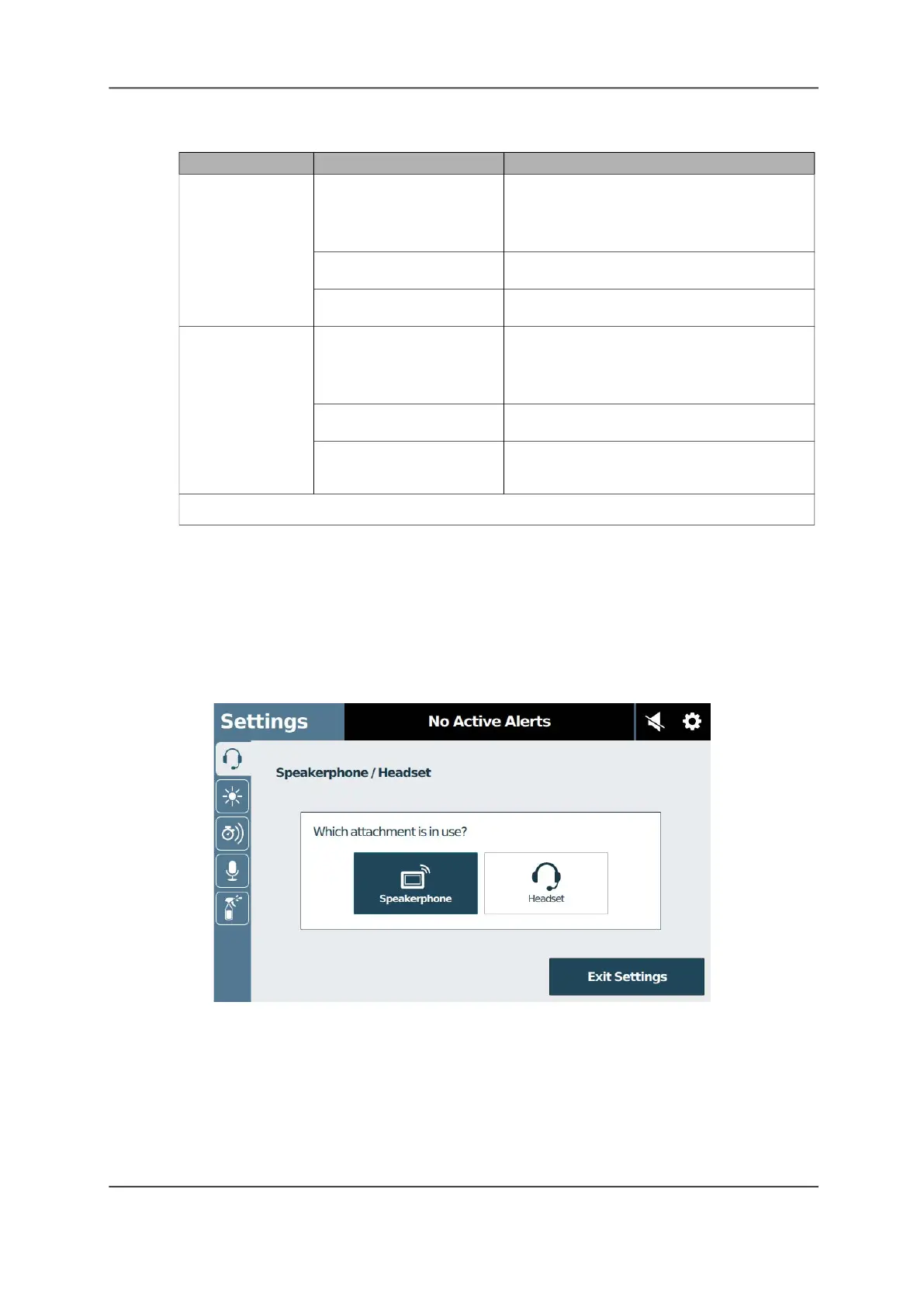
Speakerphone/Headset
If you attach a headset to your staff console, you must select it in Settings.
Figure 35: Speakerphone/Headset Screen
Destination
Presence
[1]
Broadcast point
Nursing unit None All rooms/stations in the selected nursing
unit
All hallway page adapters in the selected
nursing unit
Red All rooms in the selected nursing unit with
red presence registered
Green and Amber All rooms in the selected nursing unit with
either green or amber presence registered
Duty area None All rooms or stations in the selected duty
area
All hallway page adapters in the selected
duty area
Red All rooms in the selected duty area where a
red presence is registered
Green and Amber All rooms in the selected duty area where
either a green or amber presence is
registered
[1] When Hallways Only is selected, the page will not sound in patient rooms regardless of the selected staff
presence.



 To Next Page