Touch Screen Devices
Telligence
28PM000224A / 10 August 2022 / Ver. H
To switch between speakerphone and headset attachments:
1. From the main screen, tap Settings > Speakerphone/Headset and do one of the
following:
• Tap Speakerphone to select the speakerphone.
• Tap Headset to select the headset.
2. Tap Exit Settings to return to the main screen.
Note: When the console is configured for using a headset, the speakerphone feature is
disabled and cannot be used.
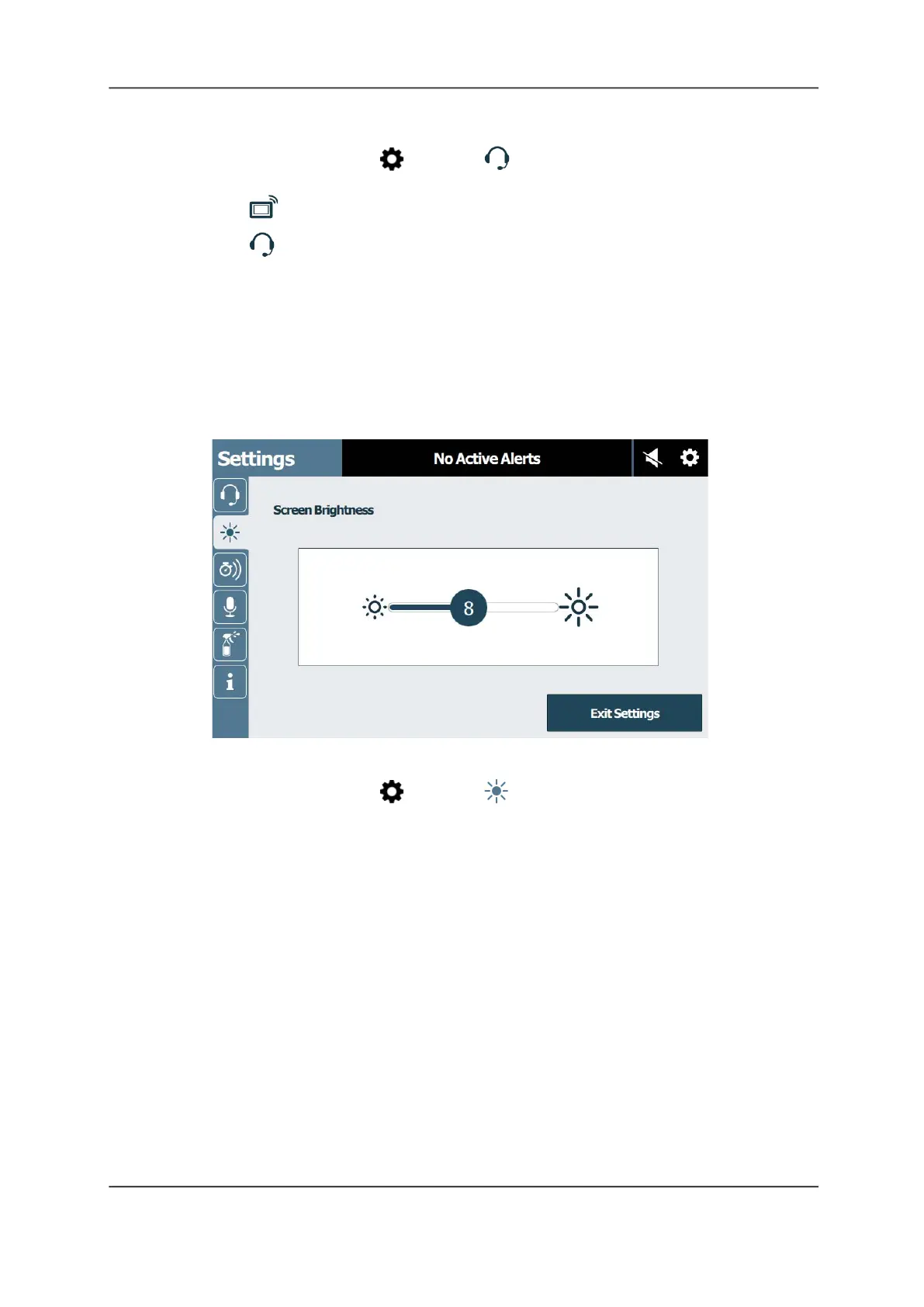
Screen Brightness
Adjust the screen brightness to suit your surroundings or personal preference.
Figure 36: Screen Brightness Screen
To adjust the screen’s brightness:
1. From the main screen, tap Settings > Screen Brightness.
2. Touch and drag the Brightness slider to set a custom brightness level.
3. Tap Exit Settings to return to the main screen.



 To Next Page