Touch Screen Devices
Telligence
23PM000224A / 10 August 2022 / Ver. H
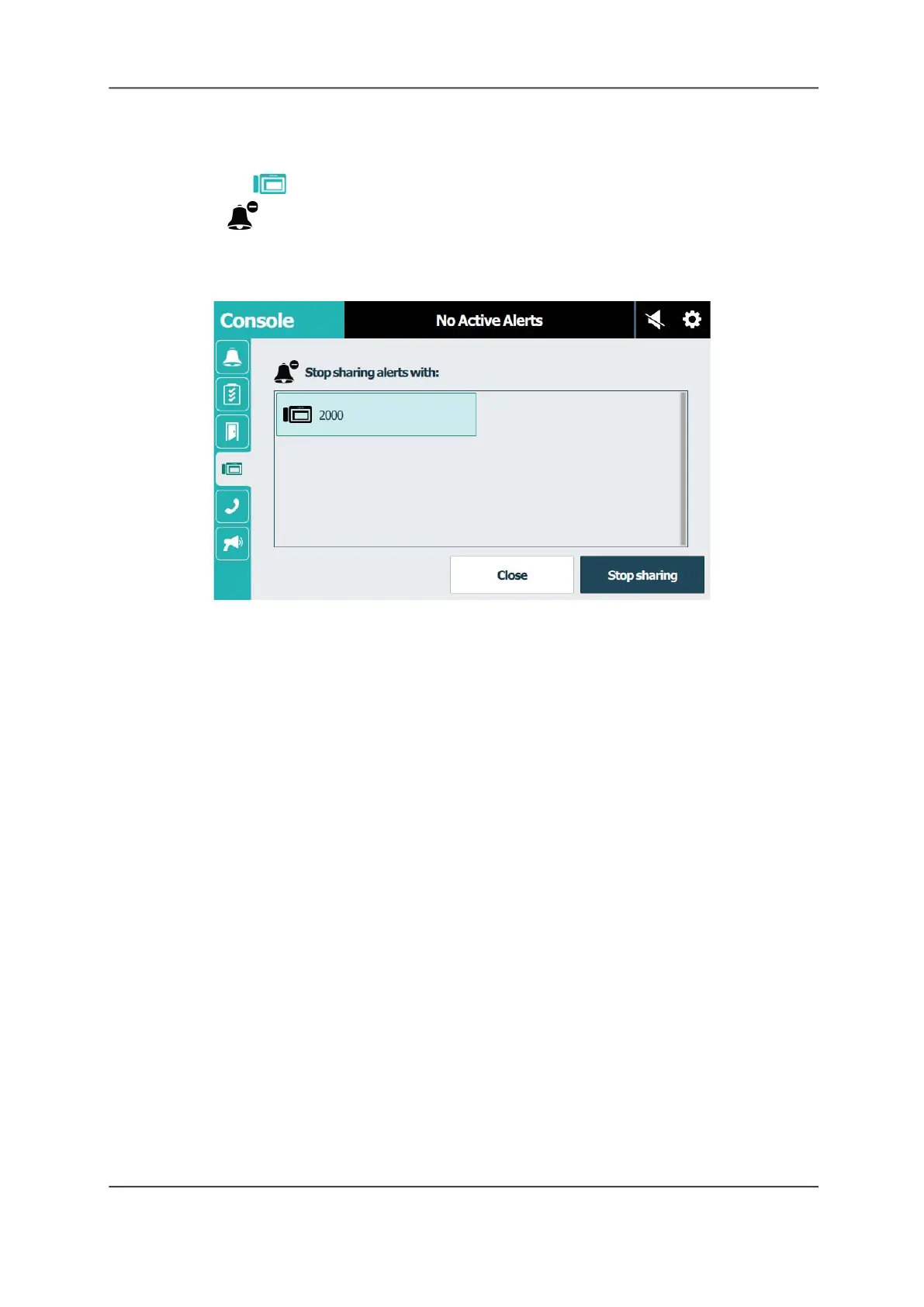
To stop sharing alerts with a console:
1. Go to the shared console.
2. Tap the Console tab.
3. Tap Stop Sharing.
Note: If the Stop Sharing feature is configured with password protection, you must enter the
password before you can stop sharing.
Figure 31: Console Screen: Stop Sharing
4. Tap to select the console or annunciator you are sharing alerts with.
5. Tap Stop sharing to stop sharing the alerts.
A message displays on the screen of the staff console viewing the alerts indicating sharing is
being stopped.
Adjust the Alert Tone Volume
Alert tones notify staff members that an event has taken place — for example, a patient call or a
code red emergency. You can adjust the alert tone volume for daytime and nighttime modes.
Note: The caution icon displays in nighttime mode to alert the user that reduced tone volume is
in effect.



 To Next Page