Room Devices
Telligence
54PM000224A / 10 August 2022 / Ver. H
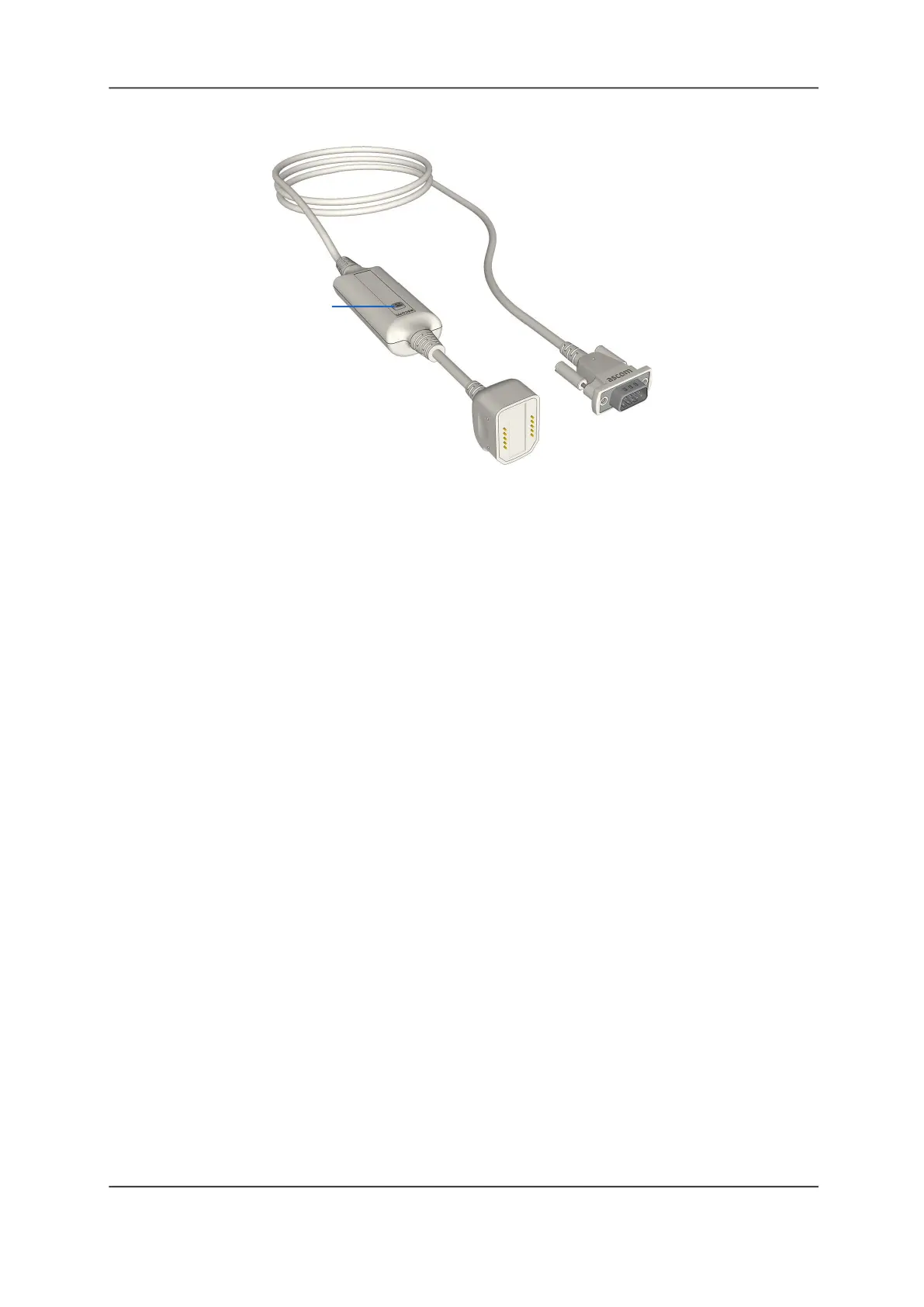
Figure 56: Medical Device Smart Cable with Intentional Disconnect Button
Legend:
(1) Intentional Disconnect button
Disconnect Button
Use the Intentional Disconnect button to release the cable from the SafeConnect socket.
To disconnect the cable:
Press the cable’s Intentional Disconnect button until the socket’s LED illuminates green.
You have 3 seconds to disconnect the cable from the Safe Connect socket. If you do not
disconnect the cable within 3 seconds, the system triggers cord fault error.
To clear a cord fault error:
Plug the cable back into the SafeConnect socket to clear the alarm.
See also: “Using SafeConnect Plugs and Sockets” on page 44.
(1)



 To Next Page