Touch Screen Devices
Telligence
39PM000224A / 10 August 2022 / Ver. H
Clean Screen
You can place the TelliConnect station in Cleaning mode to deactivate the touch screen while
cleaning it. The Cleaning mode lasts for 15 seconds.
To active Cleaning mode:
1. From the main screen, tap Settings > Screen Brightness.
2. Tap Start to being the countdown timer.
Tone
You can adjust the volume of the tones emitted from the TelliConnect station.
To adjust tone:
1. Tap Settings > Tone Volume.
2. Touch and drag the Tone Volume slider to set the tone level.
Information
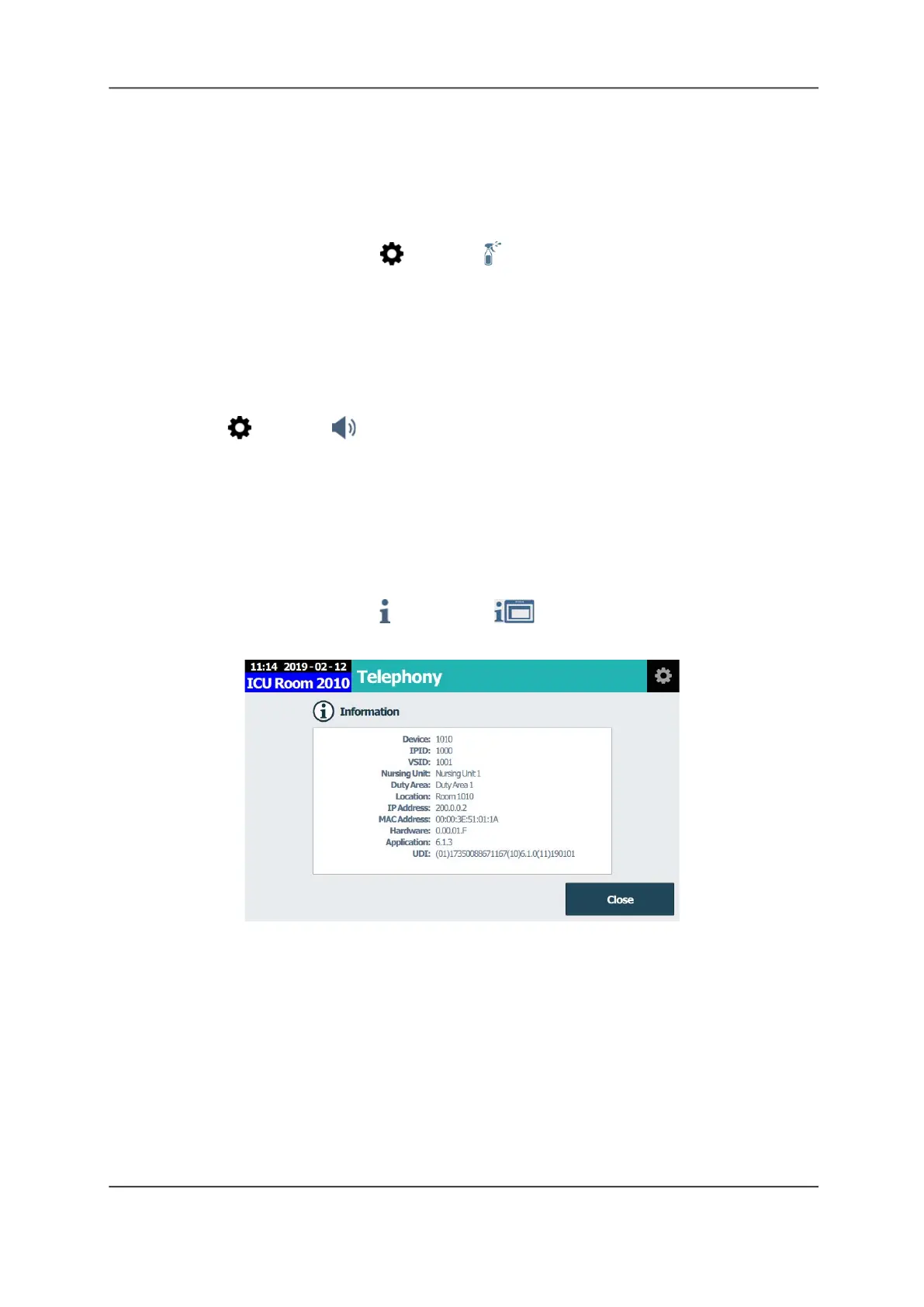
The Information screen displays licensing and hardware release data.
To display information:
From the main screen, tap Information > Hardware Information.
Figure 47: Information Screen



 To Next Page