Commissioning
74 AVENTICS | Marex 3D | R417003094–BDL–001–AA
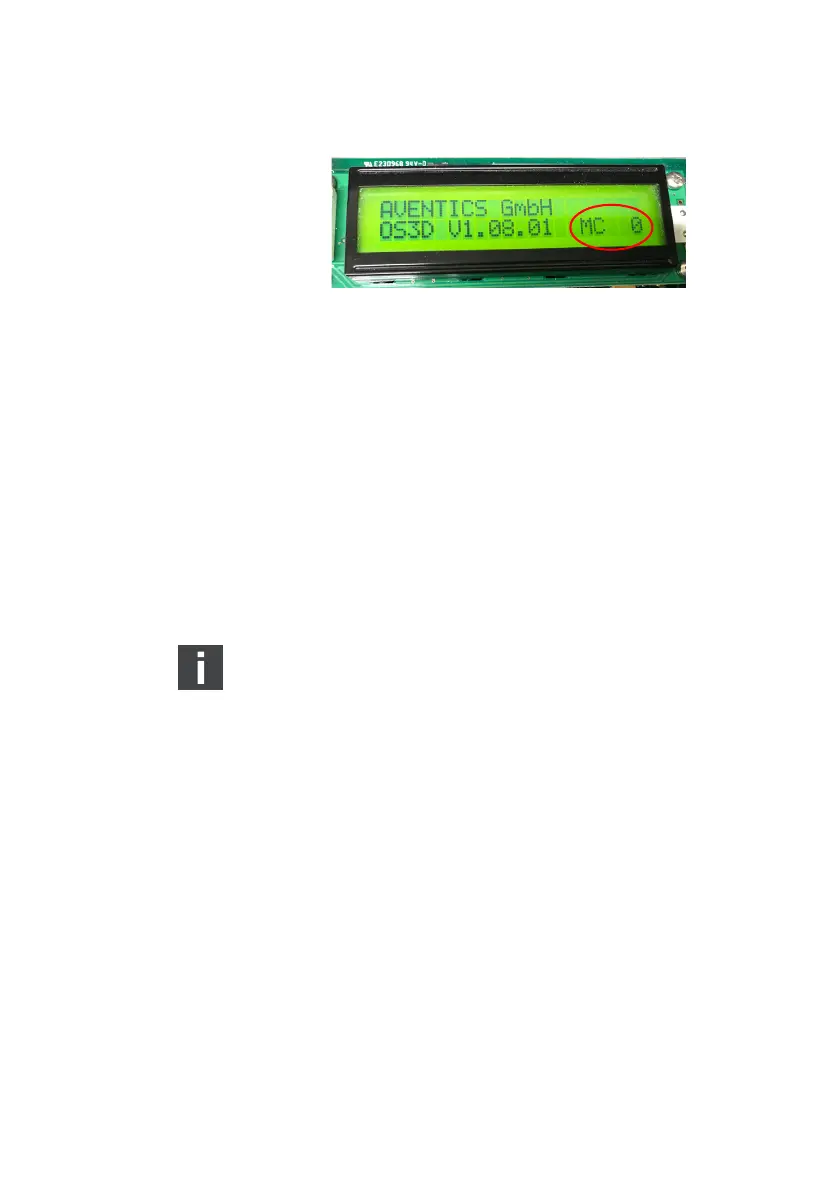
Fig. 39: Display for heading sensor data
3. Verify installation, cabling and function of the heading
sensor, if the signal which is displayed is not correct. (See
also chapter 6.1.3.1, Heading sensor, on page 60.)
Alarm
1. Disconnect the NMEA bus cable from socket X32 of the 3D
Controller.
2. See if the alarm indicator lights up at the joystick.
3. Observe the display of the 3D Controller and see if a
corresponding alarm message is displayed.
4. Refasten the cover of the 3D Controller.
Refer to the Marex OS 3D instruction manual for
information on the alarm messages.
Dimming
1. At the active joystick, push the Dimming-key and hold it.
2. Check if the light level increases to the brightest level.
3. Push the Dimming-key again and hold it.
4. See if the light level reduces to the lowest level.
6.3.2.2 Dock trial
While the ship is still safely moored, the general function of the
remote control in interaction with Marex 3D is tested with
running engines. The aim is to test the correct actuation of the
propulsions when a control head lever or joystick is moved. Be
very careful when moving the control head lever or joystick and
always set the devices back to neutral as soon as the ship sets
into motion. At the end of the dock trial, all functions of Marex 3D
must be available and ready for operation.
3D_manual_R417003094_DE_EN.book Seite 74 Freitag, 30. November 2018 11:36 11



 To Next Page