Commissioning
AVENTICS | Marex 3D | R417003094–BDL–001–AA 77
English
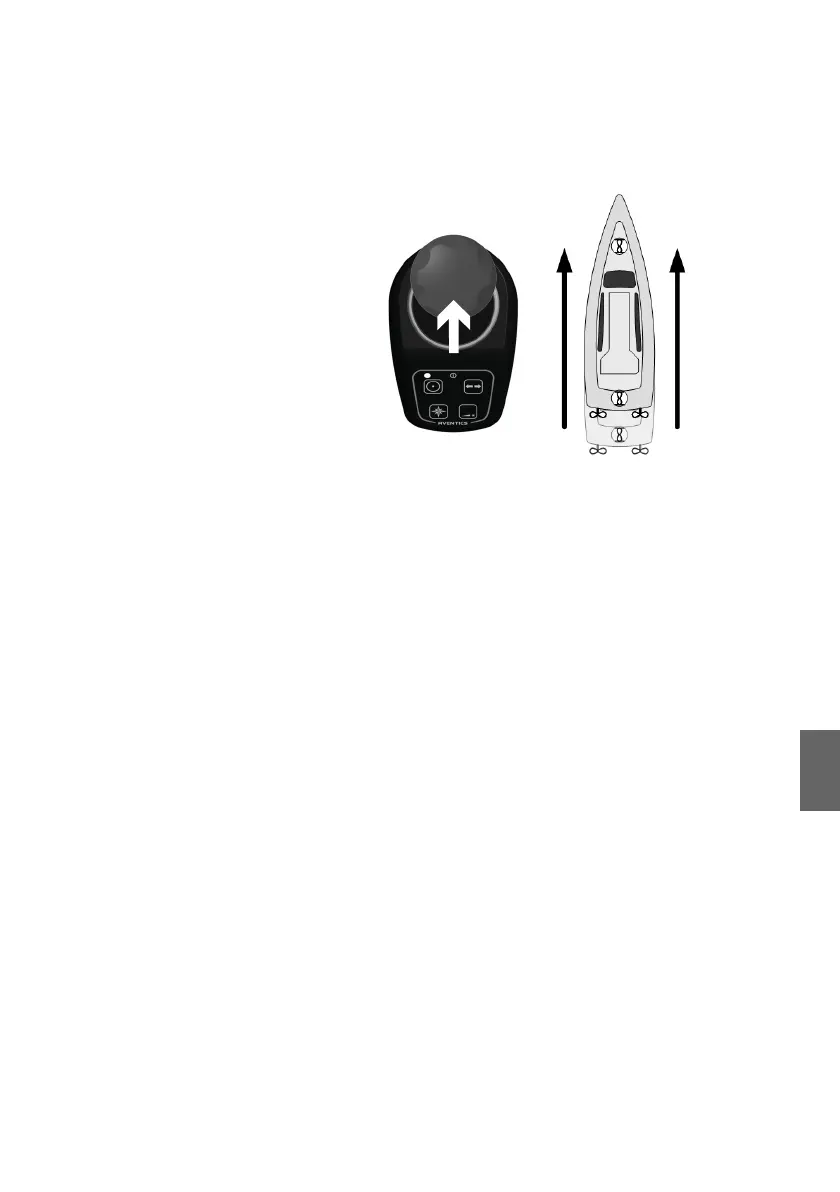
activated and the ship starts to move at a perceptibly
reduced speed.
3. Release the joystick as soon as the ship starts to move.
4. Move the joystick slowly backward until the clutch engages
and the ship starts to move astern.
5. Release the joystick as soon as the ship starts to move.
6. Test carefully the sideward movement:
Move the joystick gently to the left and right and observe if
the thrusters are actuated and the ship starts to move
accordingly.
7. Release the joystick as soon as the ship starts to move.
Test of the Heading mode function
1. Activate a joystick by pushing its command key twice.
2. Push the heading mode key at the joystick. Observe if the
dimming key and booklet symbol light up.
3. Push the dimming key. The booklet symbol must remain lit.
The heading mode key must remain lit. The operation of the
heading mode will be tested during the sea trial.
The dock trial is complete as soon as all propulsions are
controlled as intended via Marex 3D. For the remaining tests
and adjustments, a sea trial must be performed.
3D_manual_R417003094_DE_EN.book Seite 77 Freitag, 30. November 2018 11:36 11



 To Next Page