Chapter 3: Running Samples 101
1 Ensure that the sample coupler is attached.
NOTICE Always run the fluidics shutdown with the sample coupler attached to
rinse the syringes and fill them with BD FACS shutdown solution.
2 Choose Cytometer > Fluidics Shutdown.
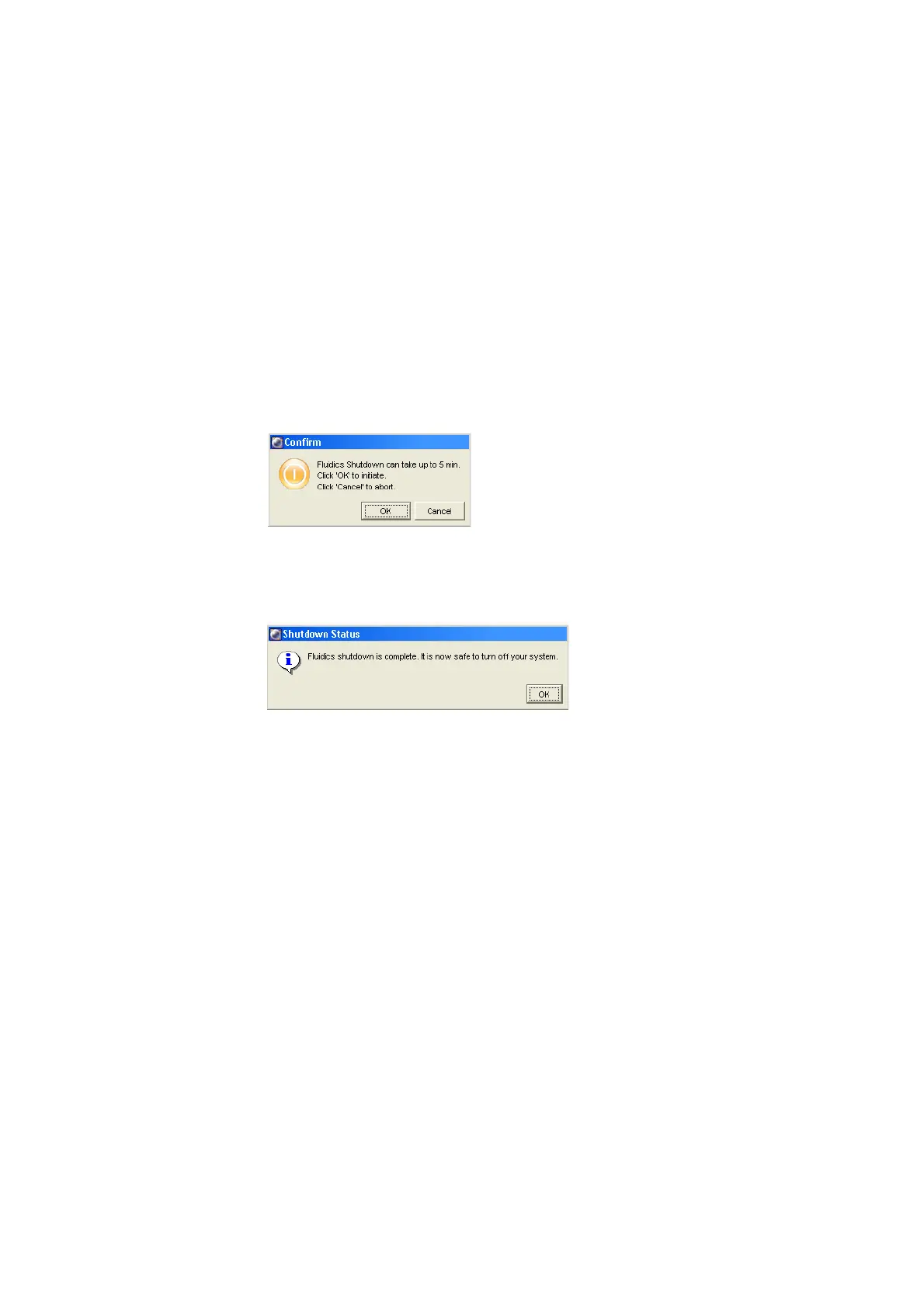
The following dialog appears.
3 Click OK.
A dialog appears when fluidics shutdown is complete.
4 Click OK.
Quitting the Software
If you have a BD FACSCanto and BD FACSCanto II, you must perform a fluidics
shutdown before quitting the software (see Fluidics Shutdown on page 100).
1 Choose File > Quit.
All Browser and worksheet elements are automatically saved when you quit the
application.











 To Next Page