86 BD High Throughput Sampler User’s Guide
Analyzing Data
This section shows you how to use Analysis view and the batch analysis feature
in BD FACSDiva software to analyze data from plate-based acquisition.
Displaying Keywords
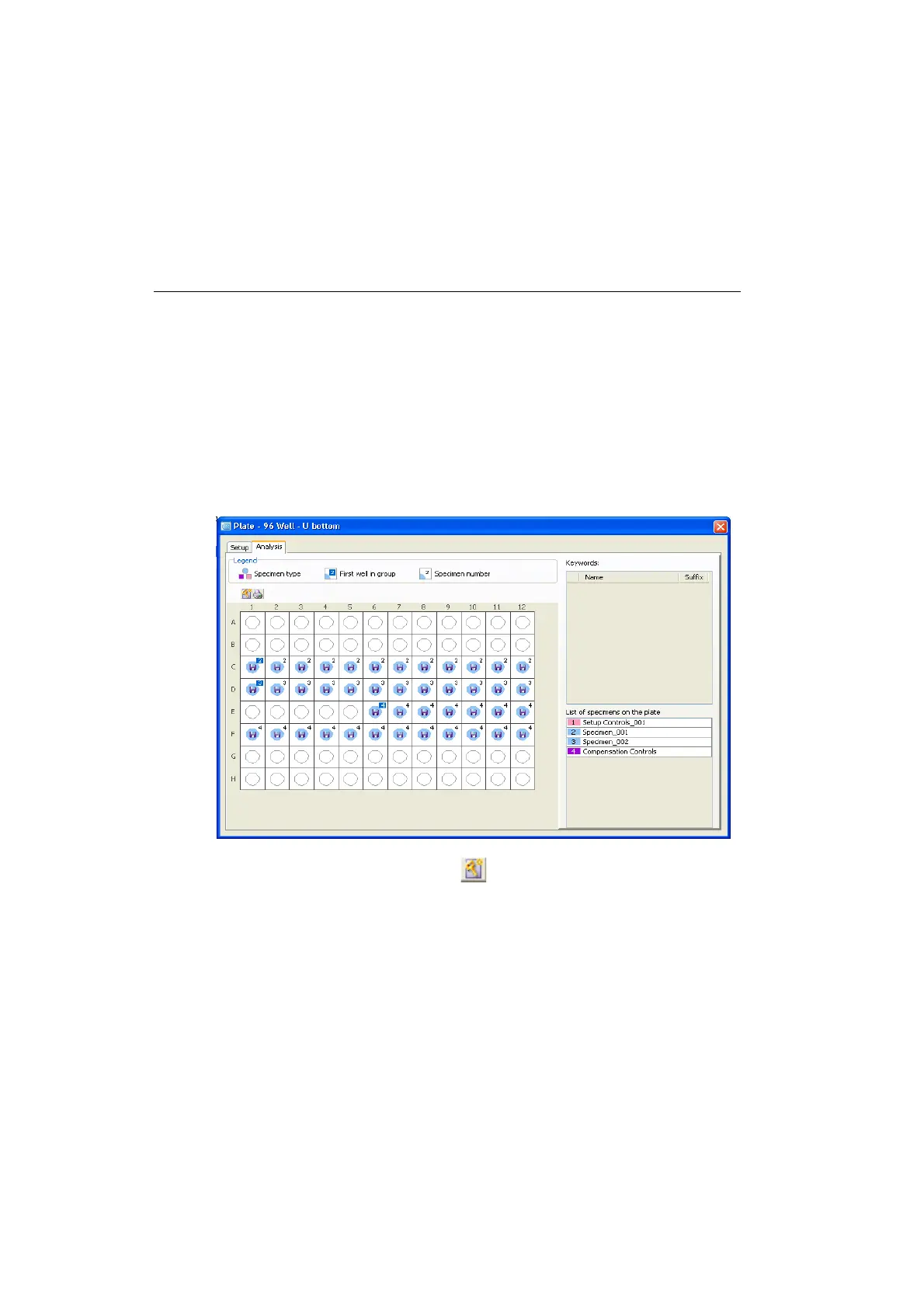
1 Click the Analysis tab to display the Analysis view.
The Analysis view shows the acquisition status of each well.
2 Click the Add Keywords button ( ) in the Plate toolbar.
The Add Keywords dialog appears. See Figure 3-15 on page 87.











 To Next Page