84 BD High Throughput Sampler User’s Guide
Stopping the BD High Throughput Sampler
The HTS stops automatically when plate acquisition is finished. Do the following
if you need to stop the HTS in the middle of a run.
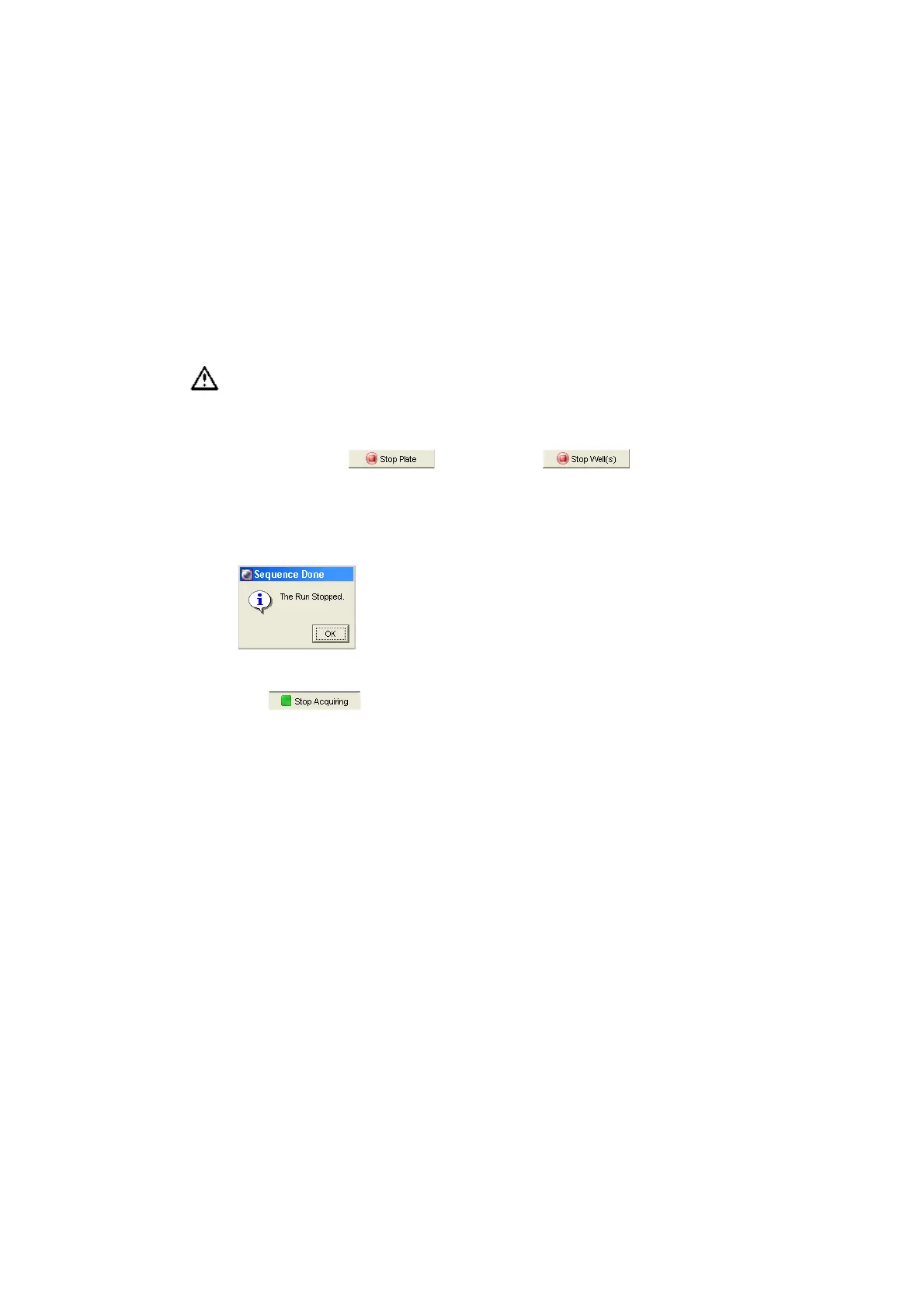
1 Click Stop Plate or Stop Well(s) in the
Acquisition Dashboard.
The BD High Throughput Sampler finishes the sequence in progress, stops,
and then the following message appears:
NOTICE If you are using the Basic Controls to acquire, simply click Stop
Acquiring .
2 Click OK to close the dialog.
Exporting an Experiment as a Template
Now that you have completed an experiment with cytometer and HTS settings,
you can export it as a template. Creating Analysis templates for assays that you
typically run saves setup time. Experiment templates include plates, keywords,
labels, worksheet elements and worksheets (including all settings such as page
breaks), cytometer settings, and HTS settings, but do not include recorded data.
1 Select Experiment_001 (or whatever you named it) in the Browser.
If you stop the HTS during a run in standard mode, the current well will be
lost. If you stop the HTS in high throughput mode, the current and next
well will be lost. Do not stop acquisition if your sample volume is limited.











 To Next Page