32 BD High Throughput Sampler User’s Guide
Plate Window
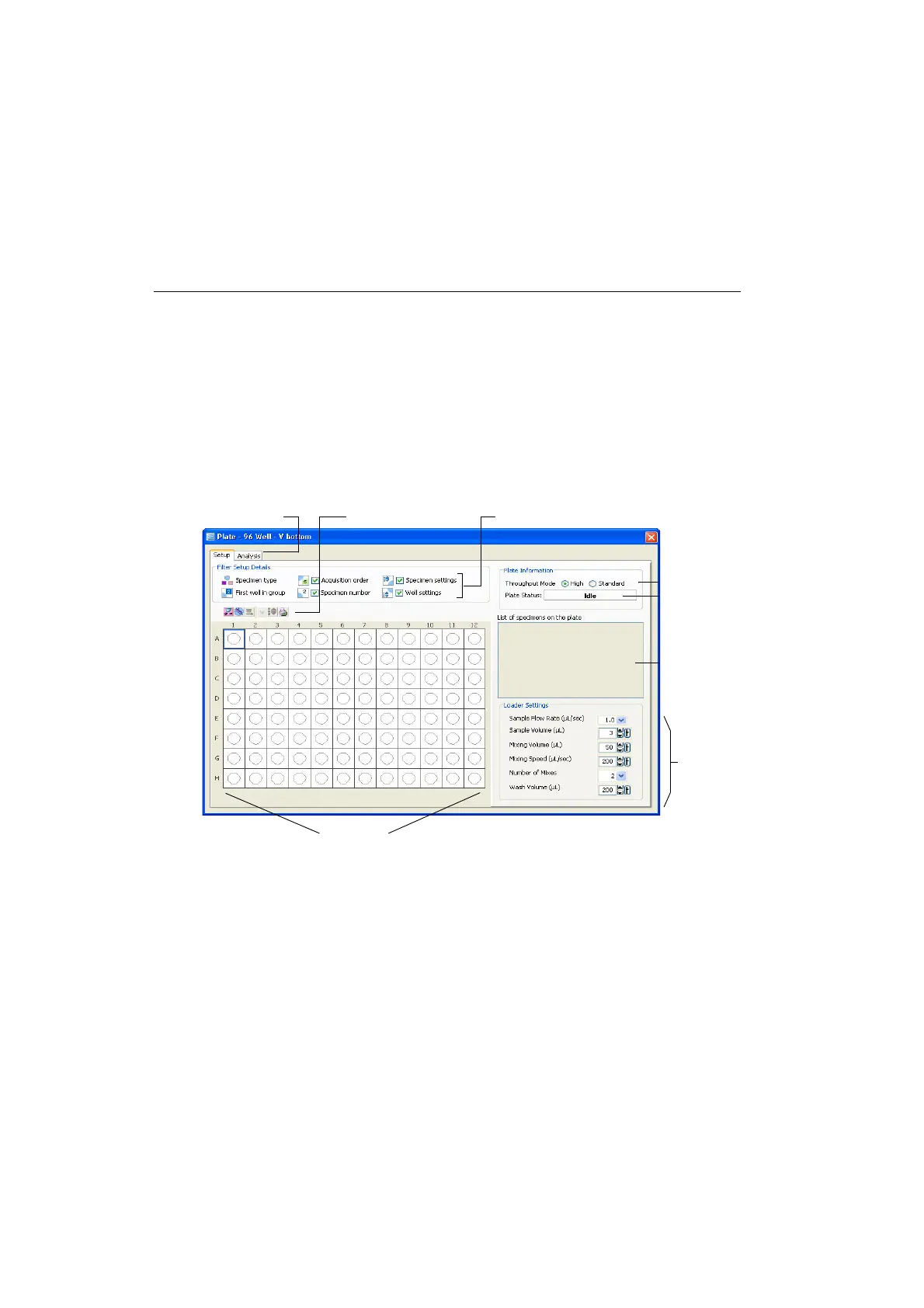
Most of the features for running plate-based experiments on the HTS are located
in the Plate window (Figure 2-2 on page 32). The tabs at the top of the Plate
window represent views that organize the workflow for the plate. The Setup view
is for setting up the experiment and the cytometer, adjusting cytometer settings,
and acquiring and analyzing samples from a plate; the Analysis view is for
assigning keywords to wells and analyzing data after a run. The Plate window is
available when an experiment is open and you double-click the plate in the Browser.
Figure 2-2 Setup view of Plate window
See the following sections for a description of components in, and the
functionality of, each view.
loader status
plate legend/filter plate toolbar
view tabs
plate layout
throughput mode
HTS settings
specimen list











 To Next Page